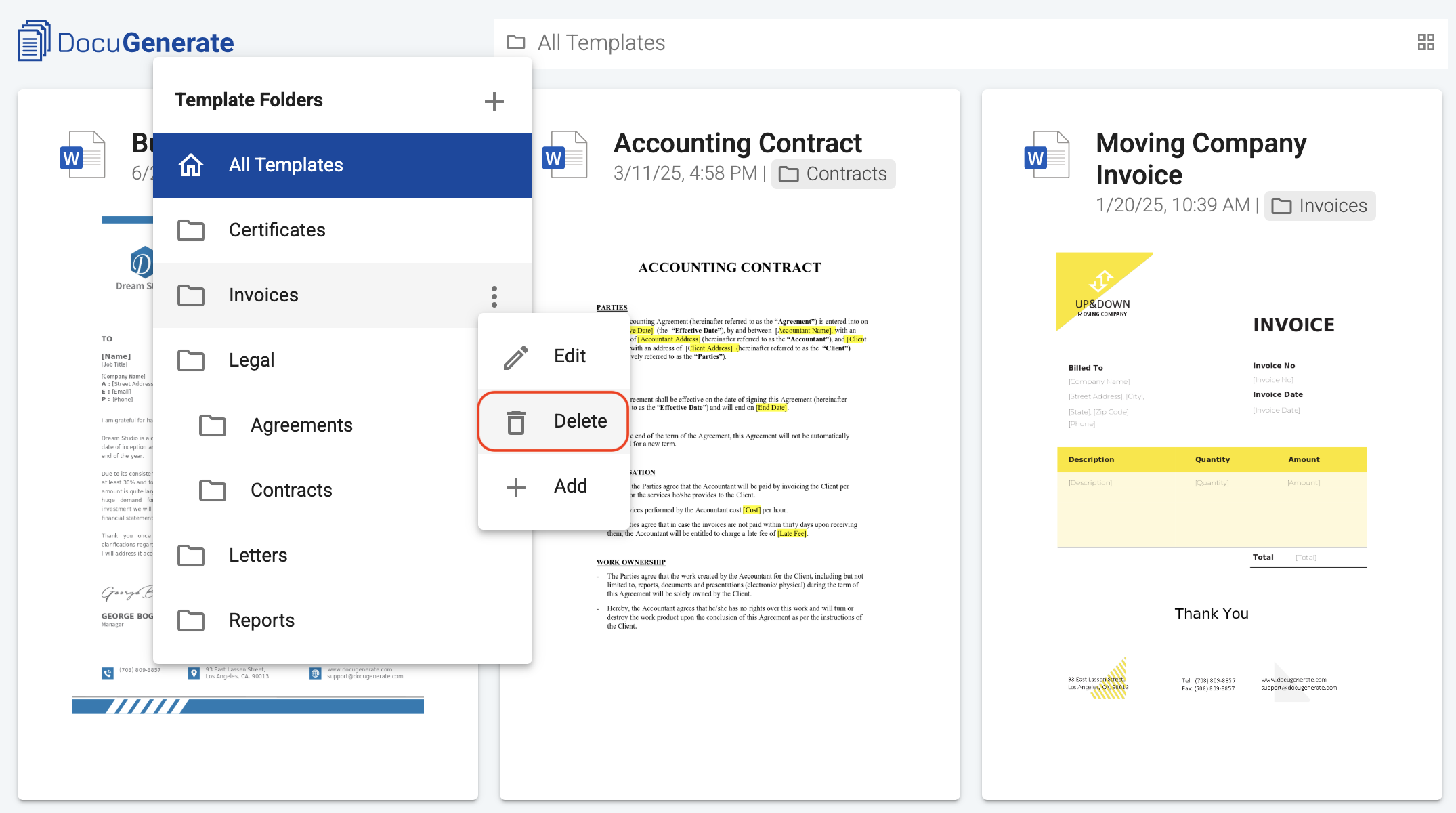
To delete a folder, click the folder icon in the navbar to open the folder menu, then click the context menu icon next to the folder you want to remove and select the Delete action.
A confirmation dialog appears before the folder is removed. Once you confirm, the folder is deleted immediately and cannot be recovered.
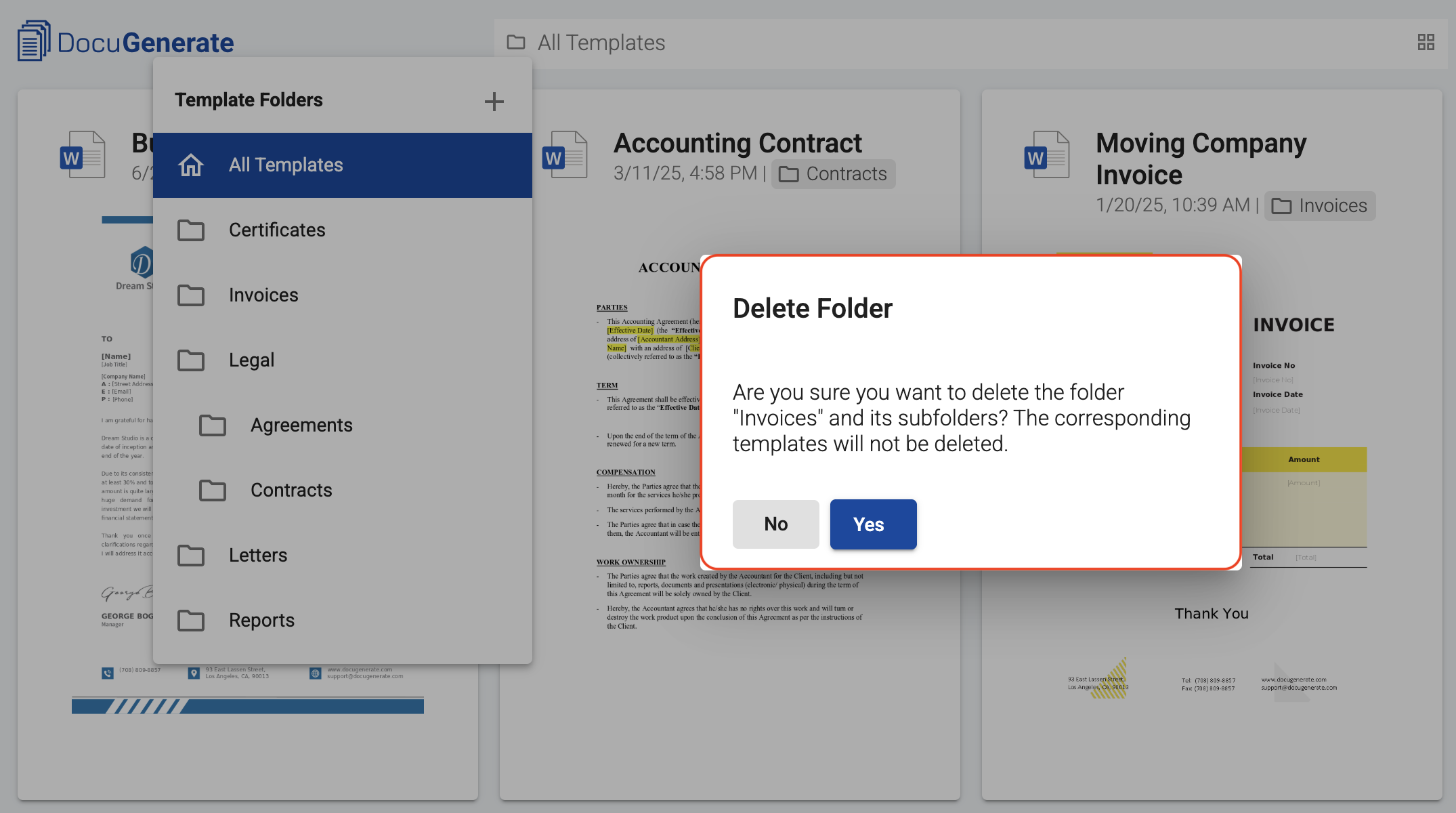
What happens to subfolders and templates
When you delete a folder, all of its subfolders are also removed. Templates inside the deleted folder (and inside any subfolders) are not themselves deleted. They simply lose their folder assignment and return to the default view with all templates. This means deleting a folder is always a safe operation from the perspective of your template content.
Team collaboration
If you’re part of a team, you can delete folders in your own account, but you cannot delete folders in your team owner’s hierarchy. Only the team owner can remove folders from the Shared section.