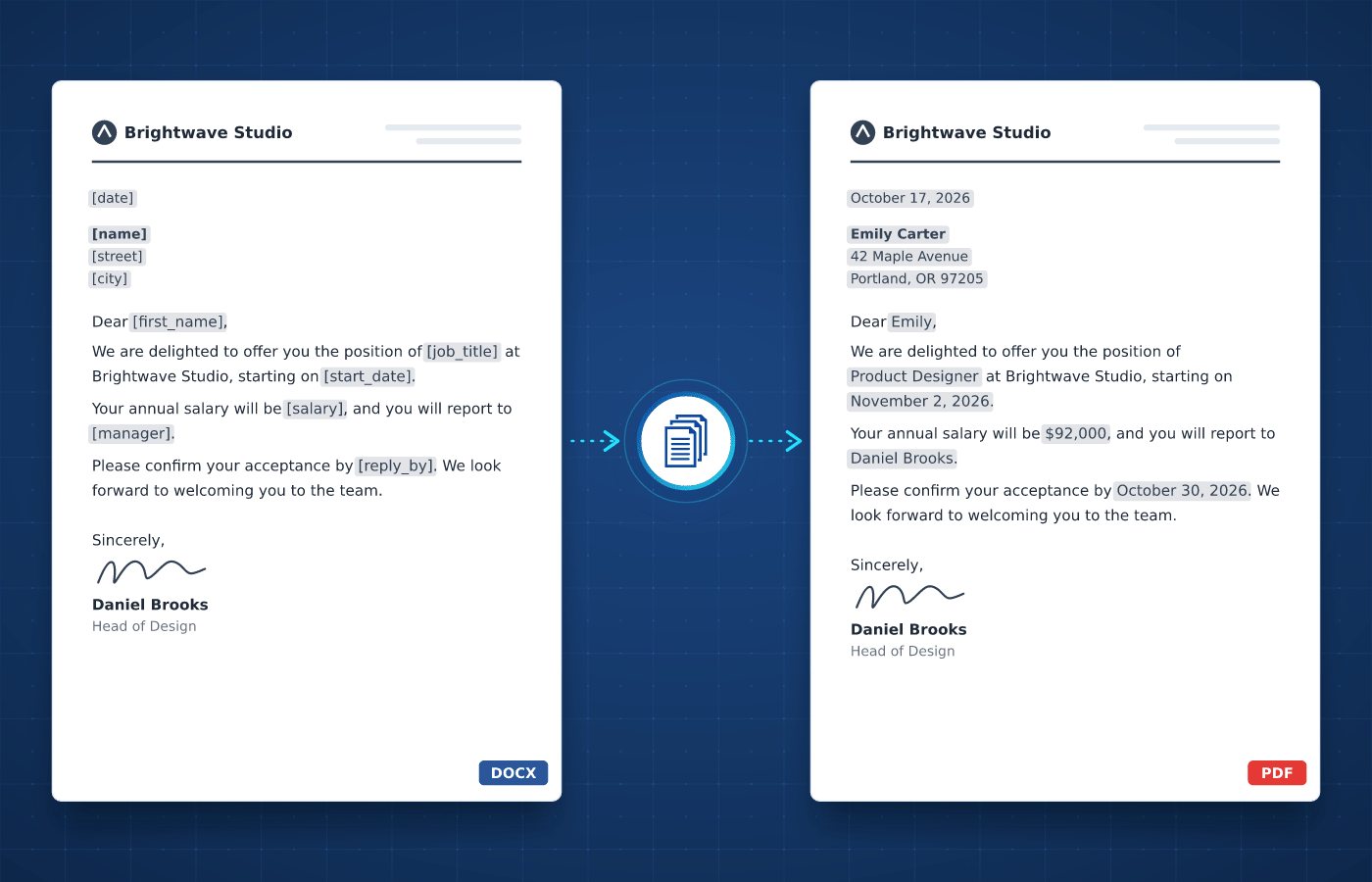
Writing letters usually involves copying each recipient's name, address and details into the same document. With automated letter generation, each one is created with the right details and wording.
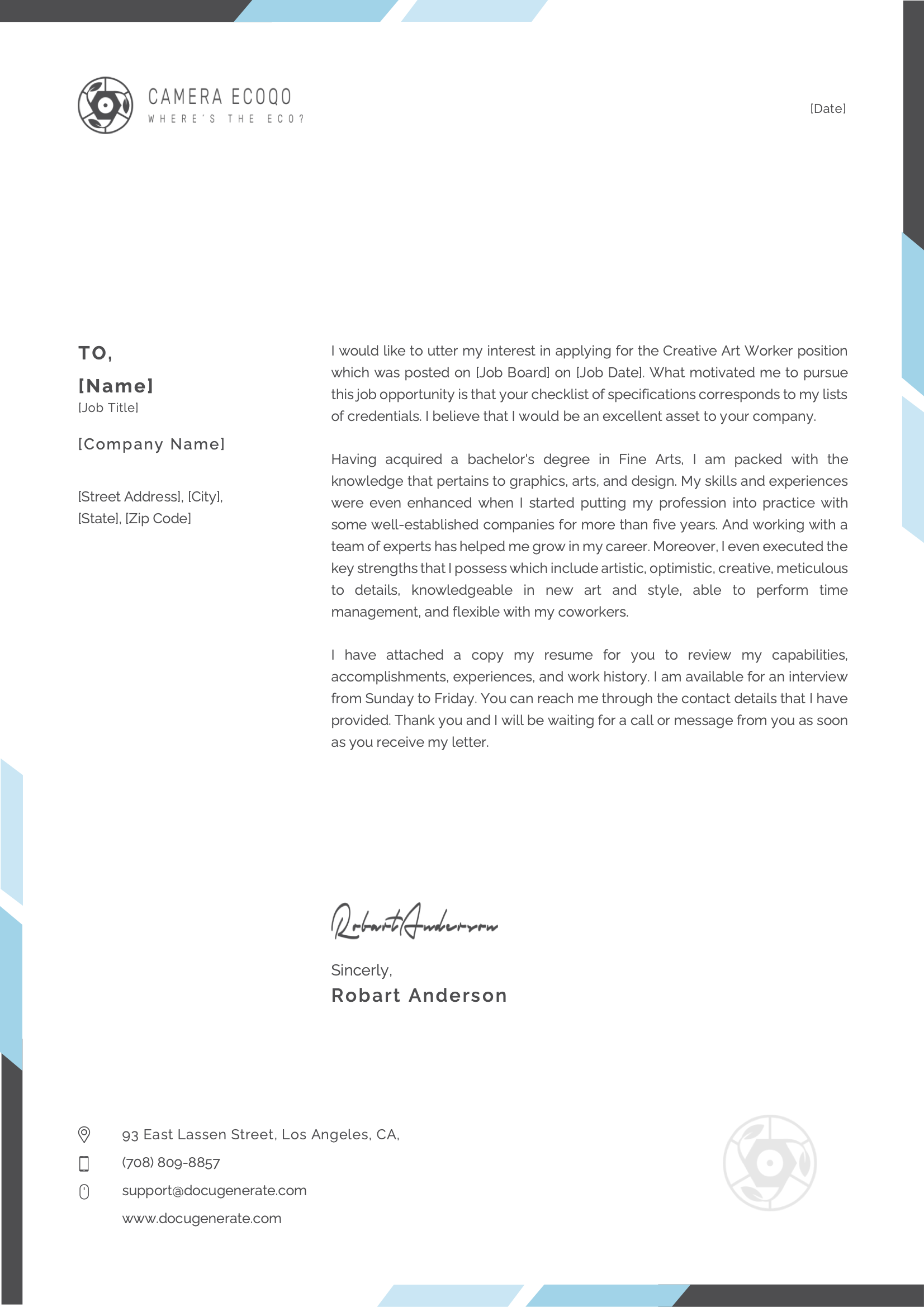
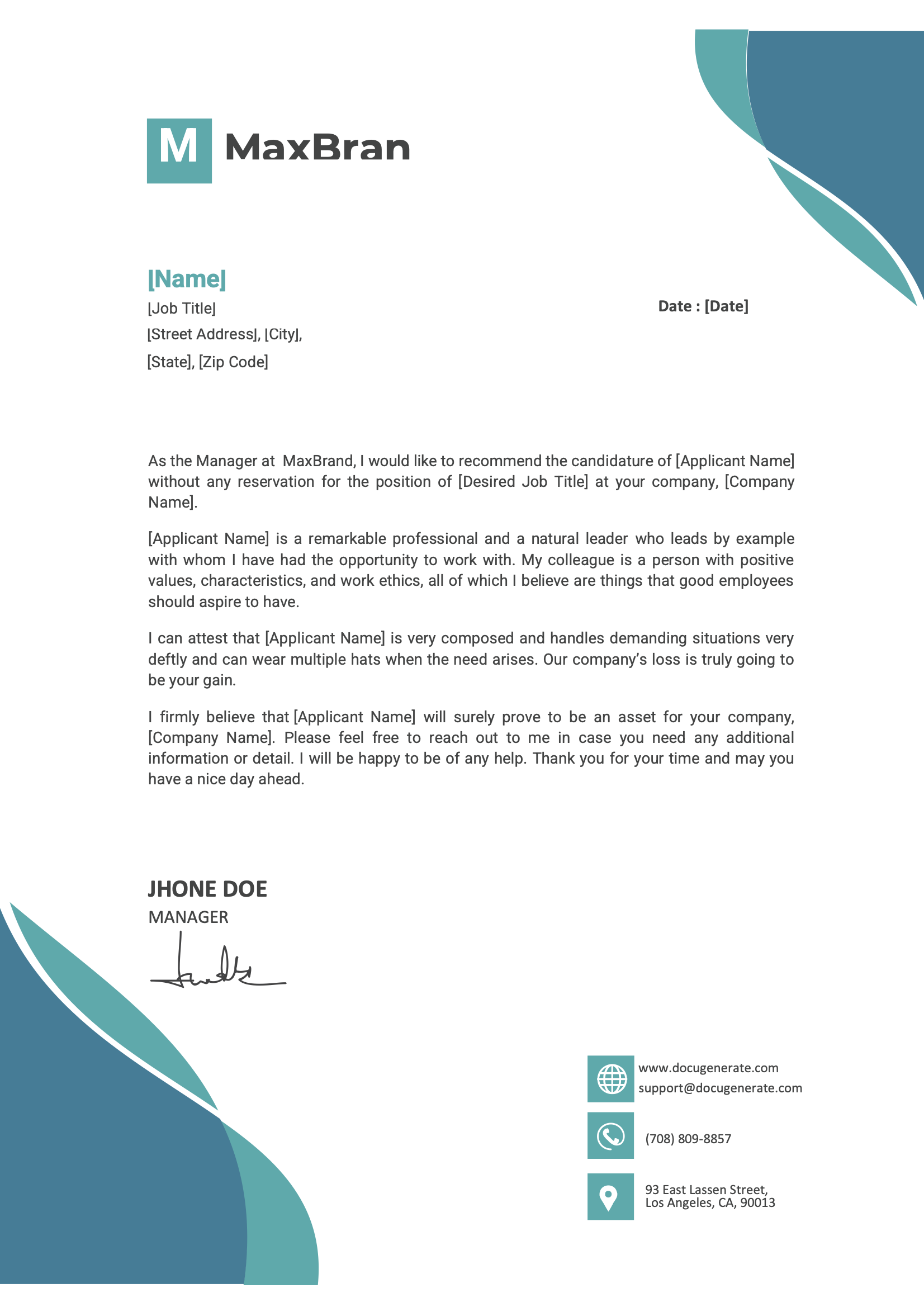
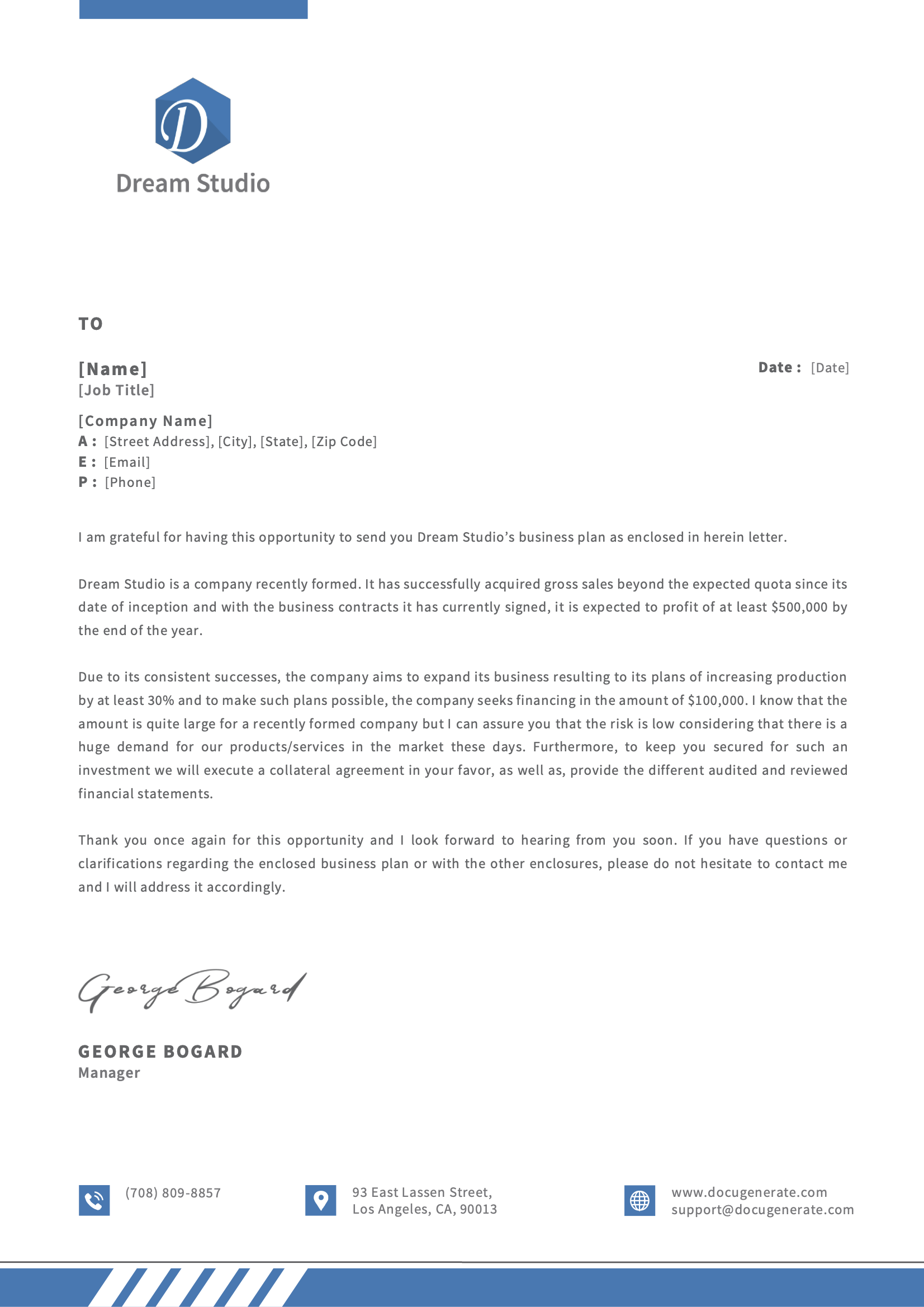
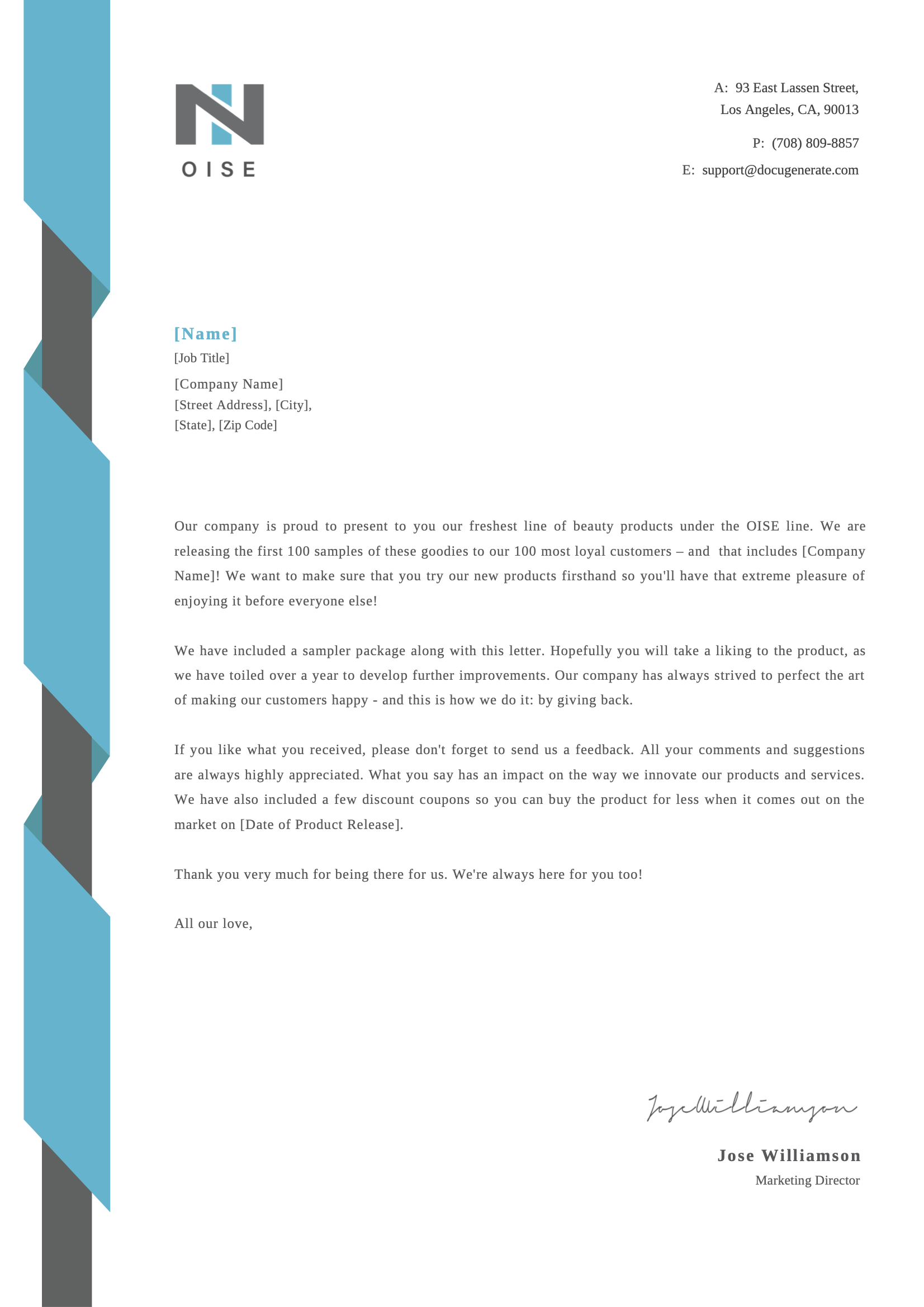
A business letter is a formal written message sent to a customer, employee, partner or other organization. It follows a standard layout with a letterhead, the recipient's address, a date, a greeting, the body and a signature.
Businesses send letters every day, from job offers and salary increases in HR to cover letters, recommendations and customer notices. Most of them reuse the same wording with different details, which makes letters a natural fit for automation.
Download a ready-to-use template, adapt it to your needs and generate your first letter in minutes.
From the recipient's address to the signature, every part of a letter can be driven by your data.
Include a paragraph only when your data matches, like a relocation bonus in an offer letter.
Learn MoreUpload a spreadsheet and generate one letter per row, for dozens or thousands of recipients in a single run.
Learn MoreInsert your company logo or a signature image into each letter, straight from your data.
Learn MoreDisplay dates in the format your recipients expect, whatever the format of your data.
Learn MoreUse your brand fonts in every letter, so each one matches your company's letterhead and visual identity.
Learn MoreCombine all the letters of a mailing into a single file, ready to print and send by post.
Learn MoreName each letter file after its recipient and date, so every letter is easy to find and share later.
Learn MoreShare templates with your colleagues so everyone in your team sends the same approved wording.
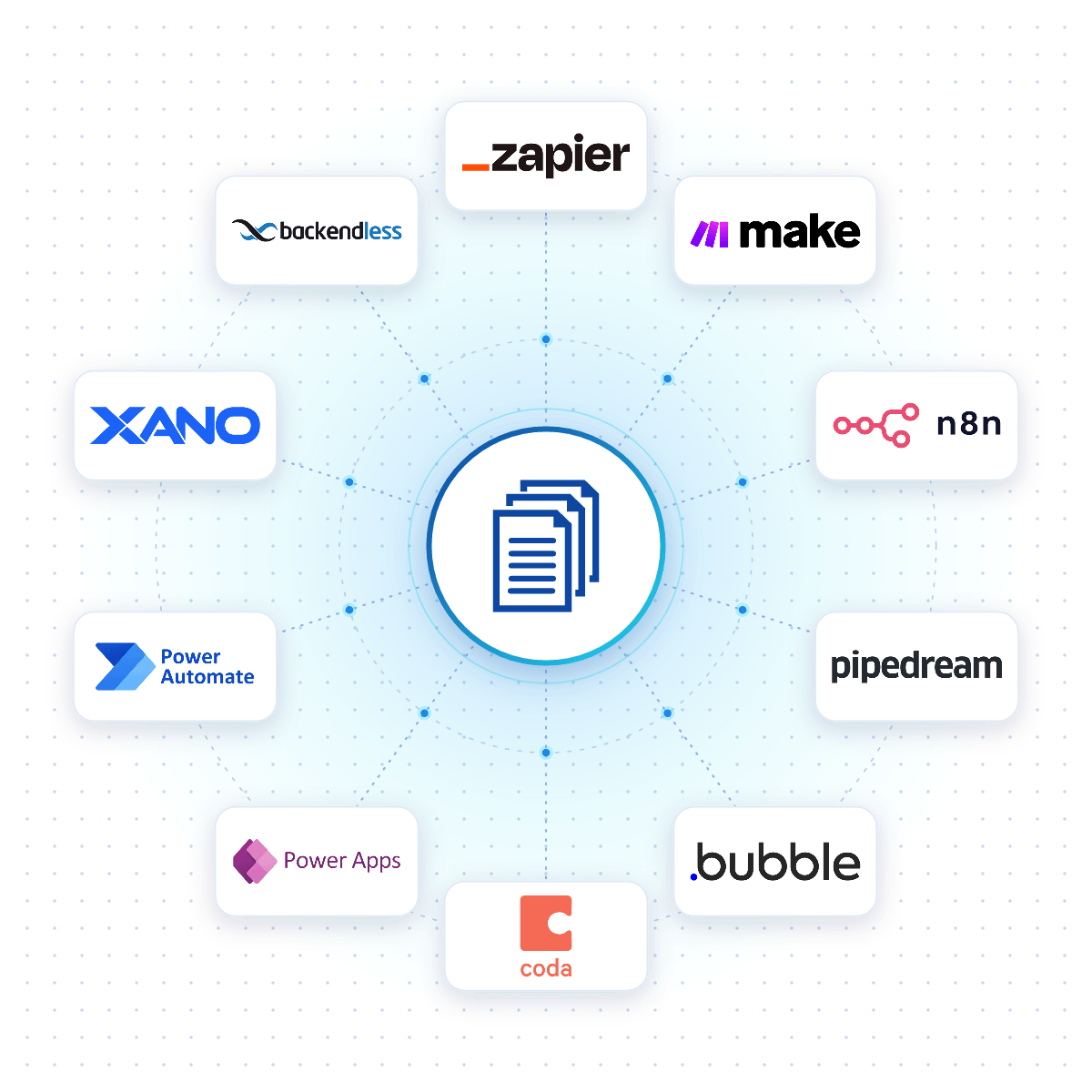
Learn MoreConnect DocuGenerate to Zapier, Make, n8n or Pipedream, and a letter is created the moment a new hire is added, a customer account changes or a row is added to a spreadsheet.
Native connectors for Bubble, Coda, Power Apps, Xano and Backendless allow your apps to generate letters reliably from your DocuGenerate templates.
No-Code Integrations
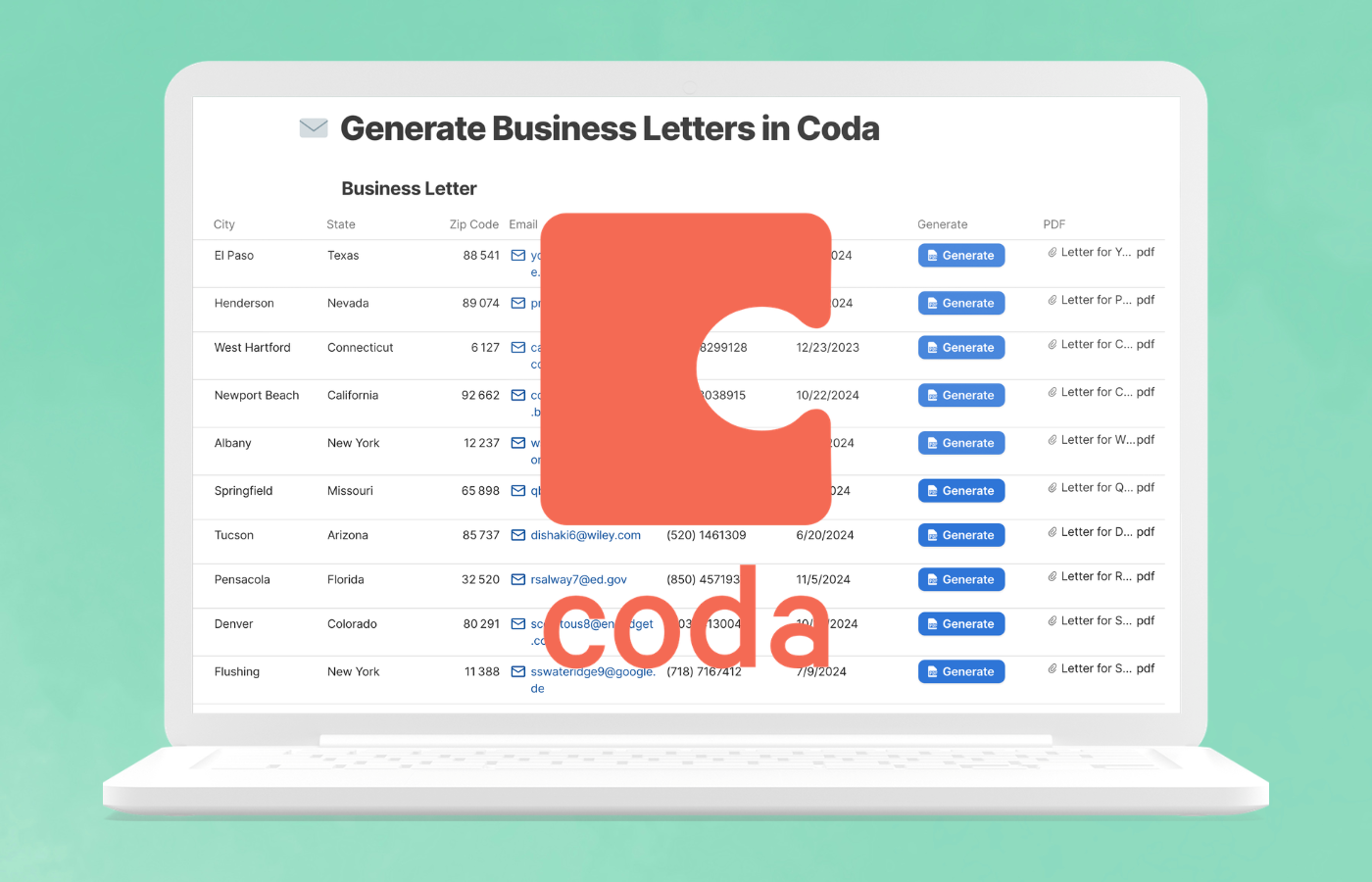
This tutorial shows how to generate personalized PDF business letters directly from a Coda table with the DocuGenerate Pack, using a button that creates the letter and saves the file in each row with a single click.
Questions frequently asked about creating letters with DocuGenerate
Get started with 20 free documents per month and our ready-to-use letter templates.