Cover Letter Template

Free Word template with sample data

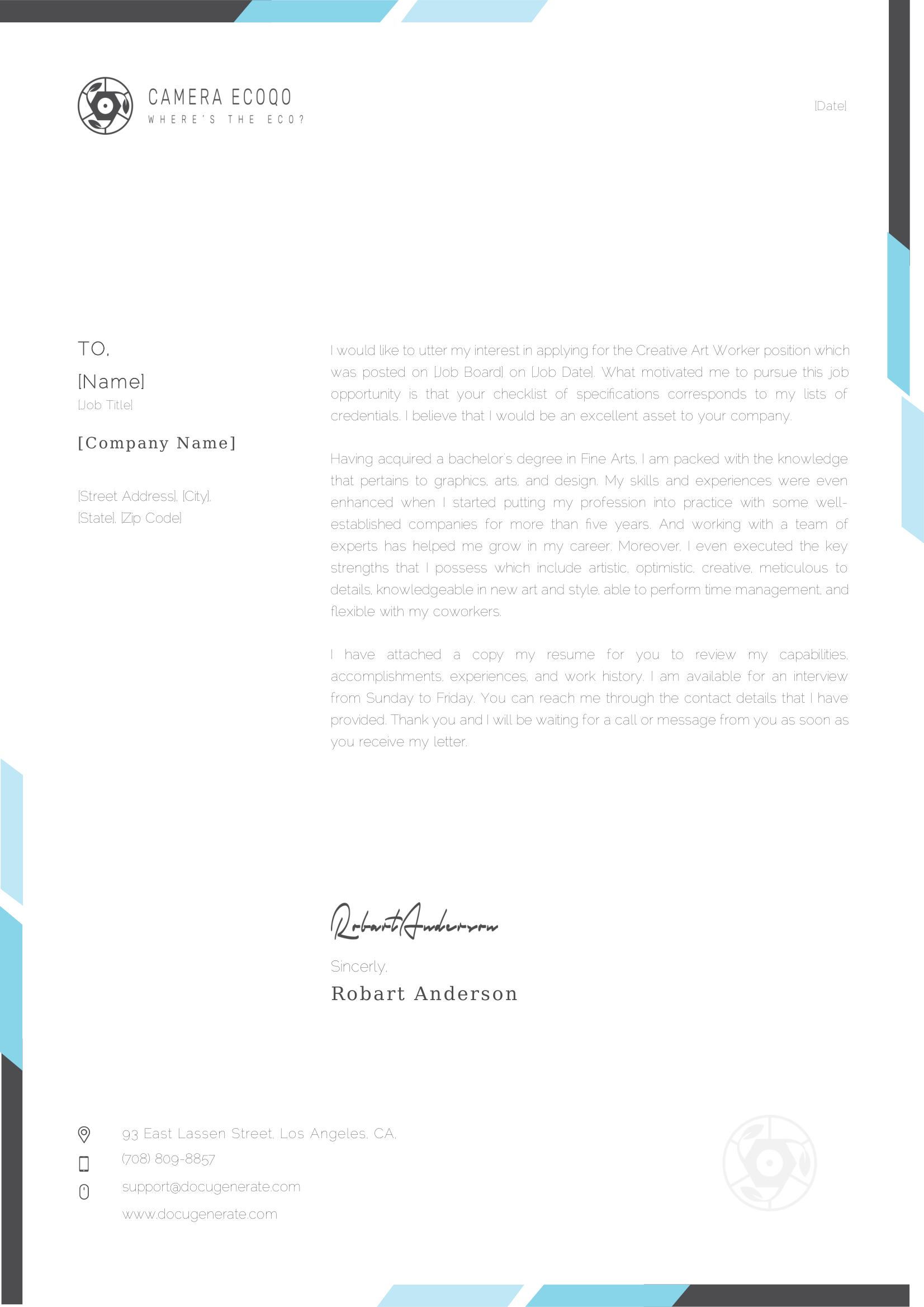
A cover letter for a job application. It is addressed to the hiring manager with their job title, company and address, and mentions the job board and the date where the position was posted, above your own contact details and the date. Download the Word file to replace the wording with your own, then generate a letter for every application.

  • Edit the letter in Word, no special software needed
  • Add letter generation to your app with our REST API
  • Automate via Zapier, Make, n8n & other no-code integrations
  • Generate letters in batch from JSON or Excel data
Cover Letter template, finished document Cover Letter template with merge tags
Developers

Generate Letters With the API

Upload the letter template, then send the structured data to get the finished document. Make sure to replace YOUR_API_KEY with your unique key and YOUR_TEMPLATE_ID with the ID of your template.

Send an array of JSON objects and get one document for each object, returned in a ZIP archive. Use the output_name parameter to customize each filename with the merge tags from your template.

Upload an Excel spreadsheet and every row becomes a document, with the column headers matching your merge tags. Use the sheet parameter to read a specific sheet from the Excel file.

curl -X 'POST' \
  'https://api.docugenerate.com/v1/document' \
  -H 'Accept: application/json' \
  -H 'Authorization: YOUR_API_KEY' \
  -H 'Content-Type: application/json' \
  -d '{
  "template_id": "YOUR_TEMPLATE_ID",
  "output_format": ".pdf",
  "data": {
    "Name": "Jolie Lansberry",
    "Job Title": "Developer III",
    "Company Name": "Herman, Mohr and Pfeffer",
    "Street Address": "0 Holmberg Parkway",
    "City": "Gatesville",
    "State": "Texas",
    "Zip Code": "76598",
    "Job Board": "Fintone",
    "Job Date": "4/19/2024",
    "Date": "2/8/2024"
  }
}'
curl -X 'POST' \
  'https://api.docugenerate.com/v1/document' \
  -H 'Accept: application/json' \
  -H 'Authorization: YOUR_API_KEY' \
  -H 'Content-Type: application/json' \
  -d '{
  "template_id": "YOUR_TEMPLATE_ID",
  "output_format": ".pdf",
  "single_file": false,
  "output_name": "Cover Letter [Name]",
  "data": [
    { "Name": "Jolie Lansberry", "Job Title": "Developer III", "Company Name": "Herman, Mohr and Pfeffer", "Street Address": "0 Holmberg Parkway", "City": "Gatesville", "State": "Texas", "Zip Code": "76598", "Job Board": "Fintone", "Job Date": "4/19/2024", "Date": "2/8/2024" },
    { "Name": "Elbert Scedall", "Job Title": "Environmental Tech", "Company Name": "Sauer-Hahn", "Street Address": "932 Dahle Way", "City": "Lynchburg", "State": "Virginia", "Zip Code": "24503", "Job Board": "Cardify", "Job Date": "9/16/2024", "Date": "12/5/2023" },
    { "Name": "Amitie Fossey", "Job Title": "Chemical Engineer", "Company Name": "Stroman-Harber", "Street Address": "25 Aberg Trail", "City": "Greenville", "State": "South Carolina", "Zip Code": "29610", "Job Board": "Andalax", "Job Date": "3/17/2024", "Date": "6/22/2024" },
    { "Name": "My Wigsell", "Job Title": "Graphic Designer", "Company Name": "Schneider, Mueller and Daniel", "Street Address": "6209 Bowman Center", "City": "Bloomington", "State": "Illinois", "Zip Code": "61709", "Job Board": "Zaam-Dox", "Job Date": "2/1/2024", "Date": "2/17/2024" },
    { "Name": "Tristam Pixton", "Job Title": "Web Developer II", "Company Name": "Kris Group", "Street Address": "6 Carioca Drive", "City": "Tacoma", "State": "Washington", "Zip Code": "98481", "Job Board": "Alpha", "Job Date": "10/20/2024", "Date": "7/31/2024" },
    { "Name": "Clemence Castagne", "Job Title": "Programmer Analyst I", "Company Name": "Marquardt-Upton", "Street Address": "6829 Packers Junction", "City": "Minneapolis", "State": "Minnesota", "Zip Code": "55458", "Job Board": "Quo Lux", "Job Date": "7/22/2024", "Date": "4/23/2024" },
    { "Name": "Don Harfoot", "Job Title": "Senior Quality Engineer", "Company Name": "Goodwin, Volkman and Swaniawski", "Street Address": "7 Jenna Parkway", "City": "Eugene", "State": "Oregon", "Zip Code": "97405", "Job Board": "Toughjoyfax", "Job Date": "2/21/2024", "Date": "11/2/2024" },
    { "Name": "Mel Tocknell", "Job Title": "Assistant Media Planner", "Company Name": "Kub, Purdy and Christiansen", "Street Address": "2948 Bartelt Way", "City": "Chicago", "State": "Illinois", "Zip Code": "60636", "Job Board": "Temp", "Job Date": "5/18/2024", "Date": "12/9/2023" },
    { "Name": "Monro Whiley", "Job Title": "VP Product Management", "Company Name": "Deckow, Nader and Shields", "Street Address": "60 Summit Junction", "City": "Modesto", "State": "California", "Zip Code": "95354", "Job Board": "Prodder", "Job Date": "7/1/2024", "Date": "9/20/2024" },
    { "Name": "Adlai Darwood", "Job Title": "Civil Engineer", "Company Name": "Ortiz, Bergnaum and Schneider", "Street Address": "4 Pawling Place", "City": "North Las Vegas", "State": "Nevada", "Zip Code": "89087", "Job Board": "Bytecard", "Job Date": "9/23/2024", "Date": "9/27/2024" }
  ]
}'
curl -X 'POST' \
  'https://api.docugenerate.com/v1/document' \
  -H 'Accept: application/json' \
  -H 'Authorization: YOUR_API_KEY' \
  -H 'Content-Type: multipart/form-data' \
  -F 'template_id=YOUR_TEMPLATE_ID' \
  -F 'file=@Cover Letter Batch.xlsx' \
  -F 'output_format=.pdf' \
  -F 'single_file=false' \
  -F 'output_name=Cover Letter [Name]'
FAQ

Your Questions Answered

Questions frequently asked about our letter templates

Download the template, adapt it in Word and upload it to DocuGenerate. Then send your data from a spreadsheet, the API or a no-code tool, and your letters are generated automatically. Our guide walks you through every step. Learn more.
Yes. Instead of building each letter by hand, send your data and every letter is created with the right details and wording, whether you need one or thousands. Learn more.
Yes. Connect your CRM through Zapier, Make, n8n or Pipedream and generate a letter automatically when a contact reaches a new stage or a new record is added.
Yes. Use conditions to include a paragraph or a sentence only for the recipients it applies to, so one template covers every variation. Learn more.
No. The data is transient. It is used for the merge and then discarded, never written to the logs or the database. The generated letters are kept until you delete them.
Yes. Send your letter data as JSON to the REST API and get the generated letter back in seconds. SDKs are available for Node.js, Python, PHP, Ruby, Go, C#, Rust and Java, and every plan includes full API access. Learn more.
Sign Up

Start Creating Your Letters

Get started with 20 free documents per month and our ready-to-use letter templates.

Start Generating for Free
  • Free forever plan
  • No credit card required