Questions frequently asked about our label templates
Download a template, adapt it in Word and upload it to DocuGenerate. Then send your data from a spreadsheet, the API or a no-code tool, and your labels are generated automatically. Our guide walks you through every step. Learn more.
Yes. Instead of building each label by hand, send your data and every label is created with the right address, details and barcode, whether you need one or thousands. Learn more.
Yes. Connect your store or shipping tool through Zapier, Make, n8n or Pipedream and generate a label with the right address and barcode automatically when a new order is placed.
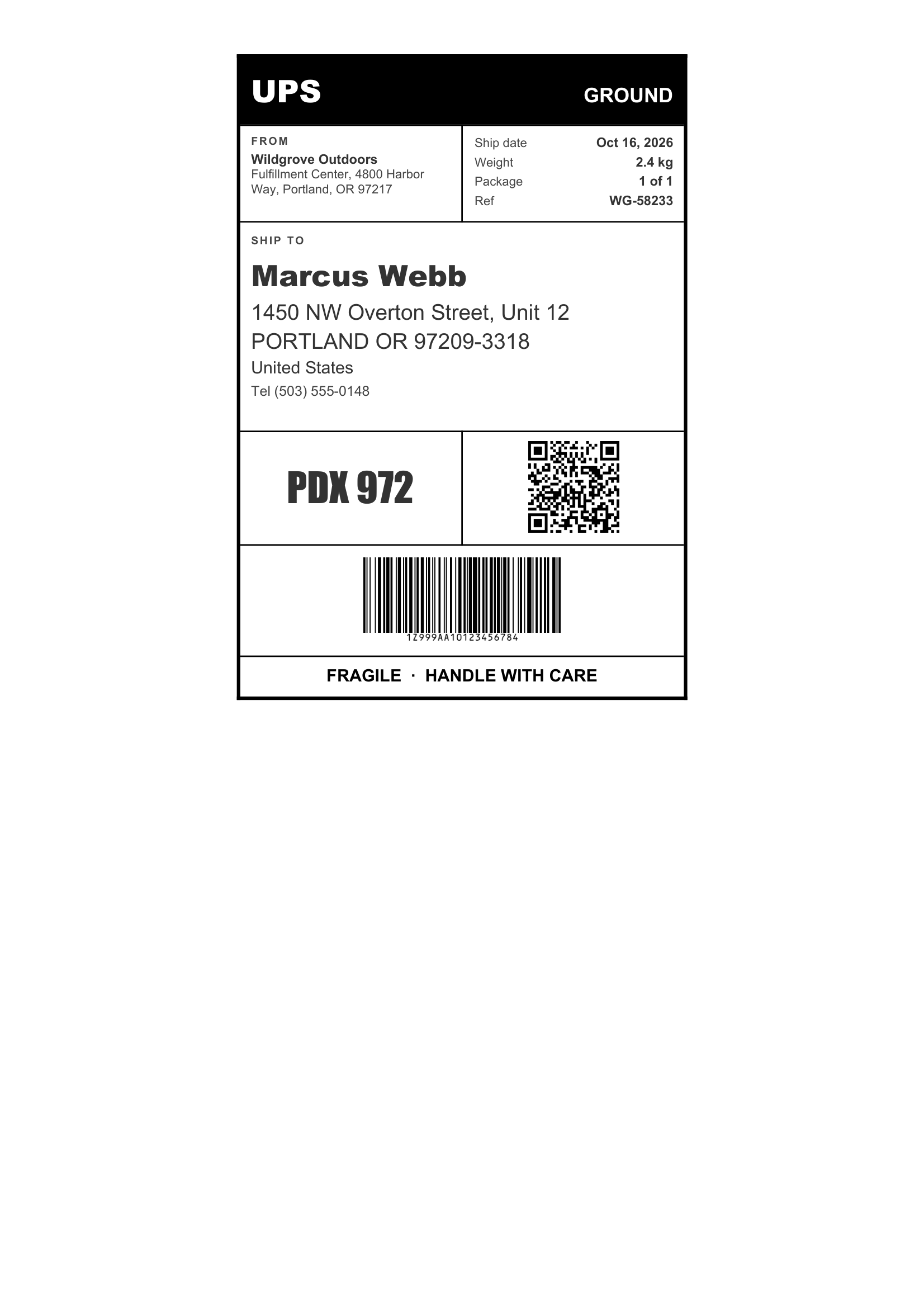
Any size. Templates are ordinary Word files, so you set the page size to match your labels, from small product stickers to 4x6 shipping labels.
No. The data is transient. It is used for the merge and then discarded, never written to the logs or the database. The generated labels are kept until you delete them.
Yes. Send your label data as JSON to the REST API and get the generated label back in seconds. SDKs are available for Node.js, Python, PHP, Ruby, Go, C#, Rust and Java, and every plan includes full API access. Learn more.