Travel Document Automation

Turn your booking data into vouchers and confirmations

Save Time

Automate Your Travel Documents

Tour operators and travel agencies spend hours copying names and dates into vouchers and confirmations. With document automation, each one is created the moment a customer books.

  • Booking documents in seconds
  • The right dates for every traveler
  • A unique code on every voucher

Start Generating for Free
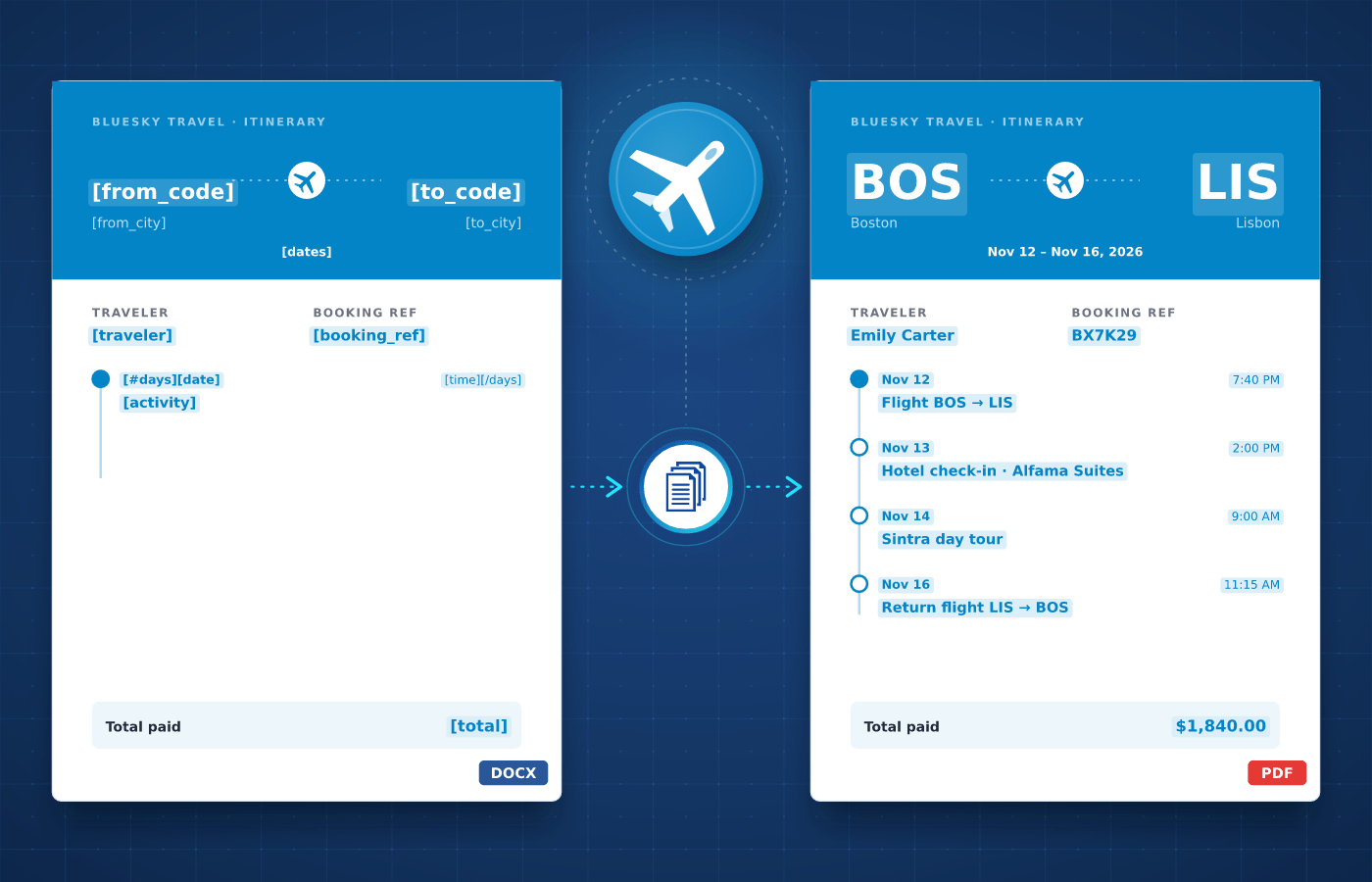
Travel document template in Word with merge tags
Understanding

Travel Documents

Every trip comes with its own documents. Booking confirmations and itineraries follow a reservation, travel and hotel vouchers confirm each booking with hotels and suppliers, admission tickets open tours and attractions, and payment receipts go to travelers.


These documents follow the same design for every booking and only change with the traveler, dates and services. Your team designs each template once, which makes travel documents a natural fit for automation.

Start With Our

Travel Templates

Download a ready-to-use template, adapt it to your needs and generate your first travel document in minutes.

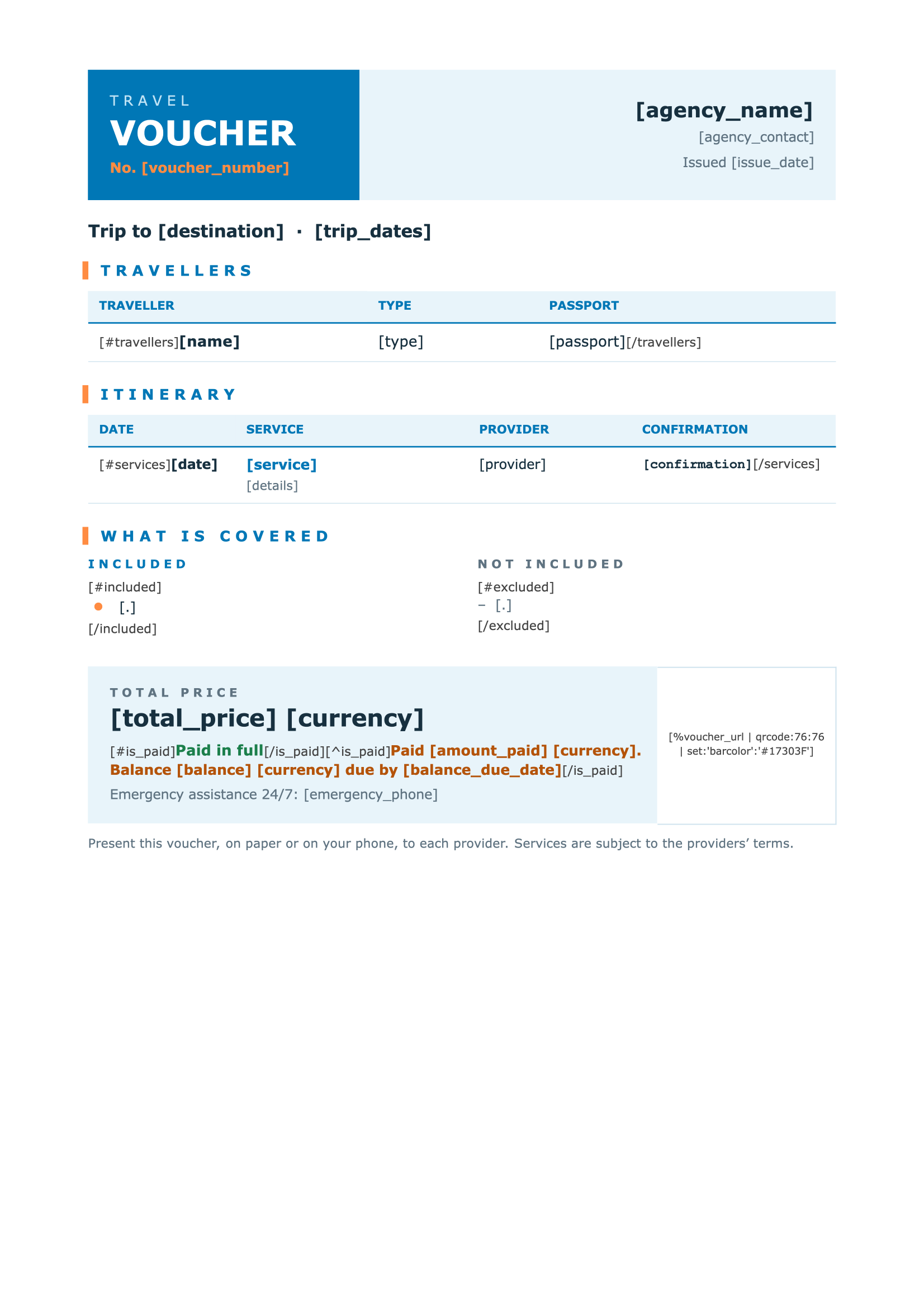
Travel Voucher
Download
Travel Voucher Template
Dotted shape
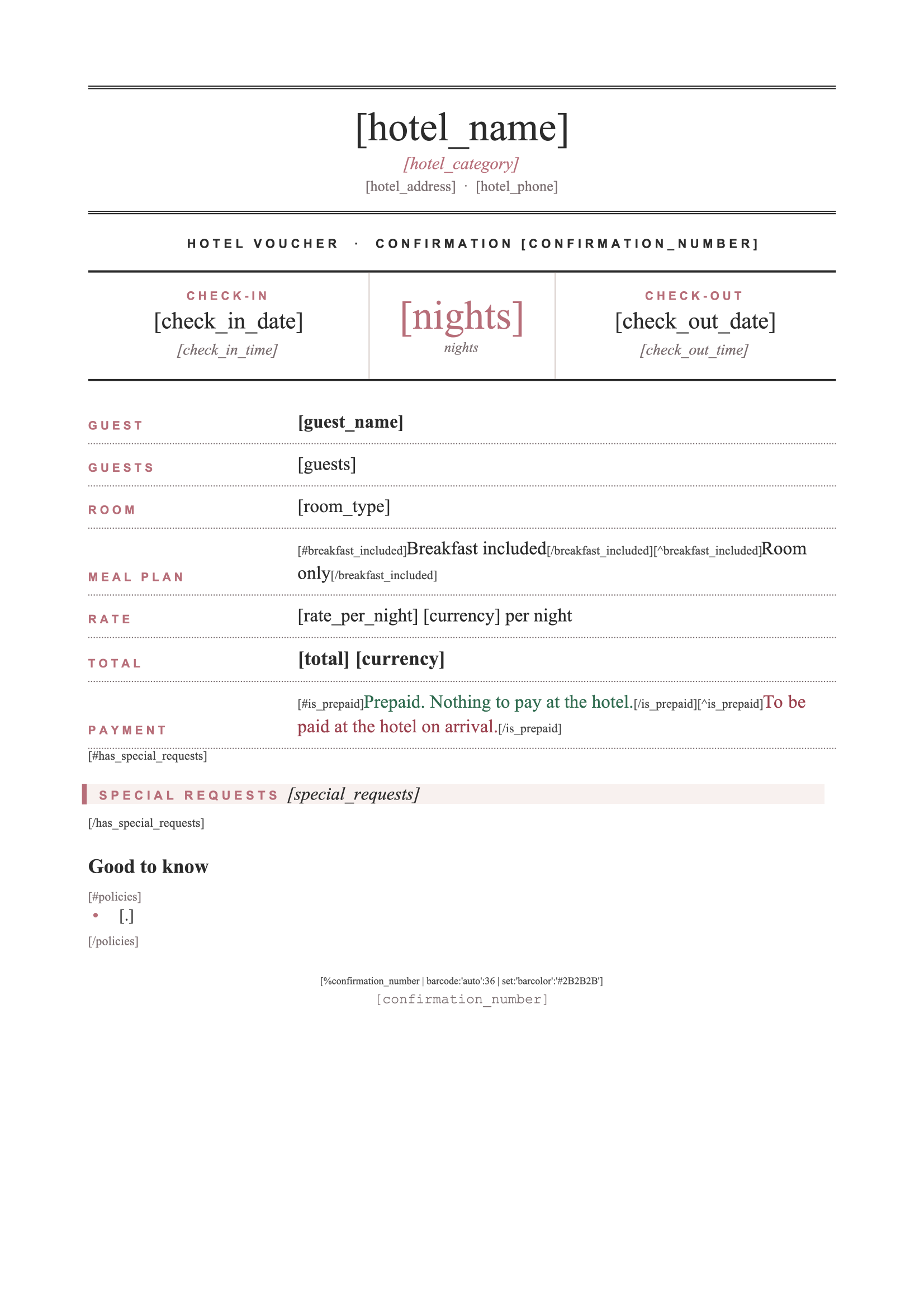
Hotel Voucher
Download
Hotel Voucher Template
Dotted shape
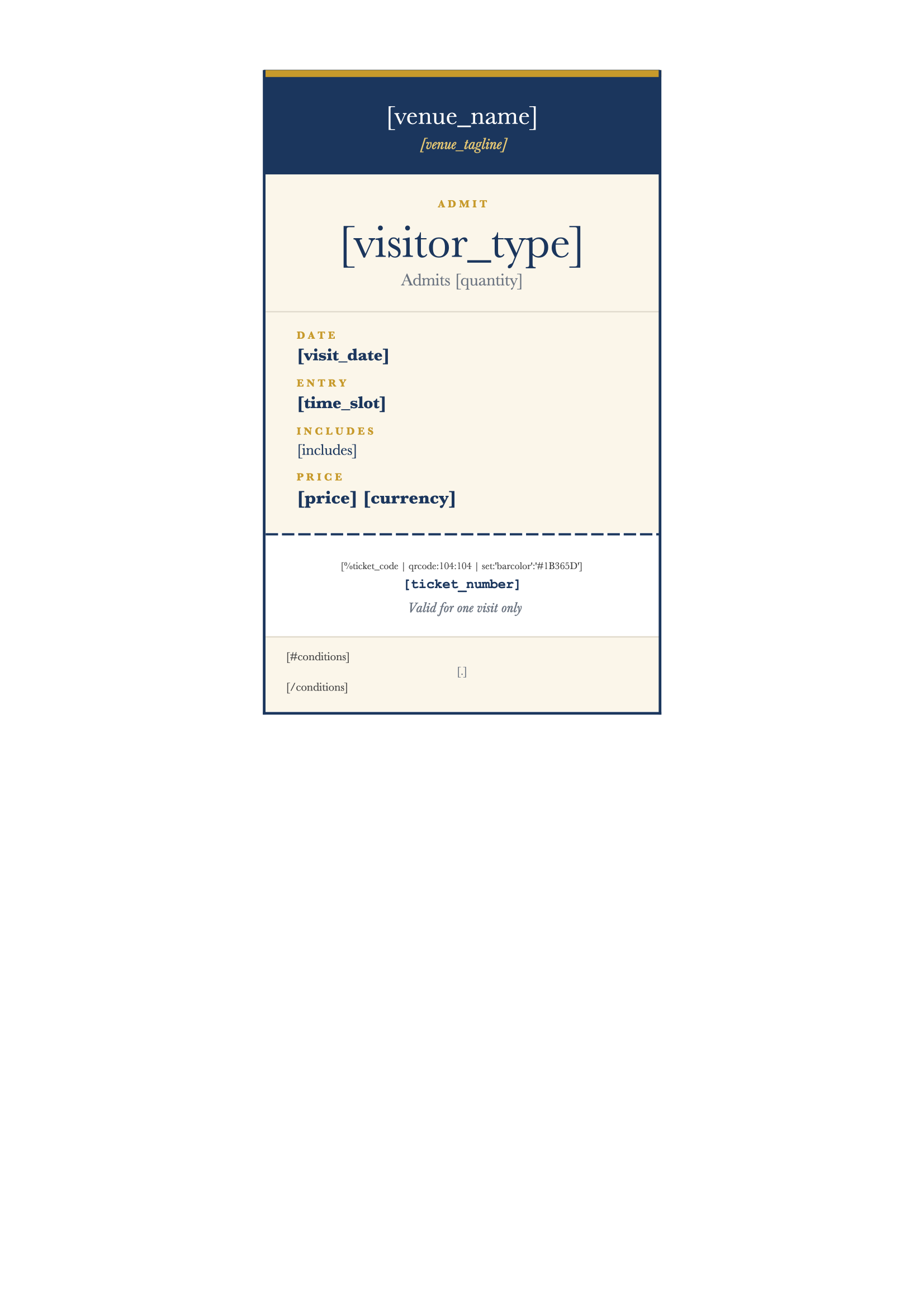
Admission Ticket
Download
Admission Ticket Template
Dotted shape
Event Ticket
Download
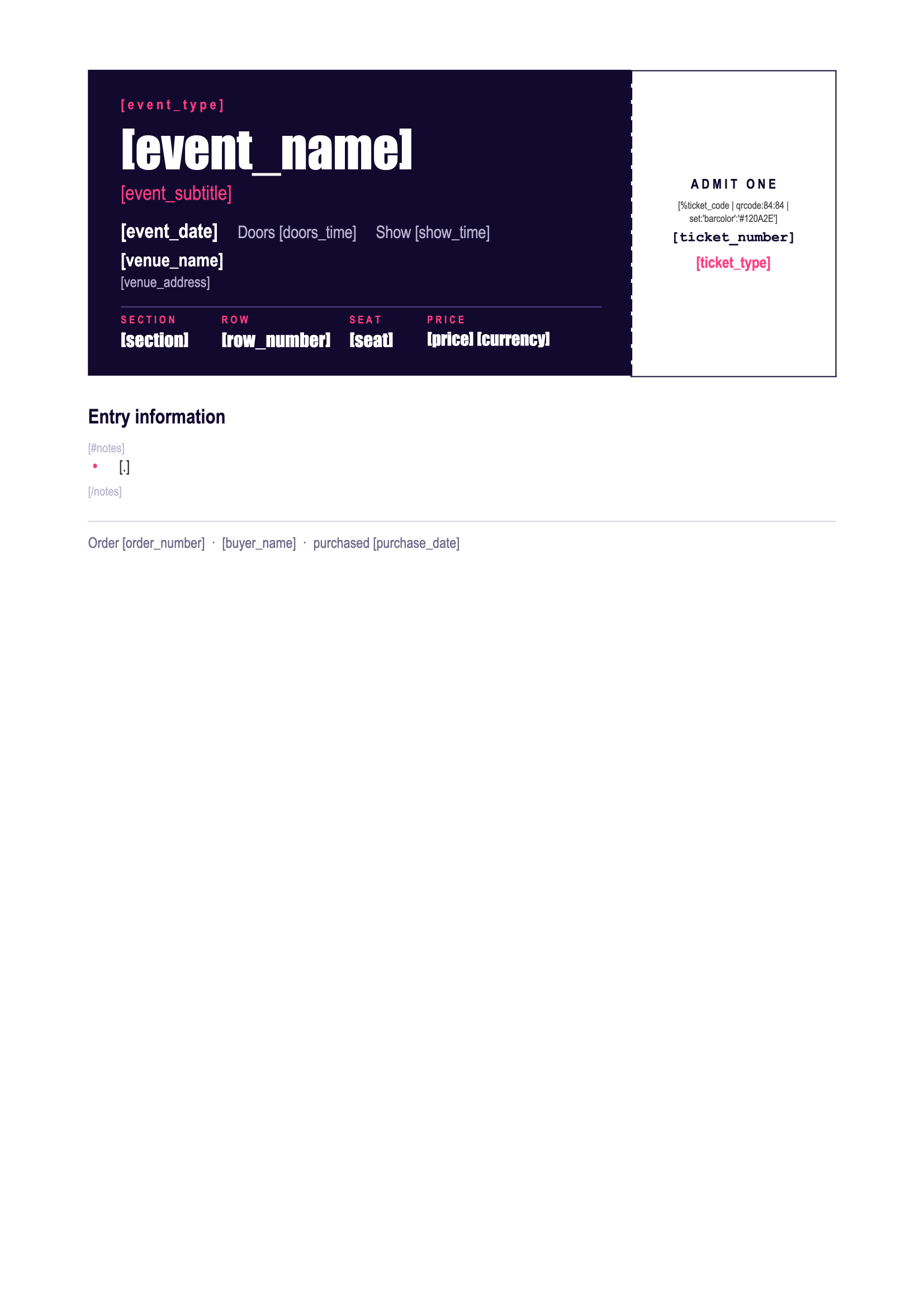
Event Ticket Template
Dotted shape
Everything You Need

Built For Travel

From booking confirmations to hotel vouchers, every travel document can be driven by your data.

QR Codes & Barcodes

Generate a unique QR code or barcode on each voucher or ticket, ready to scan at check-in or entry.

Learn More

Itinerary Tables

List flights, transfers and activities in tables that grow automatically with each traveler's itinerary.

Learn More

Date Formats

Display travel dates and times in the format your travelers expect, whatever the format of your data.

Learn More

Optional Details

Show meal plans, airport transfers or special requests only on the bookings and vouchers they apply to.

Learn More

Destination Images

Add destination photos, maps or partner logos to each document, straight from the data you already have.

Learn More

Real-Time API

Generate a voucher or confirmation in seconds from your booking engine as soon as a reservation is made.

Learn More

Separate Files

Generate one file per traveler or booking, named after them and ready to email before departure.

Learn More

Number Formats

Show prices and totals with the right currency format and separators for each traveler's country.

Learn More
Integrations

Automate With No-Code

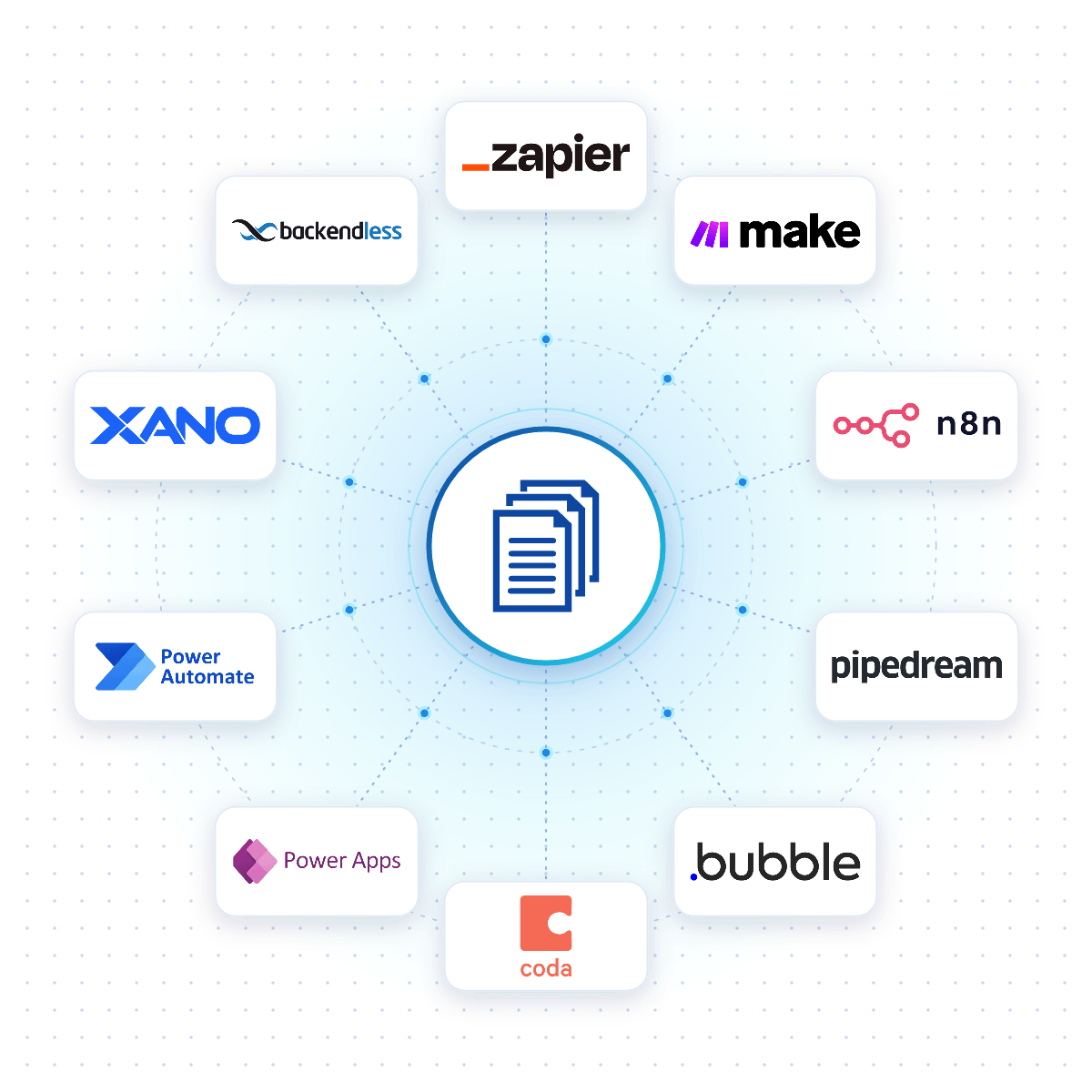
Connect DocuGenerate to Zapier, Make, n8n or Pipedream, and a travel document is created the moment a booking is confirmed, a payment succeeds or an itinerary changes.

Native connectors for Bubble, Coda, Power Apps, Xano and Backendless allow your apps to generate travel documents reliably from your DocuGenerate templates.

No-Code Integrations
DocuGenerate connected to no-code platforms like Zapier, Make, n8n and Bubble
From Our Blog

Automate Event RSVP Tickets with Xano

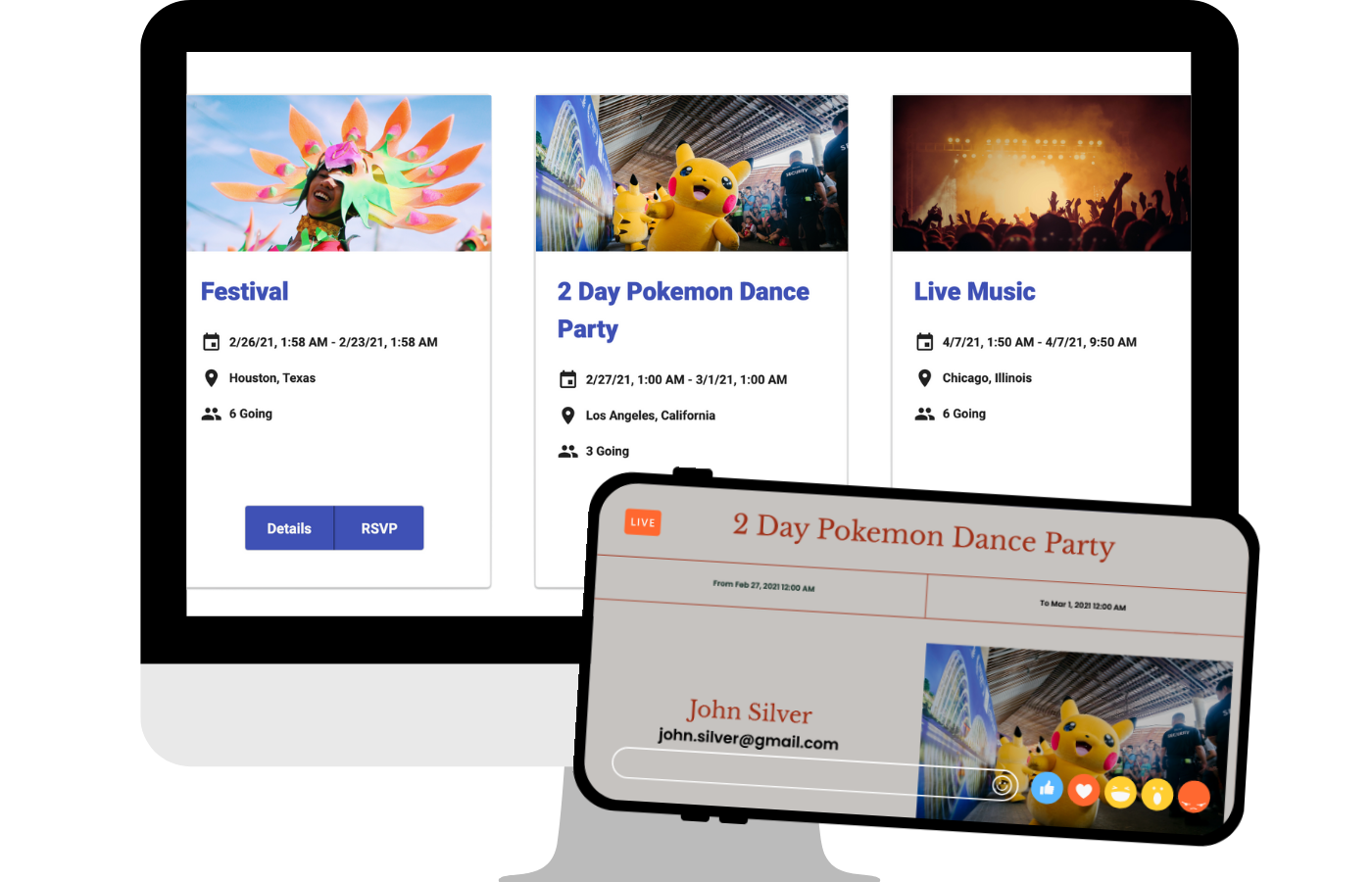
This in-depth tutorial shows how to generate PDF tickets automatically when attendees RSVP, using Xano database triggers and DocuGenerate, the same approach you can use to send vouchers and confirmations for every booking.

Read the Article
Automating Event RSVP Tickets with Xano and DocuGenerate
Rectangle shape
FAQ

Your Questions Answered

Questions frequently asked about automating travel documents with DocuGenerate

Yes. Templates are ordinary Word files, so you can reuse the vouchers, tickets and confirmations you already have. Add merge tags where the details change and upload the file. Learn more.
Yes. Add a QR code or barcode tag to your template, and it's generated from the unique voucher or booking code in your data. Learn more.
Yes. Connect your booking system through Zapier, Make, n8n or Pipedream to generate the confirmation and vouchers and email them to the traveler as soon as they book.
Yes. Tables grow and shrink with your data, so each confirmation lists every flight, transfer and activity of the trip, whatever its length. Learn more.
No. The data is transient. It is used for the merge and then discarded, never written to the logs or the database. The generated documents are kept until you delete them.
Yes. Send your booking data as JSON to the REST API and get the generated document back in seconds. SDKs are available for Node.js, Python, PHP, Ruby, Go, C#, Rust and Java, and every plan includes full API access. Learn more.
Sign Up

Start Creating Your Travel Documents

Get started with 20 free documents per month and our ready-to-use travel templates.

Start Generating for Free
  • Free forever plan
  • No credit card required