Generate Invoices

Turn your billing data into accurate invoices in seconds

Save Time

Automate Your Invoices

Building invoices by hand usually involves copying customer details, line items and amounts into a document. With automated invoice generation, each one is created with the right items, taxes and totals.

  • Invoices ready in seconds, not hours
  • Accurate taxes and totals, every time
  • Consistent branding on every invoice
Start Generating for Free
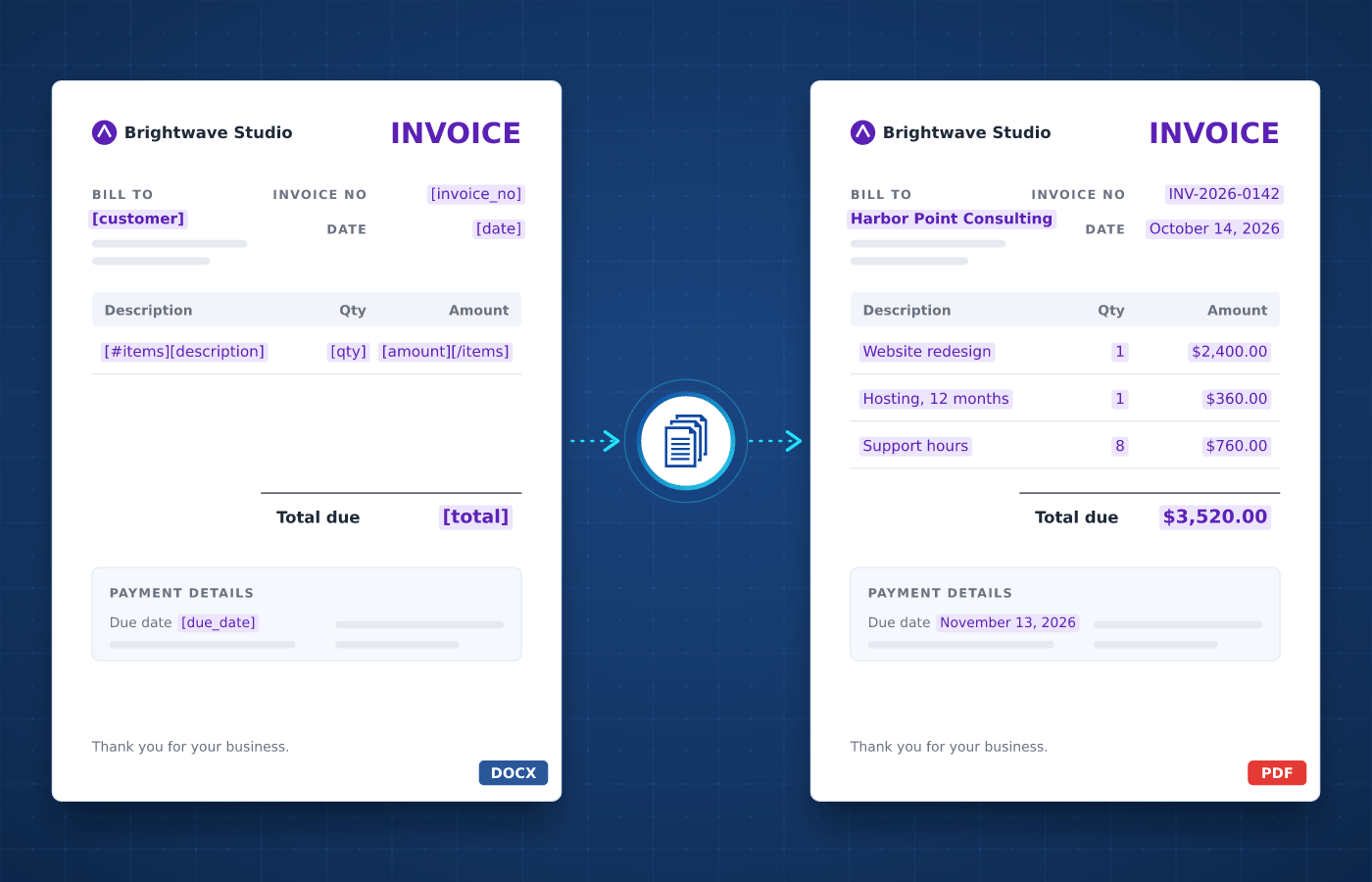
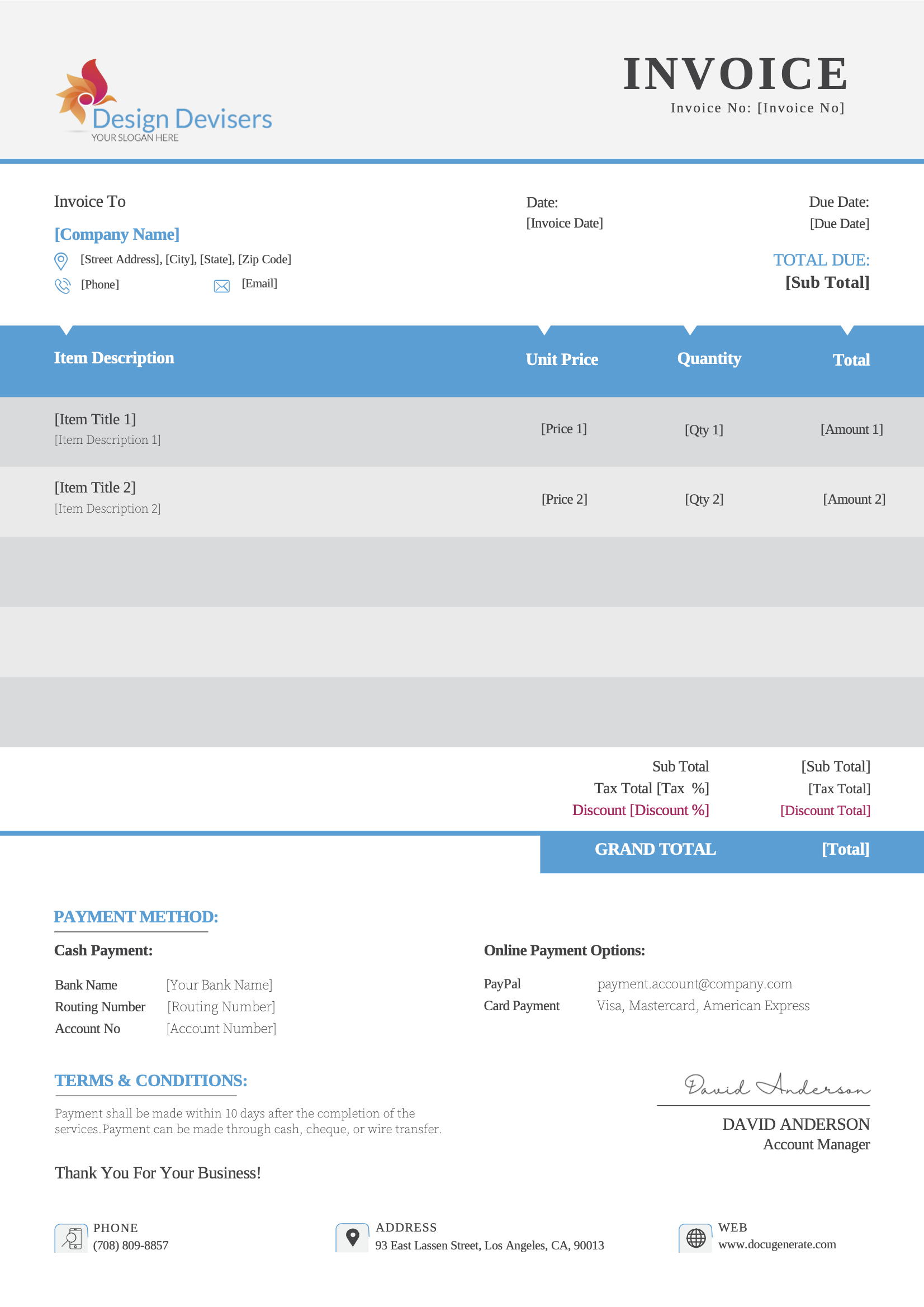
Invoice template in Word with merge tags
Understanding

What's an Invoice?

An invoice is a document a seller sends to a customer to request payment for goods or services. It lists what was delivered, the price of each item, the taxes and the total due, along with the payment terms.


Businesses send invoices every day, from one-off sales and monthly subscriptions to project milestones and recurring services. Each invoice follows the same structure, which makes invoices a natural fit for automation.

Start With Our

Invoice Templates

Download a ready-to-use template, adapt it to your needs and generate your first invoice in minutes.

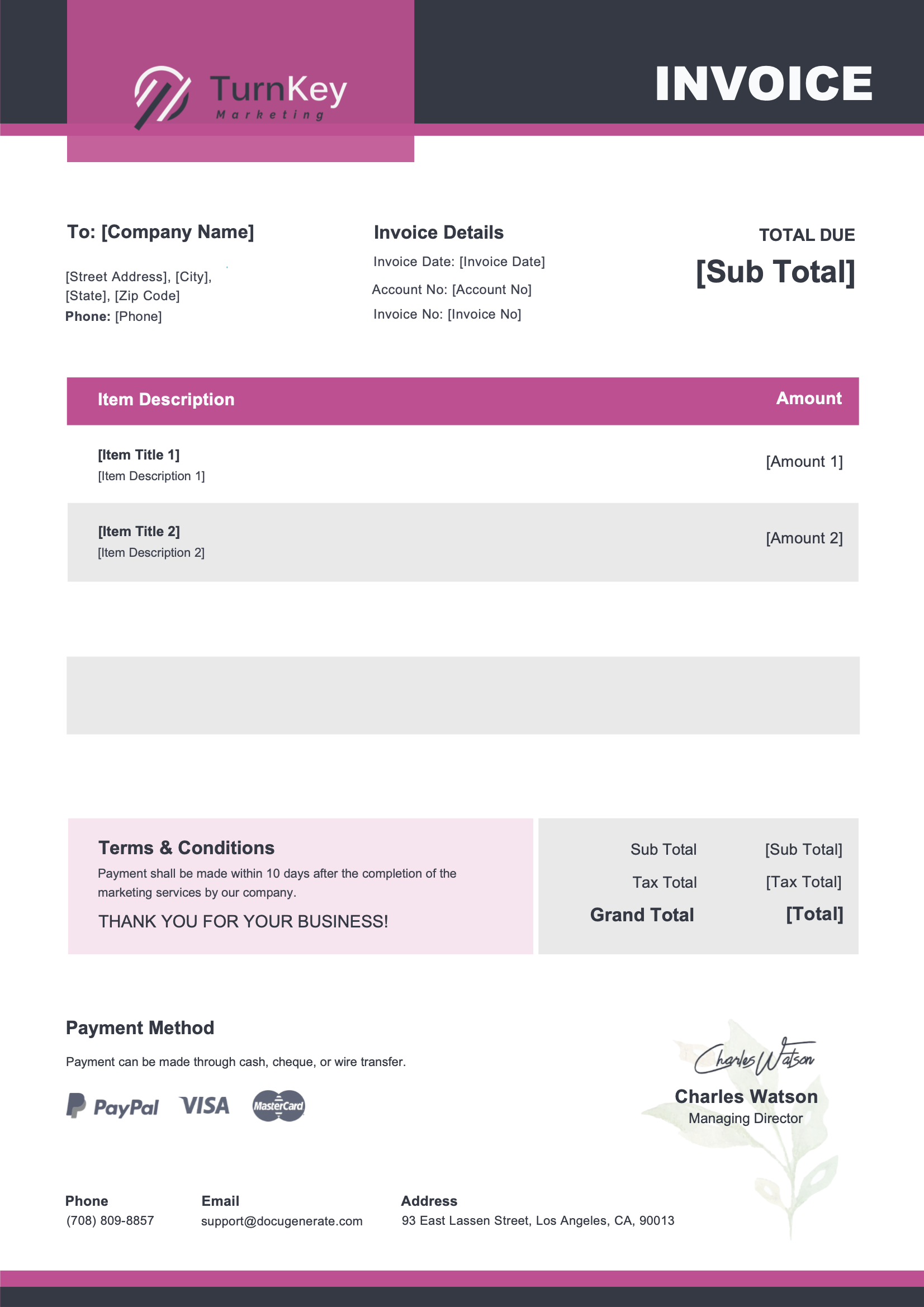
Marketing Invoice
Download
Marketing Invoice Template
Dotted shape
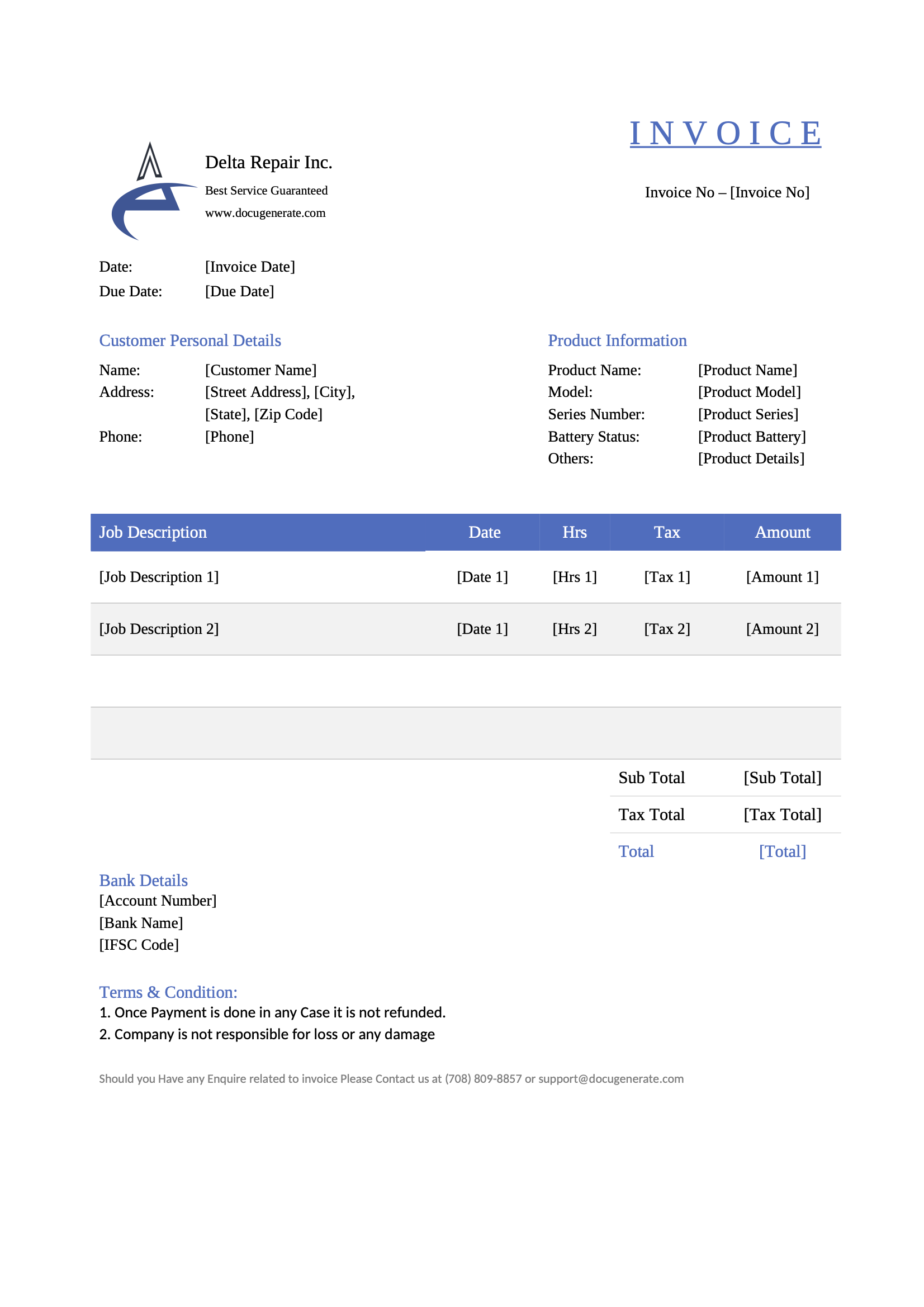
Repair Invoice
Download
Repair Invoice Template
Dotted shape
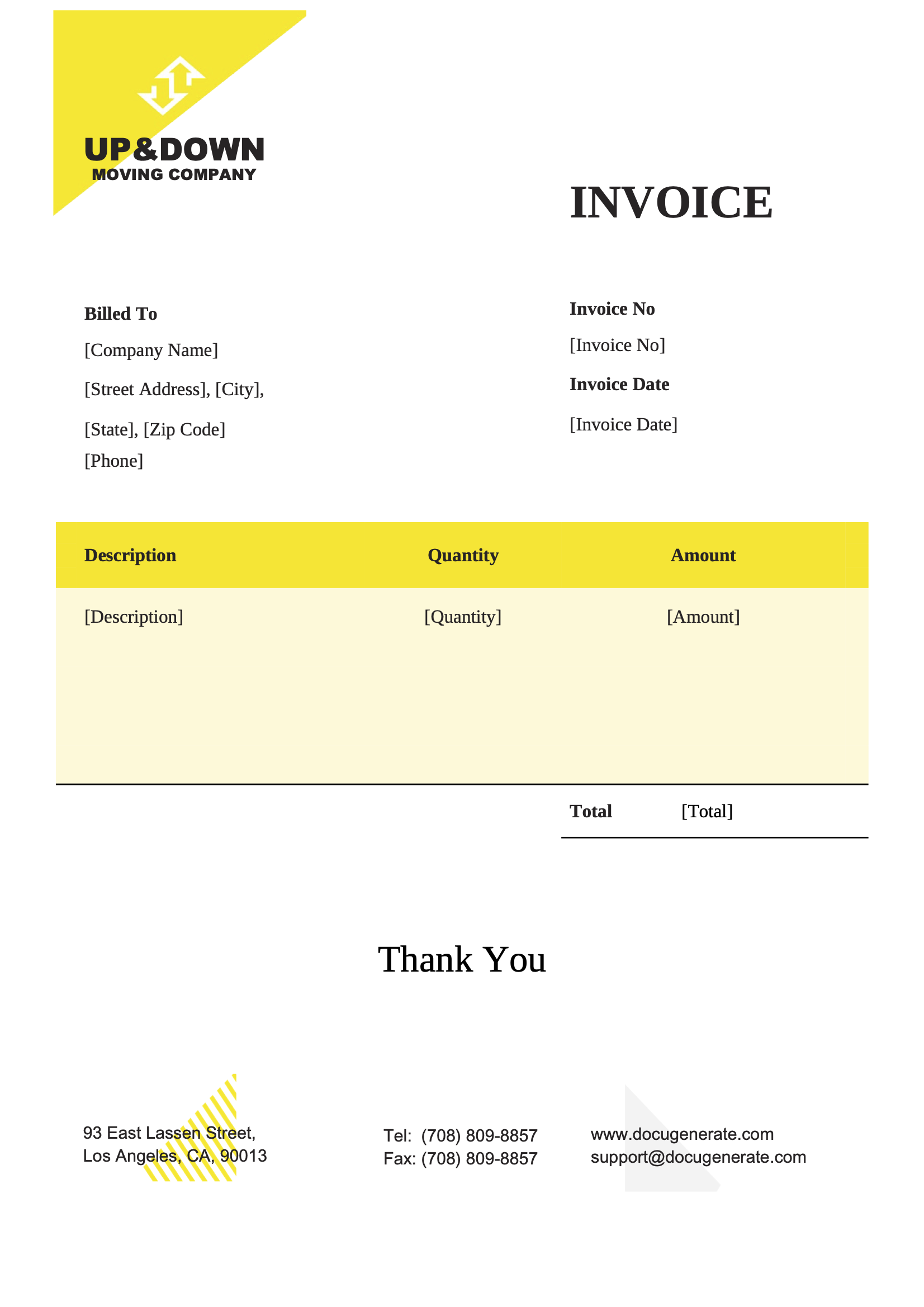
Moving Company Invoice
Download
Moving Company Invoice Template
Dotted shape
Business Invoice
Download
Business Invoice Template
Dotted shape
Everything You Need

Built For Invoices

From line items to tax rates, every part of an invoice can be driven by your data.

Line Item Tables

List the products, services and prices of each invoice in tables that grow automatically with your data.

Learn More

Calculated Totals

Multiply quantities by prices and add up subtotals, taxes and totals directly in your invoice template.

Learn More

Number Formats

Show amounts with the right decimals and separators for your customer's locale, whatever their country.

Learn More

Payment QR Codes

Add a QR code to each invoice that links to your online payment page, so customers can pay in seconds.

Learn More

Excel & CSV Imports

Upload a spreadsheet and generate one invoice per row, for all your customers in a single run.

Learn More

Single PDF File

Combine all the invoices of a billing run into a single file, ready to print or archive.

Learn More

E-Invoicing

Create ZUGFeRD and Factur-X e-invoices by attaching the XML data to a PDF/A generated from your template.

Learn More

Regional Processing

Process and store your invoices in the region of your choice to help meet compliance regulations.

Learn More
Integrations

Automate With No-Code

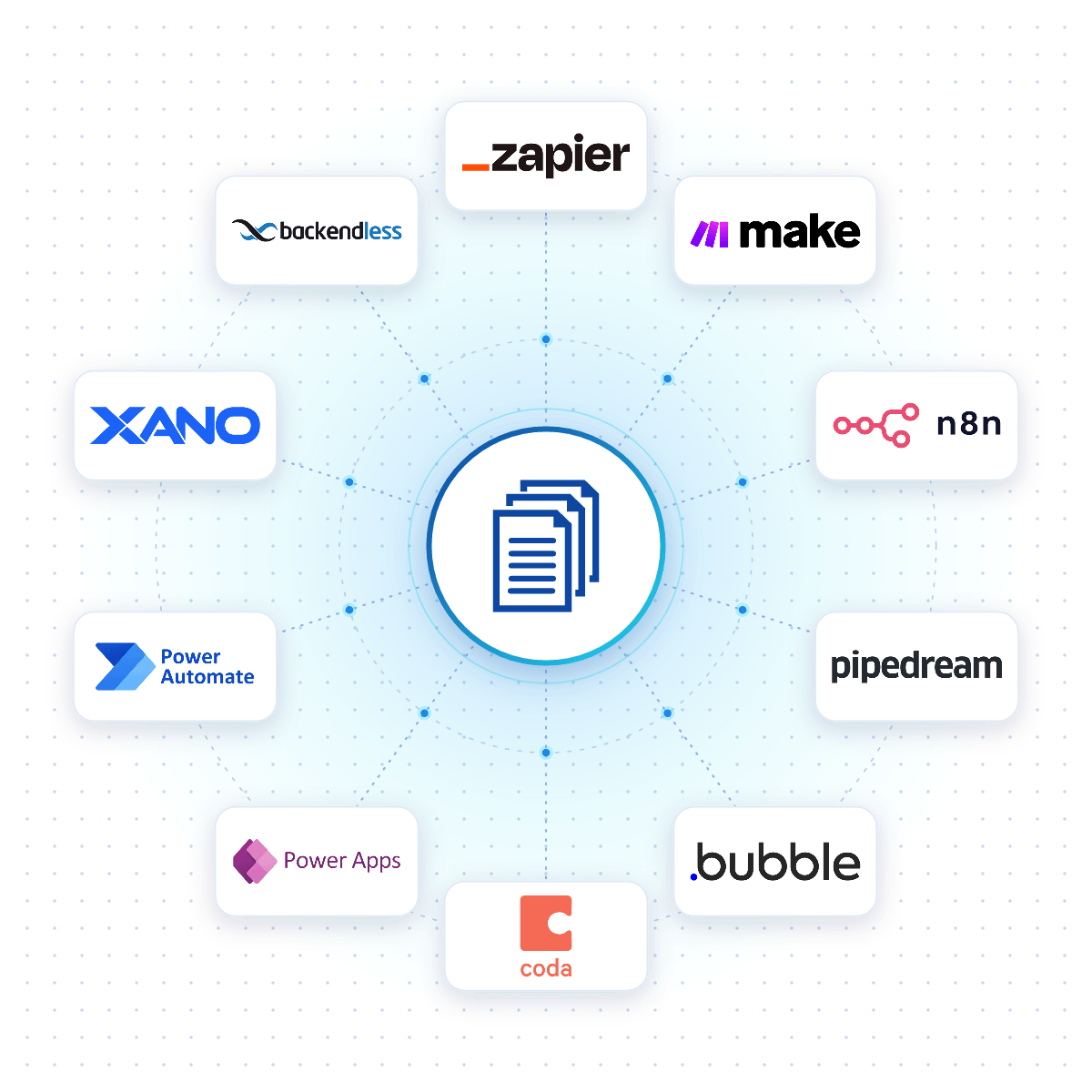
Connect DocuGenerate to Zapier, Make, n8n or Pipedream, and an invoice is created the moment an order is paid, a project milestone is reached or a row is added to your billing spreadsheet.

Native connectors for Bubble, Coda, Power Apps, Xano and Backendless allow your apps to generate invoices reliably from your DocuGenerate templates.

No-Code Integrations
DocuGenerate connected to no-code platforms like Zapier, Make, n8n and Bubble
From Our Blog

Automate PDF Invoice Generation with n8n

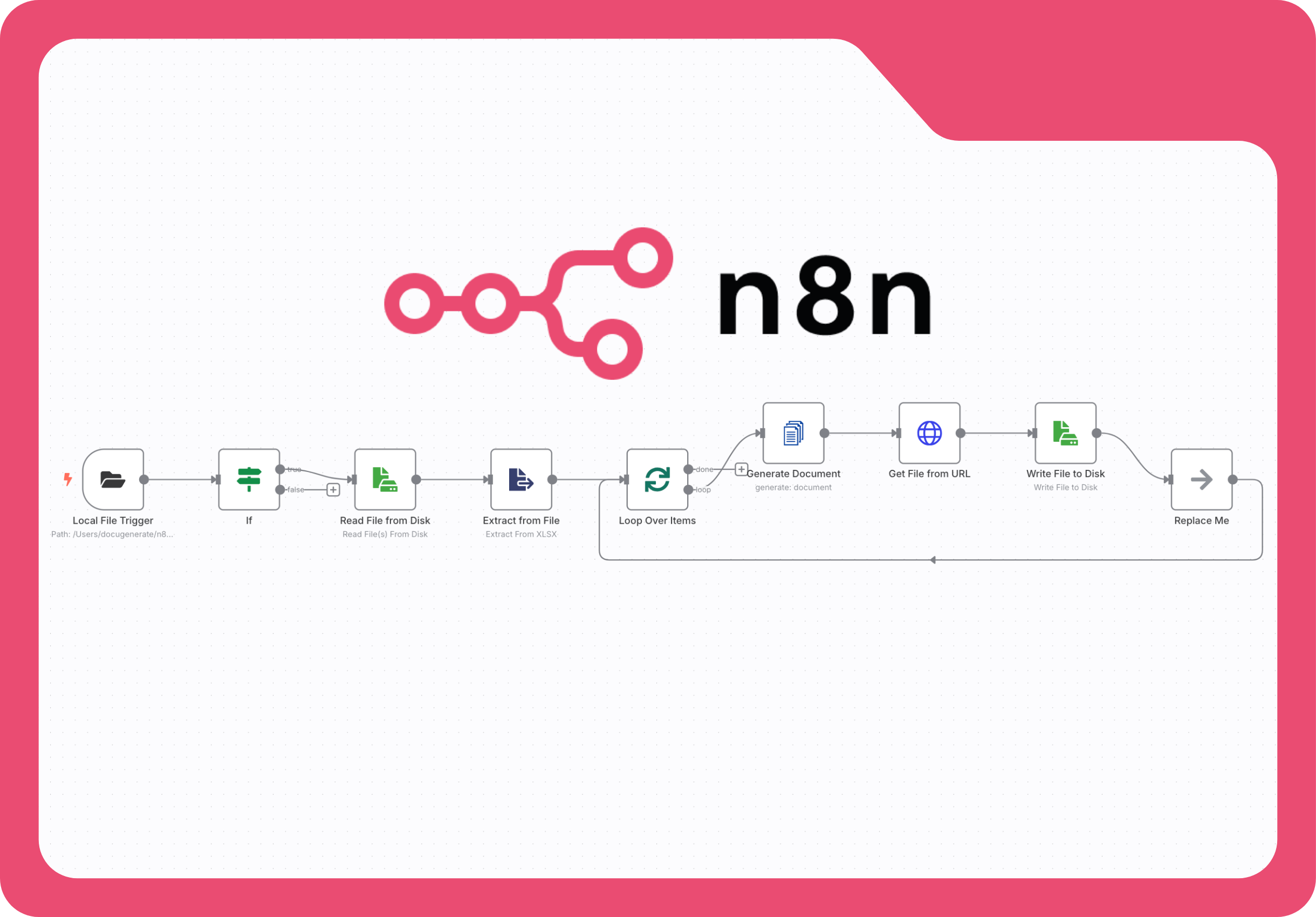
This step-by-step tutorial builds an n8n workflow that watches a folder for Excel files, extracts the billing data and generates professional PDF invoices with DocuGenerate, without relying on multiple cloud-based services.

Read the Article
Automate PDF Invoice Generation with n8n and DocuGenerate
Rectangle shape
FAQ

Your Questions Answered

Questions frequently asked about generating invoices with DocuGenerate

Yes. Templates are ordinary Word files, so you can reuse the invoices you already have. Add merge tags where the details change and upload the file. Learn more.
Yes. With the enhanced syntax, your template can calculate subtotals, taxes and discounts from your data, and show a discount row only when one applies. Learn more.
Yes. Generate your invoice as a PDF/A and attach the ZUGFeRD or Factur-X XML file through the API, so a single PDF holds both the readable invoice and its structured data. Learn more.
Yes. Upload an Excel or CSV file with one row per customer and generate all the invoices in a single run, as separate files or combined into one. Learn more.
No. The data is transient. It is used for the merge and then discarded, never written to the logs or the database. The generated invoices are kept until you delete them.
Yes. Send your invoice data as JSON to the REST API and get the generated invoice back in seconds. SDKs are available for Node.js, Python, PHP, Ruby, Go, C#, Rust and Java, and every plan includes full API access. Learn more.
Sign Up

Start Generating Your Invoices

Get started with 20 free documents per month and our ready-to-use invoice templates.

Start Generating for Free
  • Free forever plan
  • No credit card required