Finance Document Automation

Turn your financial data into reports and statements

Save Time

Automate Your Finance Documents

Finance teams spend hours copying figures from spreadsheets into reports and statements. With document automation, each one is created from your latest data, with every figure in the right place.

  • Financial reports in seconds, not days
  • Every figure taken from your data
  • Consistent formatting in every report
Start Generating for Free
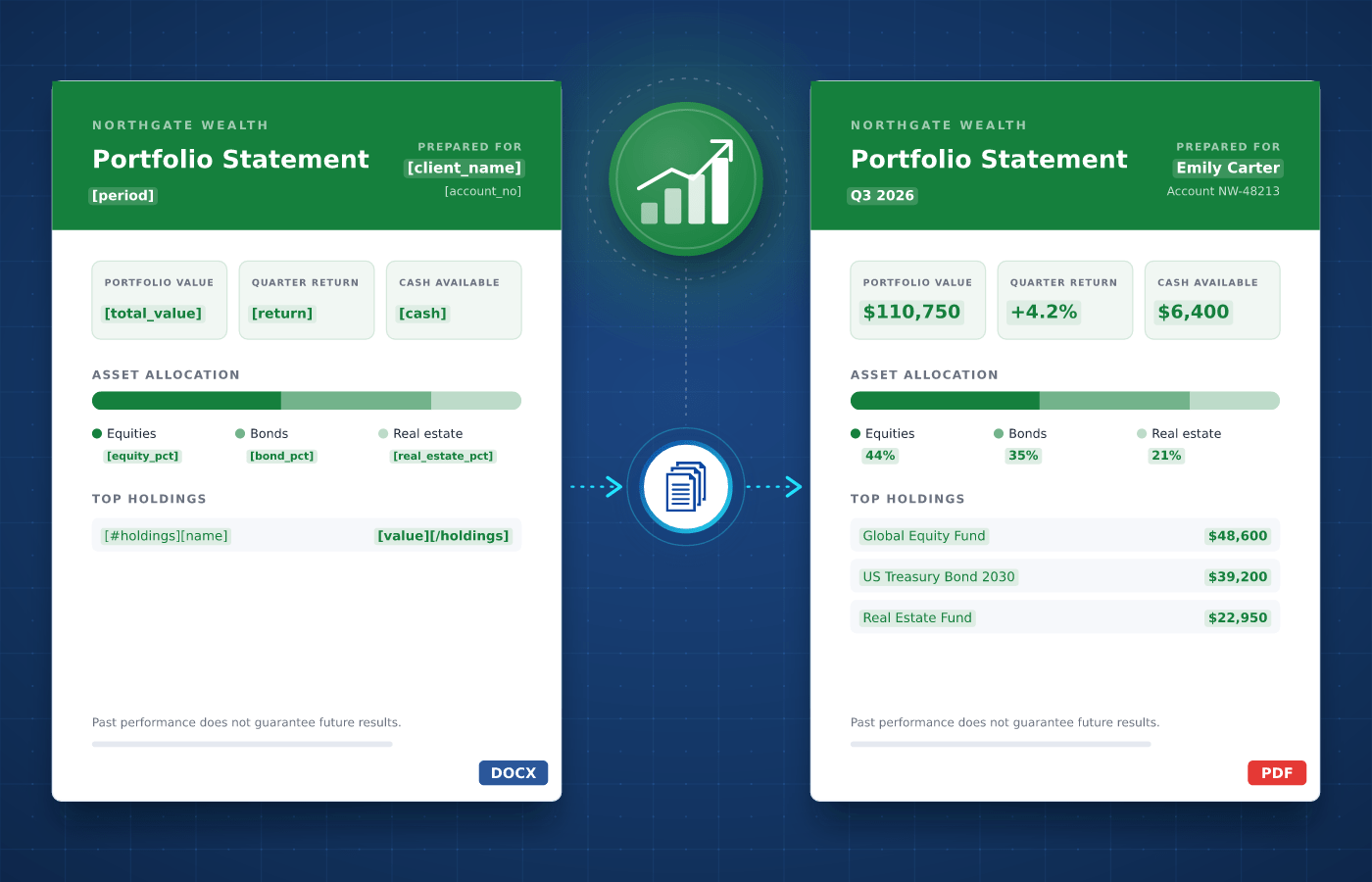
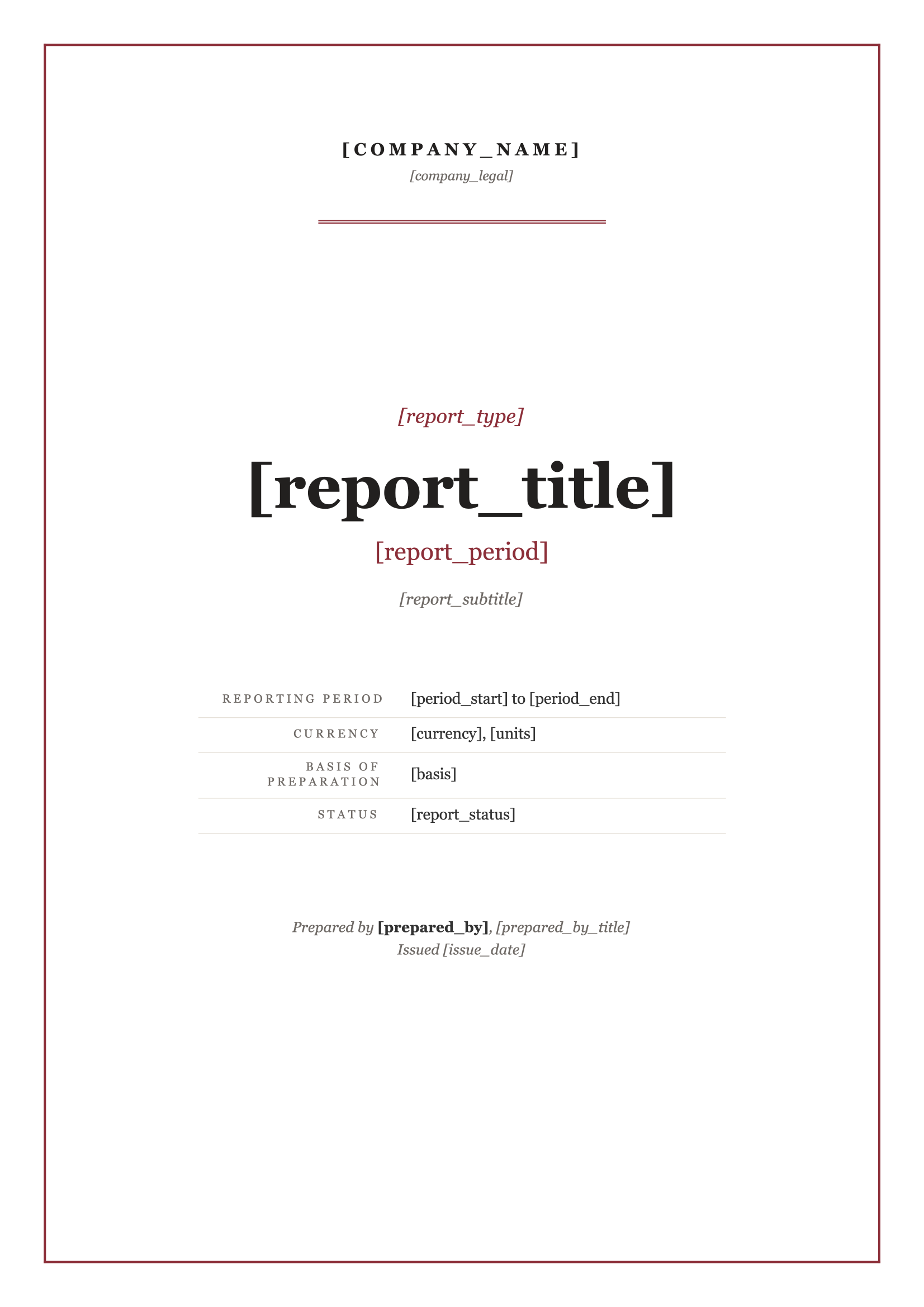
Finance document template in Word with merge tags
Understanding

Finance Documents

Finance teams and advisors produce documents that explain where things stand, such as financial reports and assessments, portfolio statements and client reviews. Alongside them, invoices and receipts keep the accounts up to date.


These documents follow the same structure every month or quarter, with new figures each time. Your team designs each template once, which makes finance documents a natural fit for automation.

Start With Our

Finance Templates

Download a ready-to-use template, adapt it to your needs and generate your first finance document in minutes.

Financial Report
Download
Financial Report Template
Dotted shape
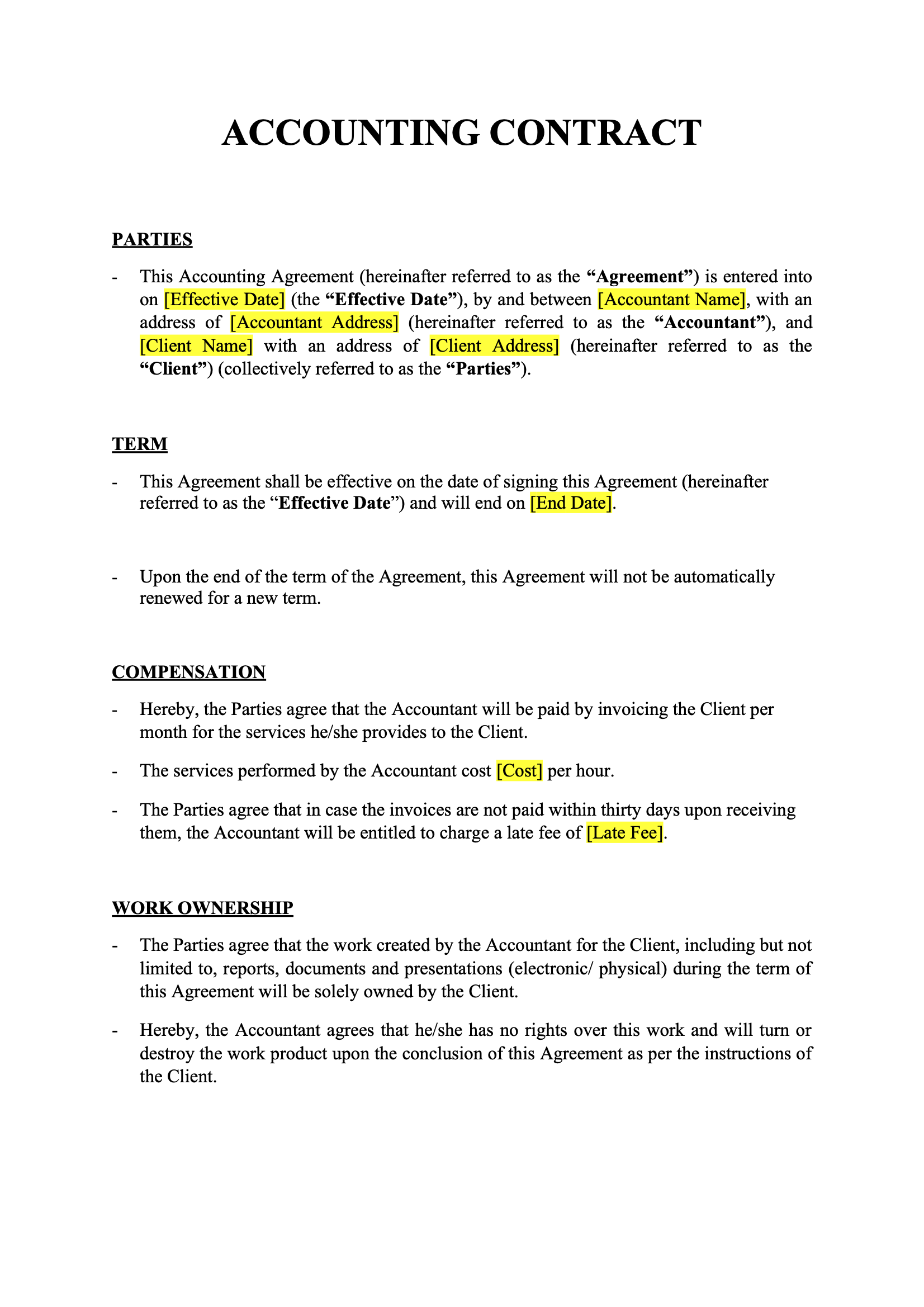
Accounting Contract
Download
Accounting Contract Template
Dotted shape
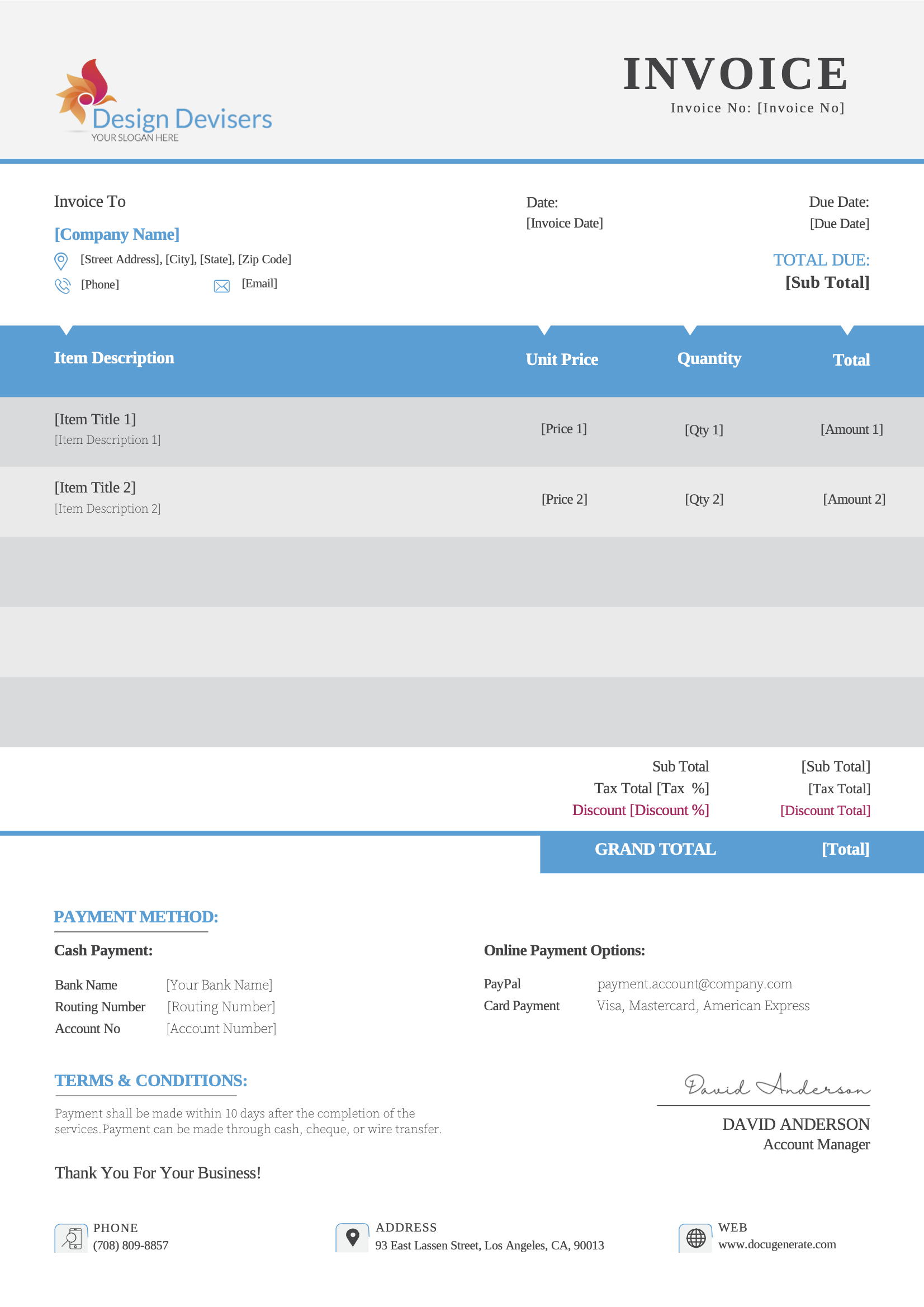
Business Invoice
Download
Business Invoice Template
Dotted shape
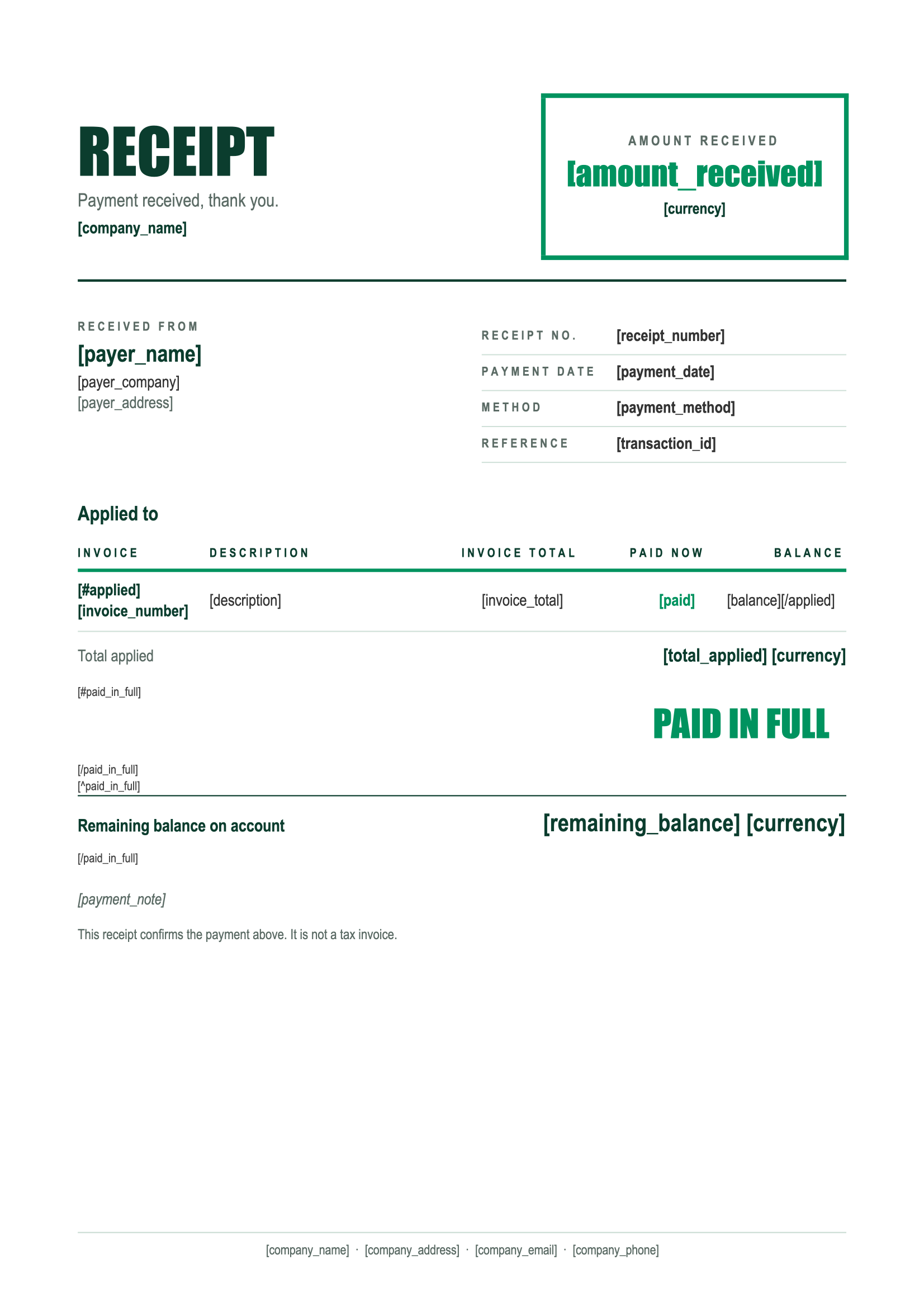
Payment Receipt
Download
Payment Receipt Template
Dotted shape
Everything You Need

Built For Finance

From financial statements to client reviews, every finance document can be driven by your data.

Data Tables

Present balances, transactions and positions in tables that grow automatically with your data.

Learn More

Number Formats

Show amounts with the right decimals and separators for each client's locale, whatever their country.

Learn More

Charts & Images

Insert charts created by your analytics tools into each report, straight from the data you already have.

Learn More

Optional Sections

Show a comment or a warning only when it applies, like when a figure falls below its target.

Learn More

Date Formats

Display reporting periods, value dates and due dates in the format each of your clients expects.

Learn More

Excel & CSV Imports

Upload a spreadsheet and generate one statement per row, for every client or account in a single run.

Learn More

Disclaimers PDF

Append your legal disclaimers or terms as a static PDF at the end of every report you generate.

Learn More

Regional Processing

Process and store financial documents in the region of your choice to help meet compliance regulations.

Learn More
Integrations

Automate With No-Code

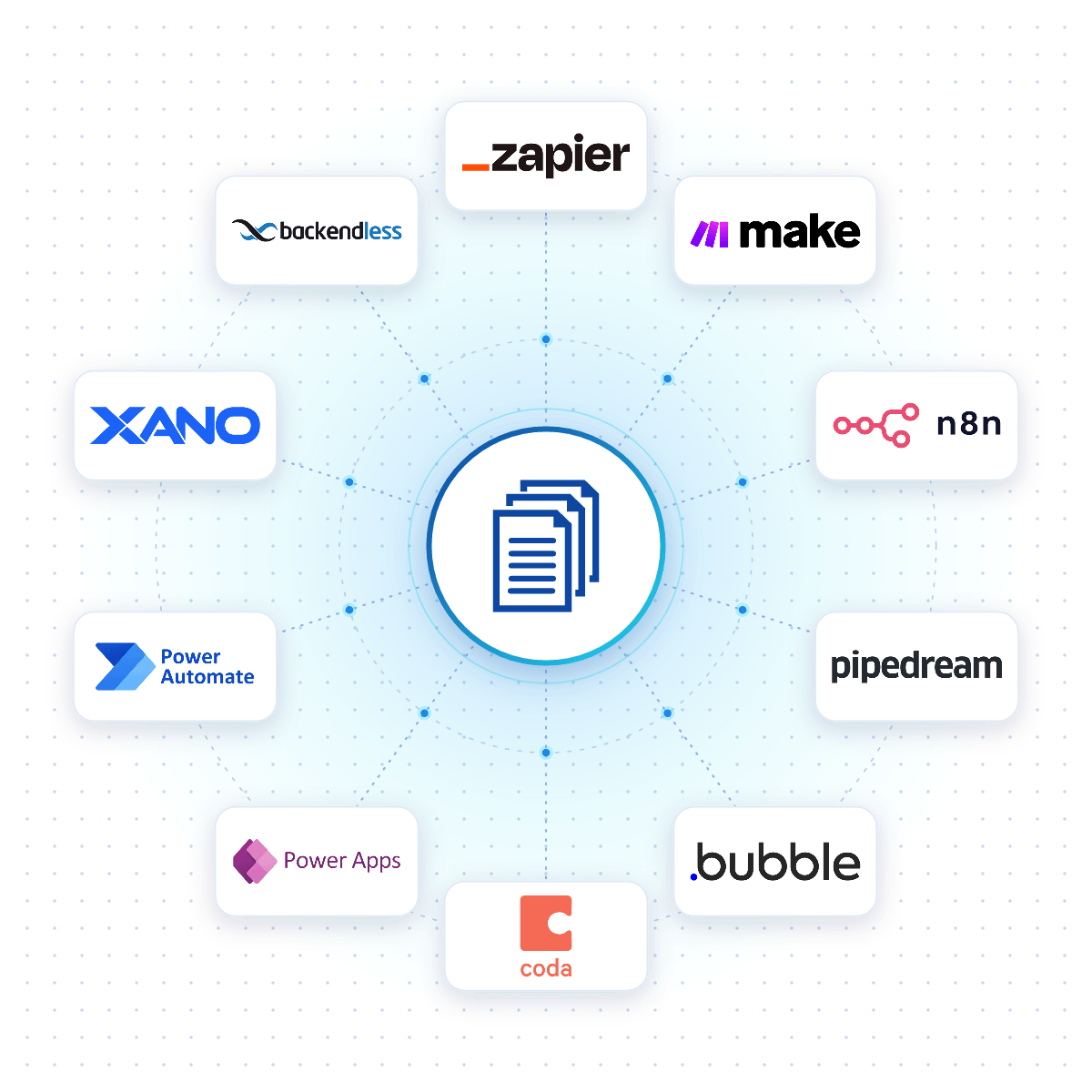
Connect DocuGenerate to Zapier, Make, n8n or Pipedream, and a finance document is created the moment a month closes, an account is updated or new figures reach your database.

Native connectors for Bubble, Coda, Power Apps, Xano and Backendless allow your apps to generate finance documents reliably from your DocuGenerate templates.

No-Code Integrations
DocuGenerate connected to no-code platforms like Zapier, Make, n8n and Bubble
Case Study

How Quixar Generates Reports for Property Owners

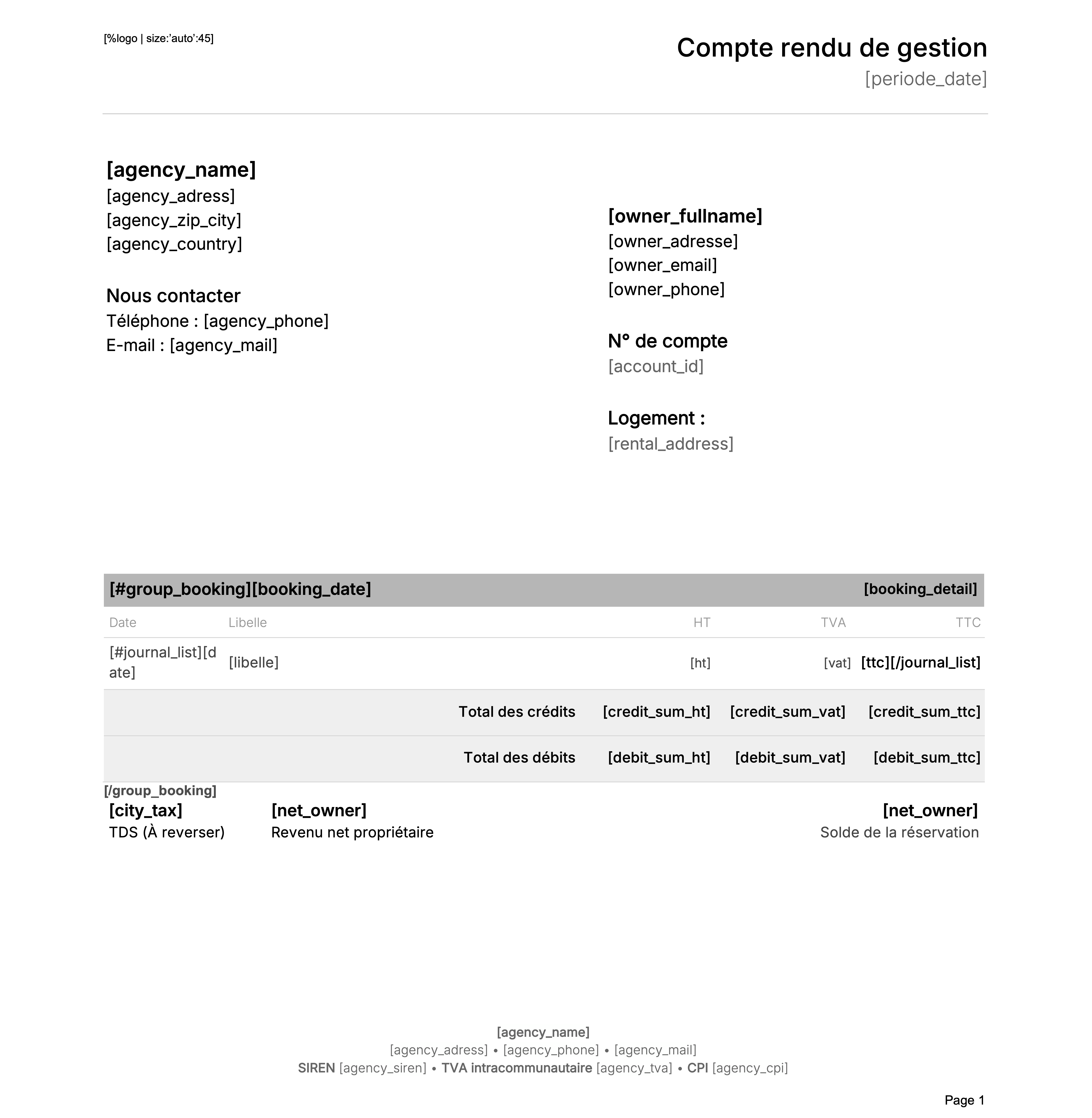
Quixar, a French proptech platform for vacation rental agencies, uses DocuGenerate to automatically generate management reports and financial documents for the property owners they represent, with every booking, fee and payout accounted for each period.

Read the Case Study
Quixar management report template
Rectangle shape
FAQ

Your Questions Answered

Questions frequently asked about automating finance documents with DocuGenerate

Yes. Templates are ordinary Word files, so you can reuse the reports and statements you already have. Add merge tags where the details change and upload the file. Learn more.
Yes. Create the chart with the tools you already use and pass it as an image in your data, as a URL or Base64, and it's inserted into the report at the size you choose. Learn more.
Yes. Upload an Excel or CSV file with one row per client or account and generate all the statements in a single run, as separate files named after each client. Learn more.
Yes. Schedule a workflow in Zapier, Make, n8n or Pipedream that generates each report from your latest data and emails it to your clients or your team.
No. The data is transient. It is used for the merge and then discarded, never written to the logs or the database. The generated documents are kept until you delete them.
Yes. Send your financial data as JSON to the REST API and get the generated document back in seconds. SDKs are available for Node.js, Python, PHP, Ruby, Go, C#, Rust and Java, and every plan includes full API access. Learn more.
Sign Up

Start Creating Your Finance Documents

Get started with 20 free documents per month and our ready-to-use finance templates.

Start Generating for Free
  • Free forever plan
  • No credit card required