Generate Resumes

Turn candidate data into professional, consistent resumes

Save Time

Automate Your Resumes

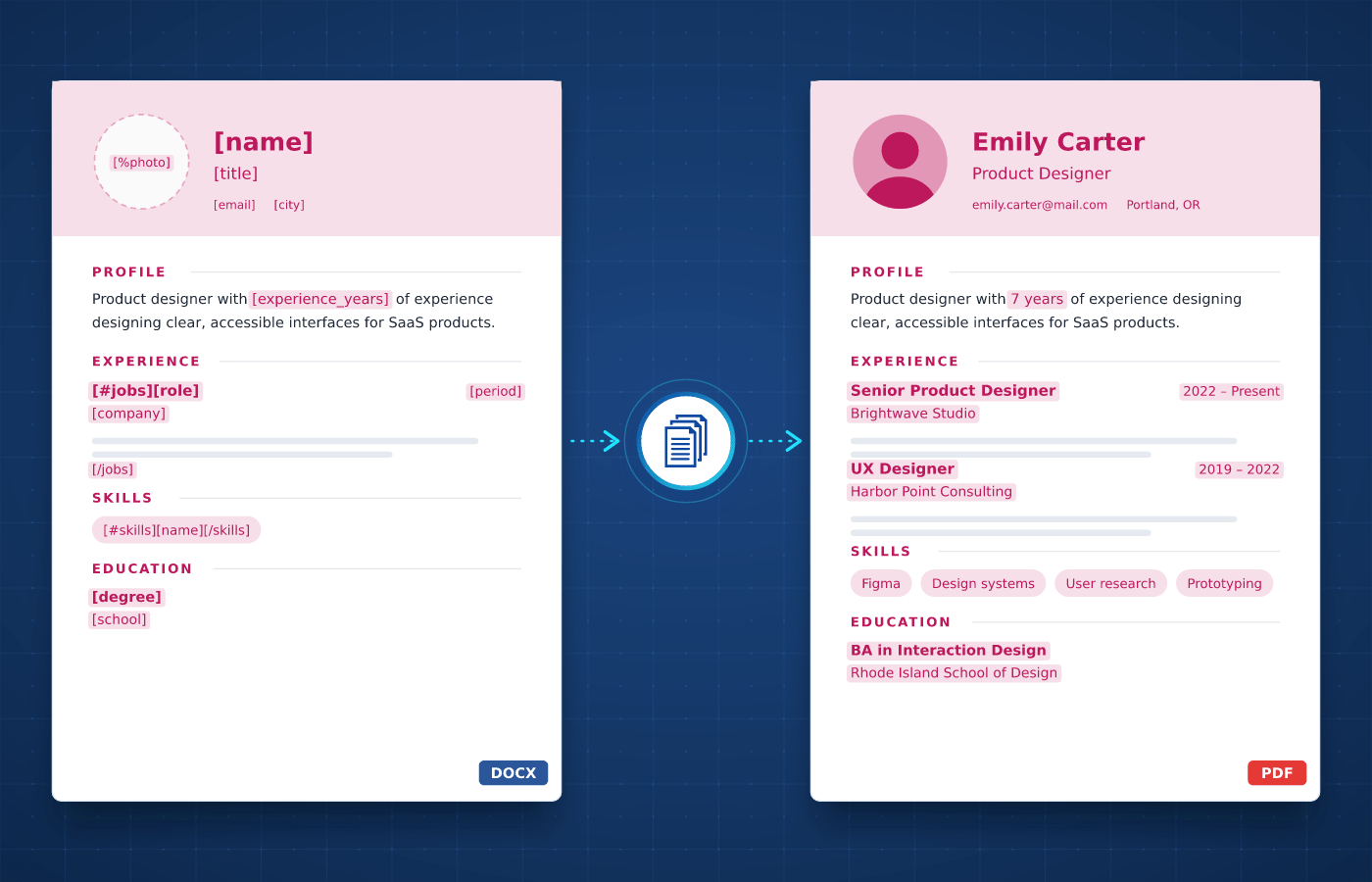
Formatting resumes usually involves copying each candidate's experience, education and skills into your template. With automated resume generation, each one is created in the same professional layout.

  • Resumes ready in seconds, not hours
  • The same format for every candidate
  • Your branding on every resume
Start Generating for Free
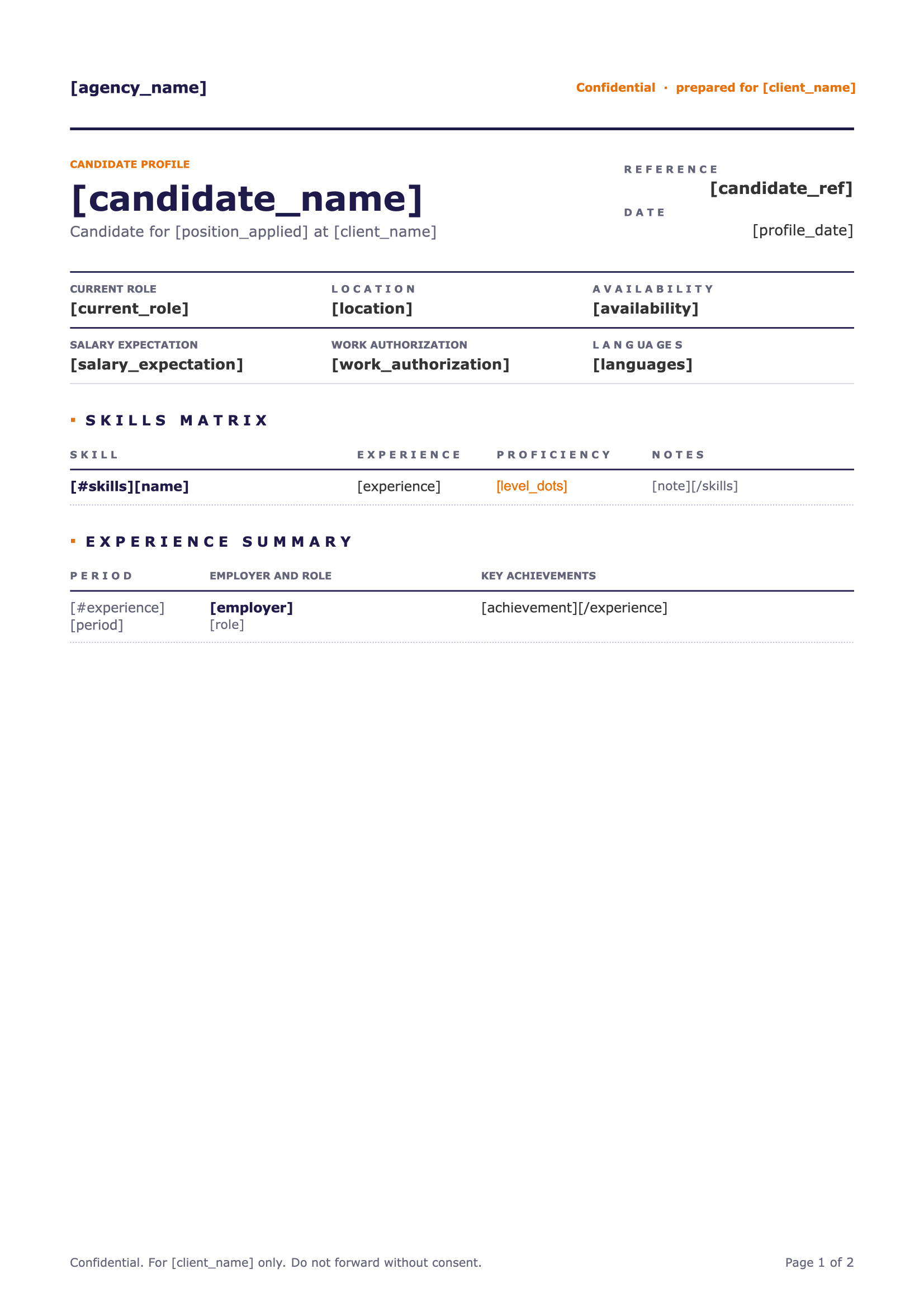
Resume template in Word with merge tags
Understanding

What's a Resume?

A resume, or CV, is a document that summarizes a person's work experience, education and skills. It's used to apply for jobs, but also by recruiters and consultancies to present candidates and team members to their clients.


Recruitment agencies, staffing firms and consultancies produce resumes every day, often reformatting candidates' own documents into a branded layout. That layout is defined once, which makes resumes a natural fit for automation.

Start With Our

Resume Templates

Download a ready-to-use template, adapt it to your needs and generate your first resume in minutes.

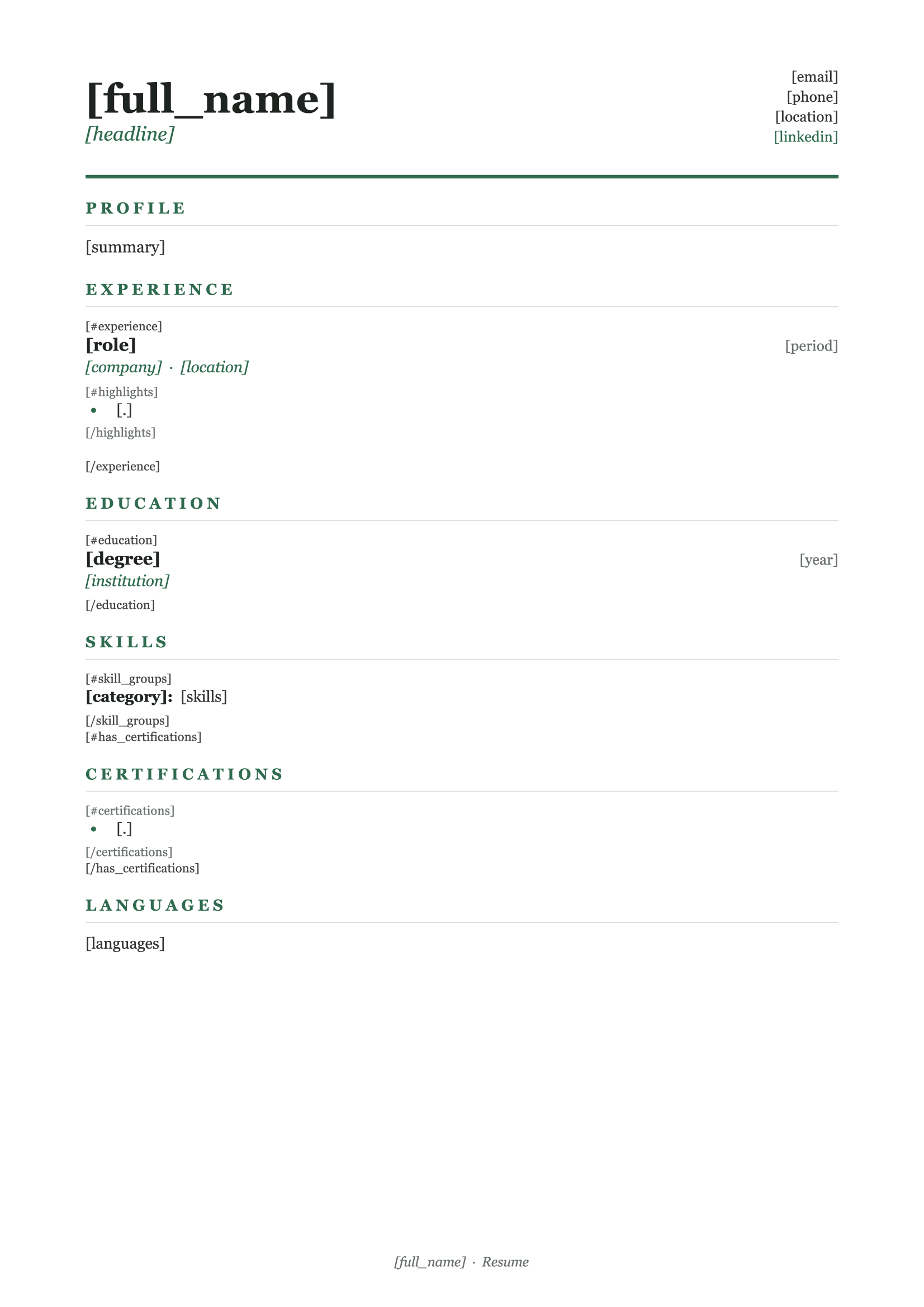
Professional Resume
Download
Professional Resume Template
Dotted shape
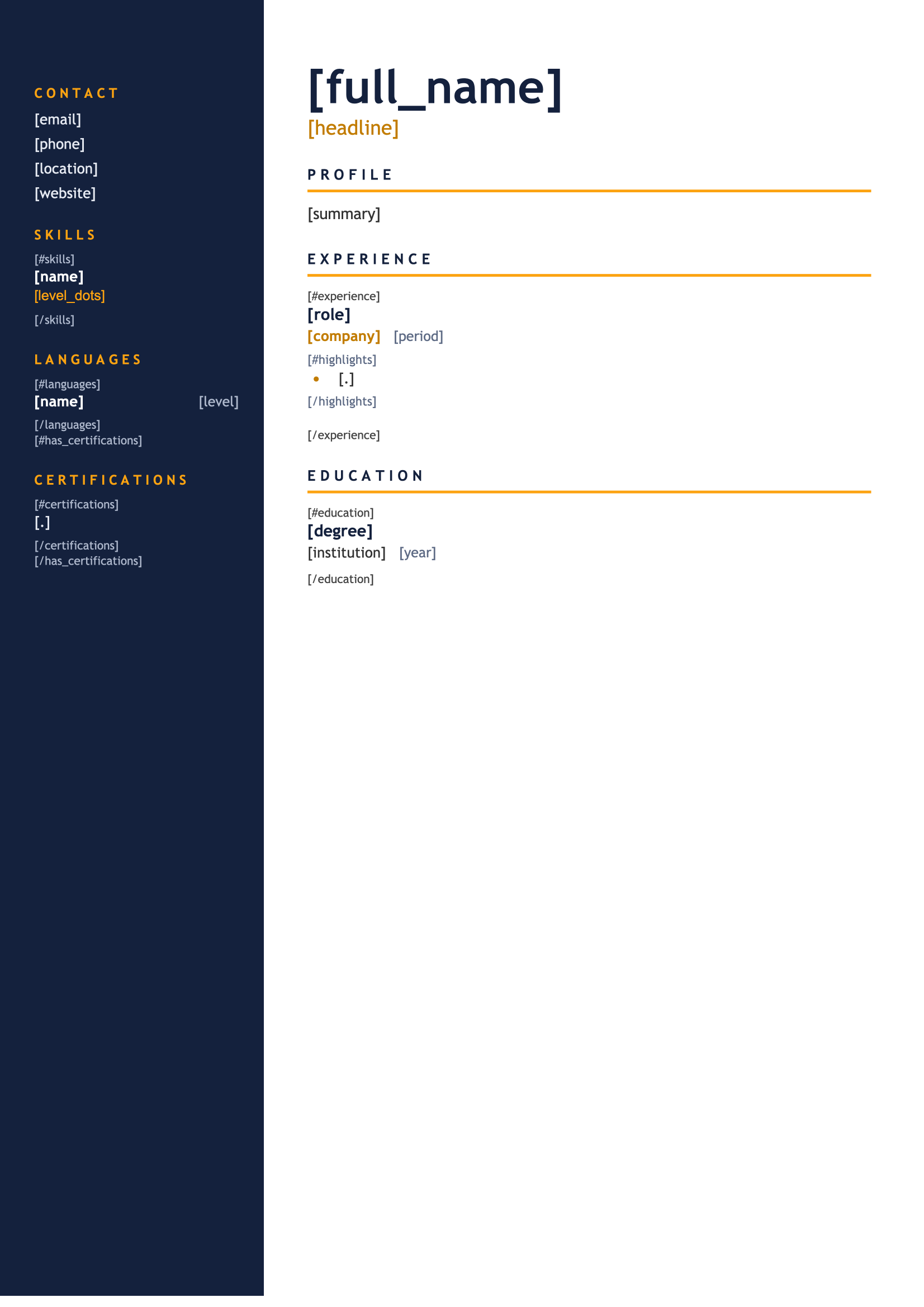
Modern Resume
Download
Modern Resume Template
Dotted shape
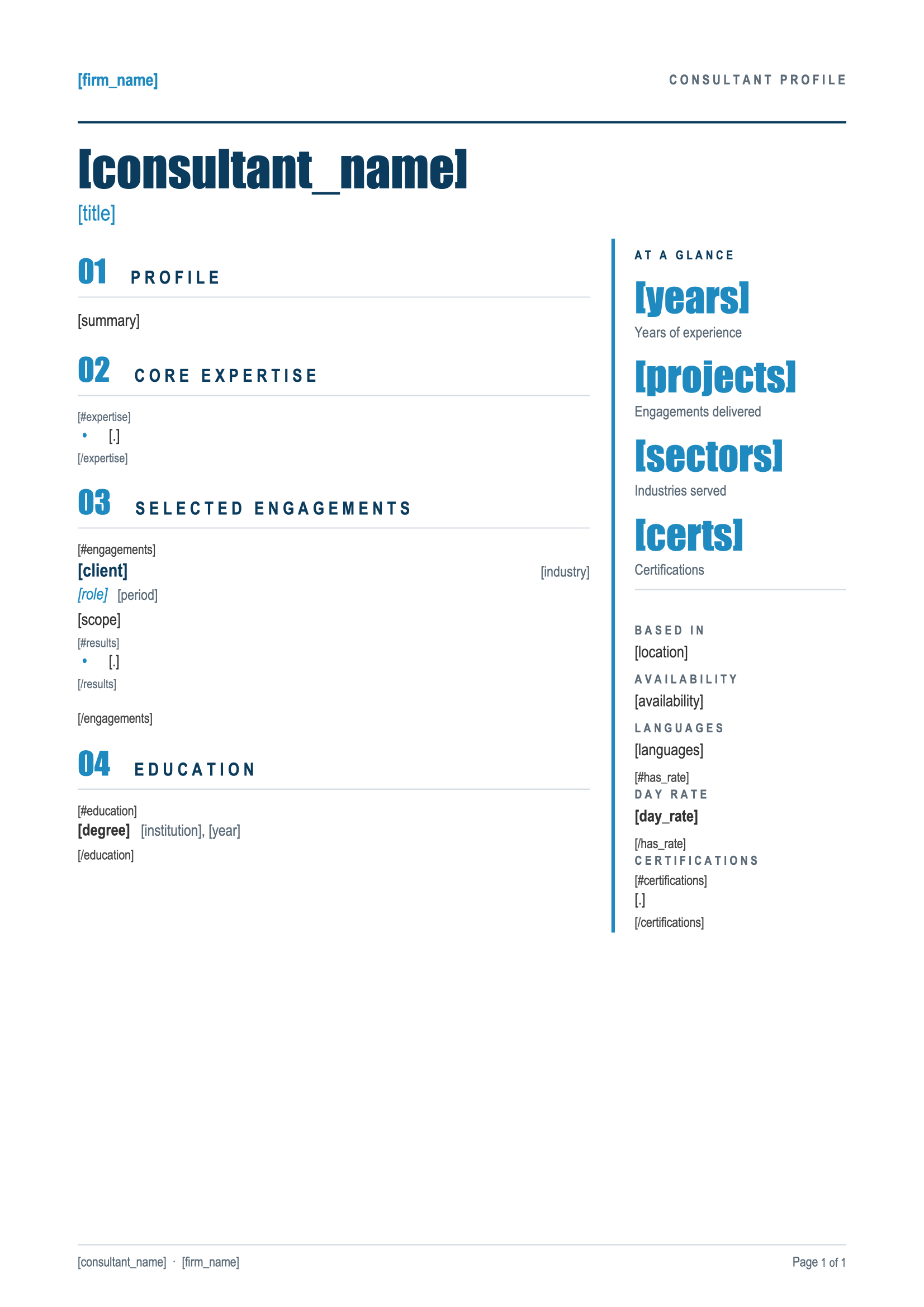
Consultant Profile
Download
Consultant Profile Template
Dotted shape
Candidate Profile
Download
Candidate Profile Template
Dotted shape
Everything You Need

Built For Resumes

From work experience to skills, every part of a resume can be driven by your data.

Dynamic Lists

List jobs, degrees and skills that grow automatically with each candidate's experience.

Learn More

Profile Photos

Add each candidate's photo to their resume, straight from the data you already have.

Learn More

Optional Sections

Show certifications, languages or publications only for the candidates who have them.

Learn More

Date Formats

Display employment dates in the format your clients expect, whatever the format of your data.

Learn More

Excel & CSV Imports

Upload a spreadsheet and generate one resume per row, for a whole talent pool in a single run.

Learn More

Custom Fonts

Use your brand fonts in every resume, so each one matches your company's style guide and visual identity.

Learn More

Template Folders

Organize your resume templates in folders by client, team or language, so everyone finds the right one.

Learn More

Team Collaboration

Share templates with your colleagues so every recruiter presents candidates the same way.

Learn More
Integrations

Automate With No-Code

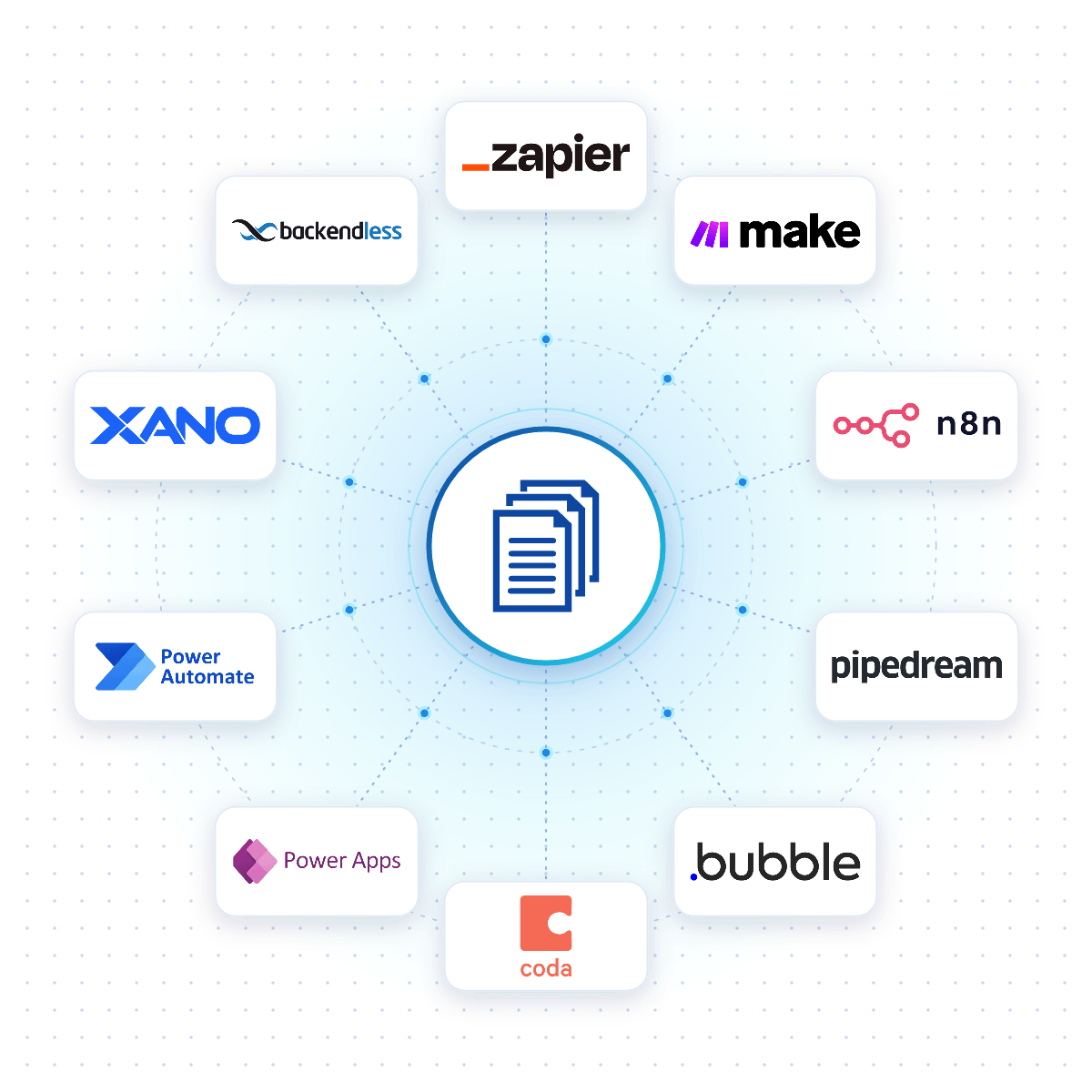
Connect DocuGenerate to Zapier, Make, n8n or Pipedream, and a resume is created the moment a candidate applies, a profile is updated or a form is submitted.

Native connectors for Bubble, Coda, Power Apps, Xano and Backendless allow your apps to generate resumes reliably from your DocuGenerate templates.

No-Code Integrations
DocuGenerate connected to no-code platforms like Zapier, Make, n8n and Bubble
From Our Blog

Build a Resume Analyzer with Pipedream

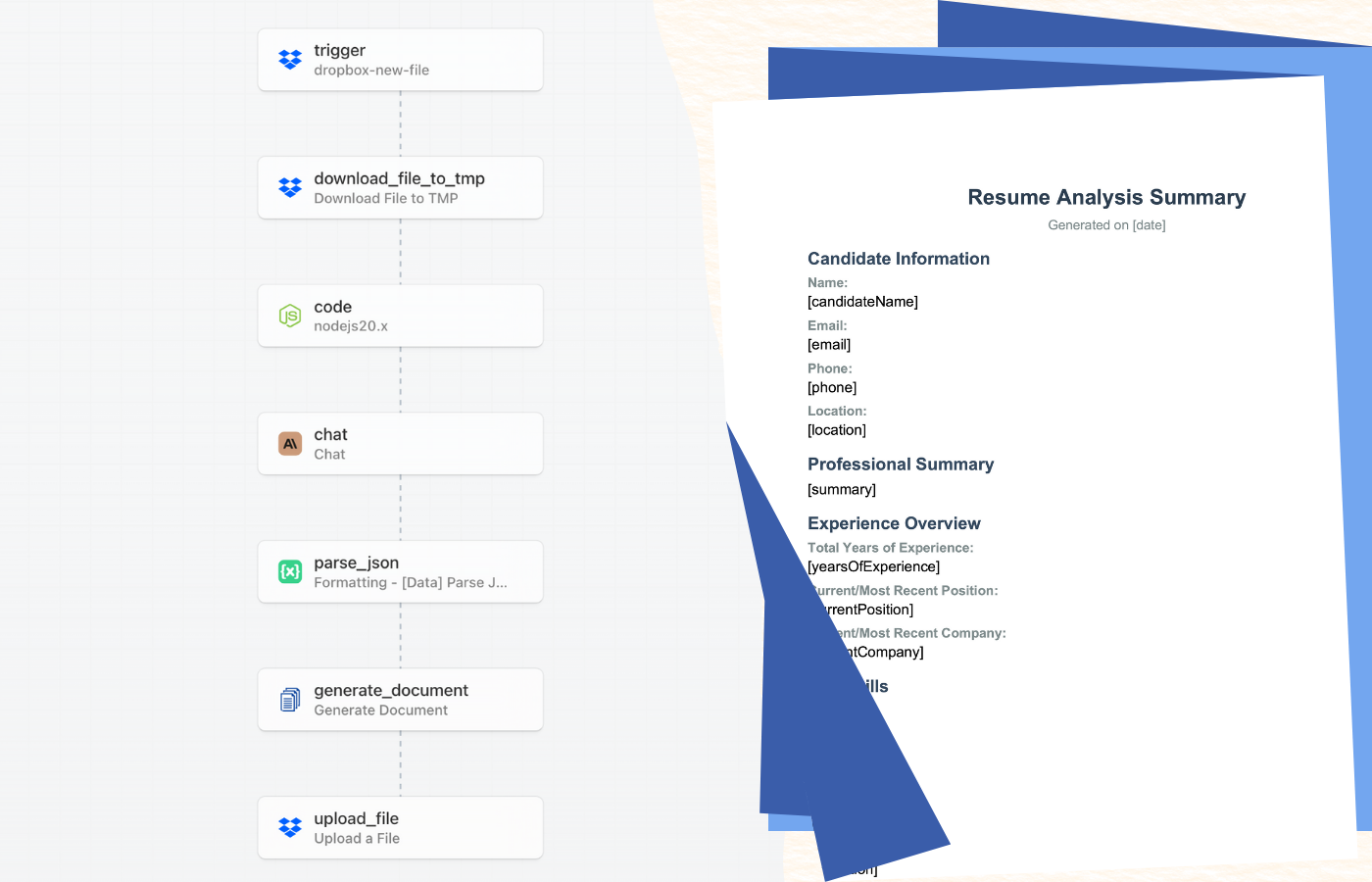
This step-by-step tutorial builds a resume analyzer with Pipedream, Claude AI and DocuGenerate that extracts the key data from every application and turns it into a PDF candidate report.

Read the Article
Build a Resume Analyzer with Pipedream and DocuGenerate
Rectangle shape
FAQ

Your Questions Answered

Questions frequently asked about generating resumes with DocuGenerate

Yes. Templates are ordinary Word files, so you can reuse the resumes you already have. Add merge tags where the details change and upload the file. Learn more.
Yes. Lists repeat a block for every job, degree or skill in your data, so each resume shows exactly what the candidate has. Learn more.
Yes. Pass the photo as an image in your data, as a URL or Base64, and it's inserted into the resume at the size you choose. Learn more.
Yes. Connect your ATS through Zapier, Make, n8n or Pipedream and generate a resume automatically when a candidate applies or a profile is updated.
No. The data is transient. It is used for the merge and then discarded, never written to the logs or the database. The generated resumes are kept until you delete them.
Yes. Send your resume data as JSON to the REST API and get the generated resume back in seconds. SDKs are available for Node.js, Python, PHP, Ruby, Go, C#, Rust and Java, and every plan includes full API access. Learn more.
Sign Up

Start Generating Your Resumes

Get started with 20 free documents per month and our ready-to-use resume templates.

Start Generating for Free
  • Free forever plan
  • No credit card required