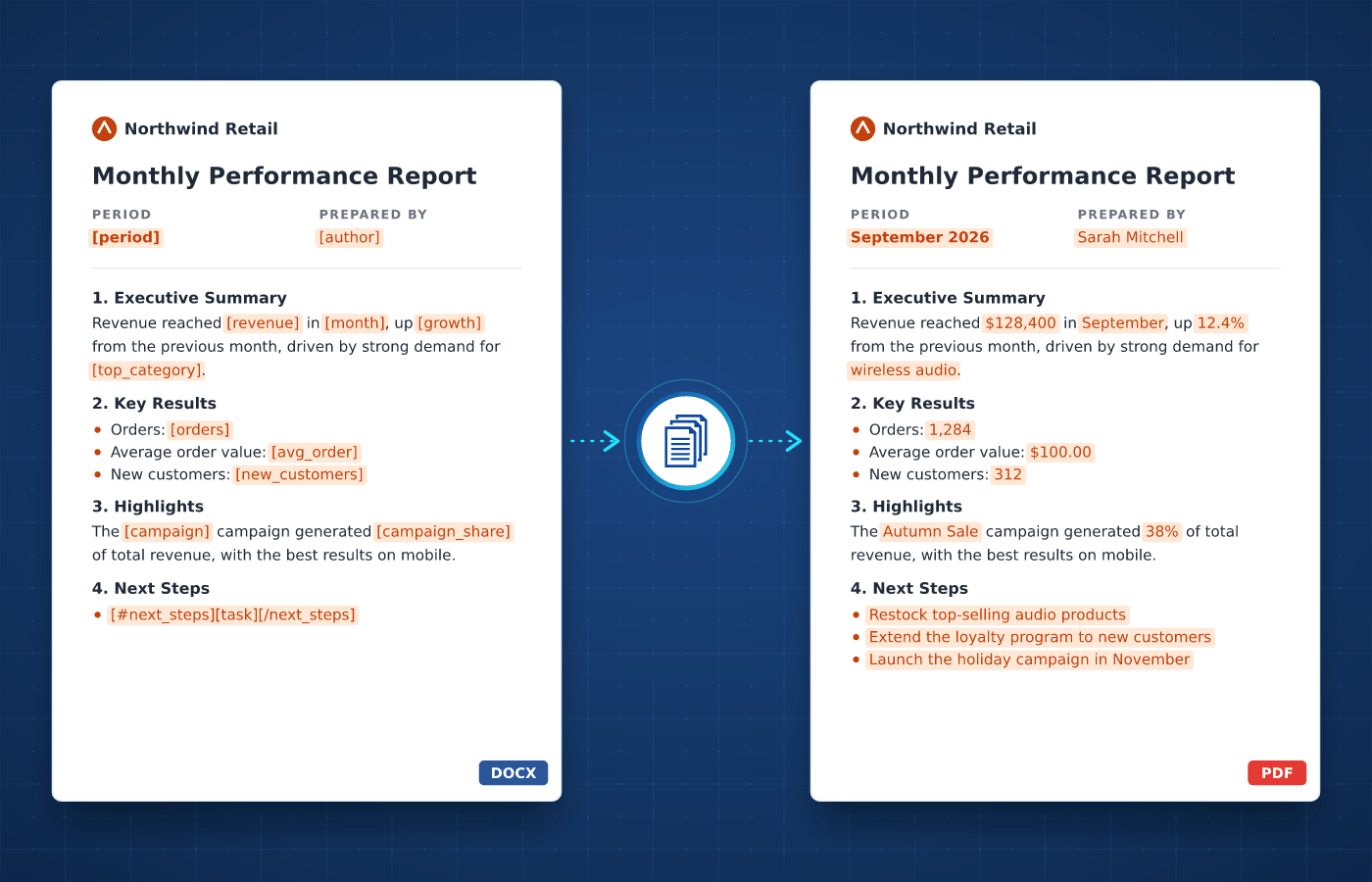
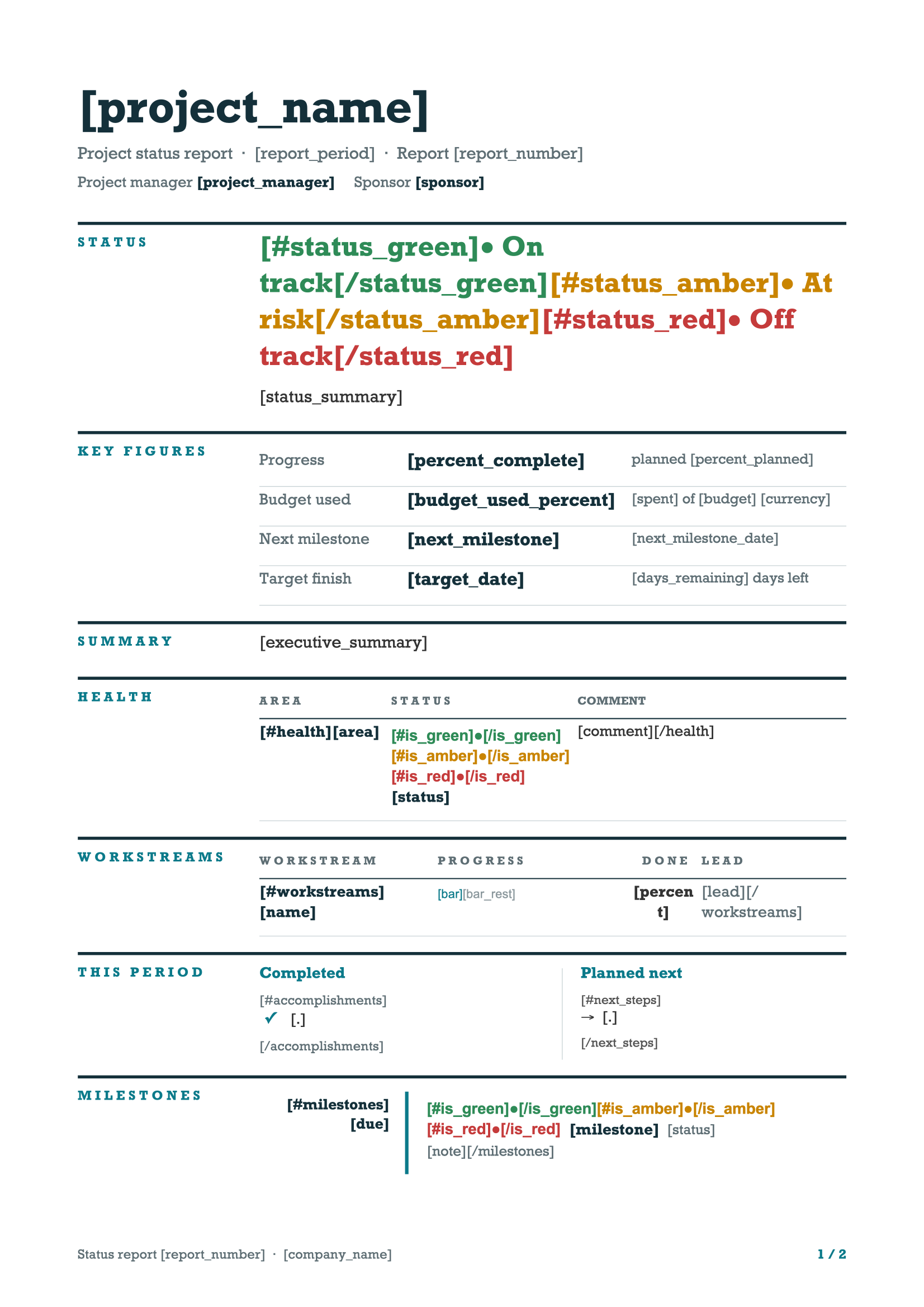
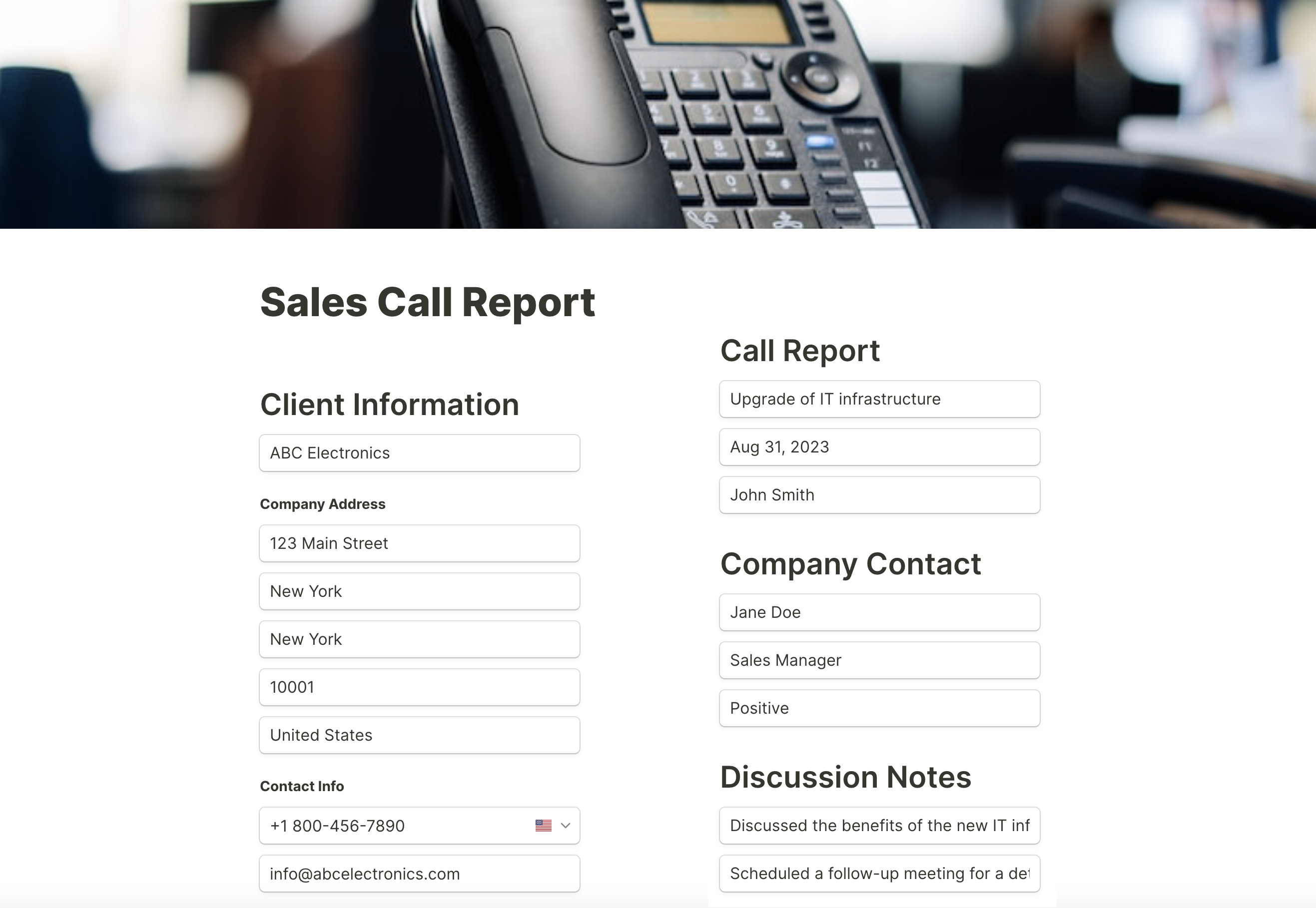
Building reports usually involves copying the latest figures into the same document every week or month. With automated report generation, each one is created with up-to-date numbers, tables and charts.
A report is a document that presents information about a subject, such as results, activity or findings, in a structured way. It usually combines key figures, tables, charts and comments so readers can understand the situation and act on it.
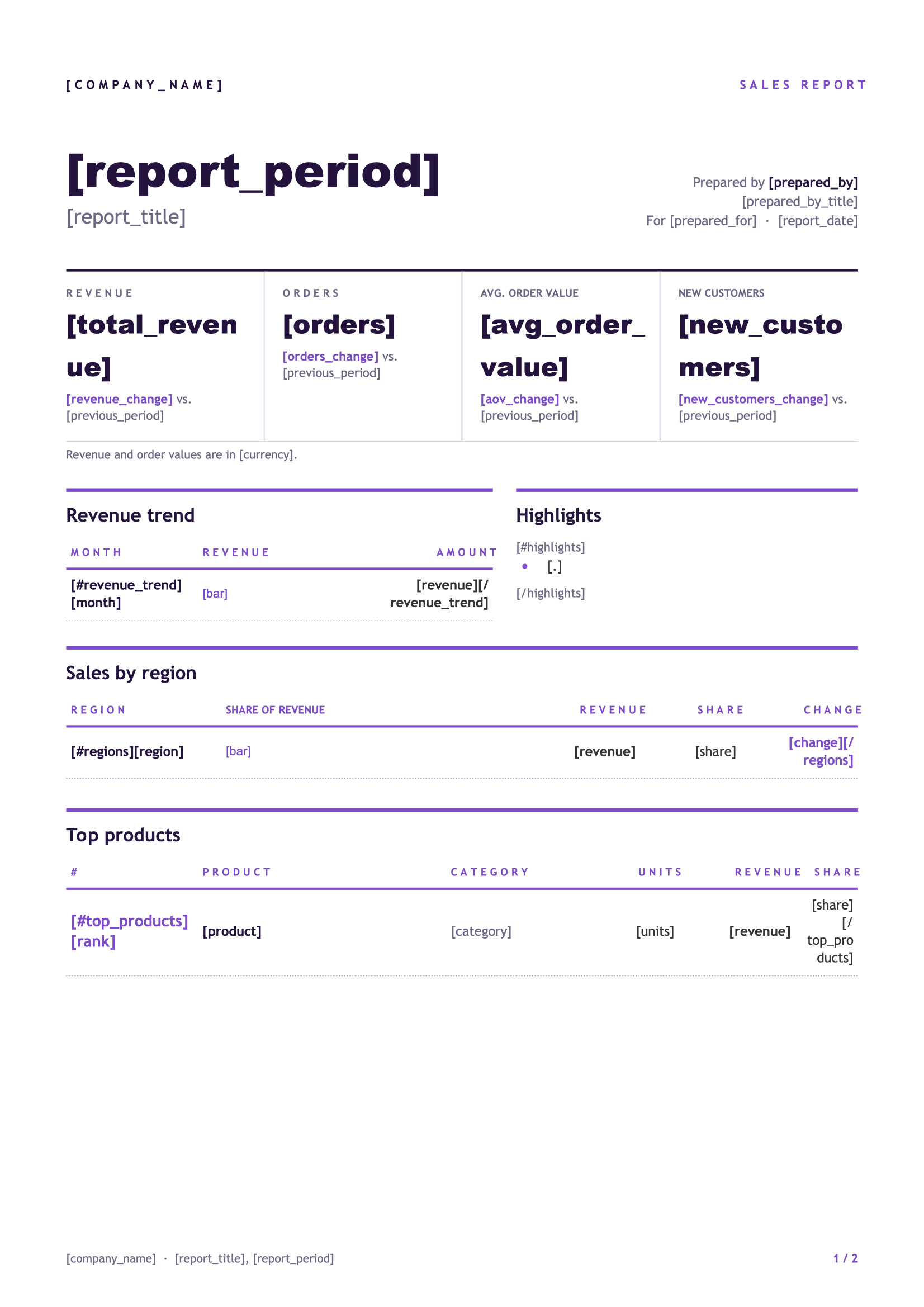
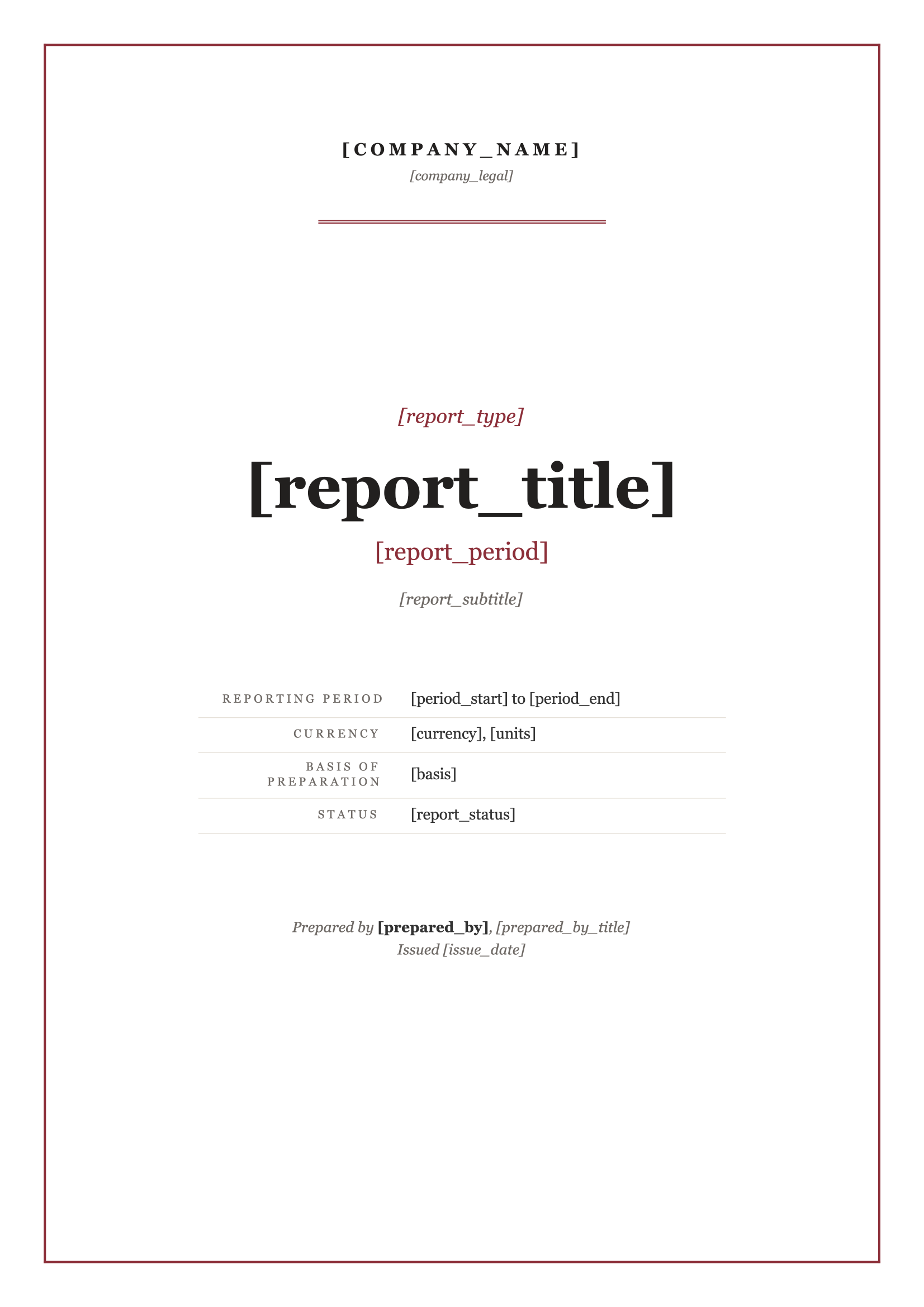
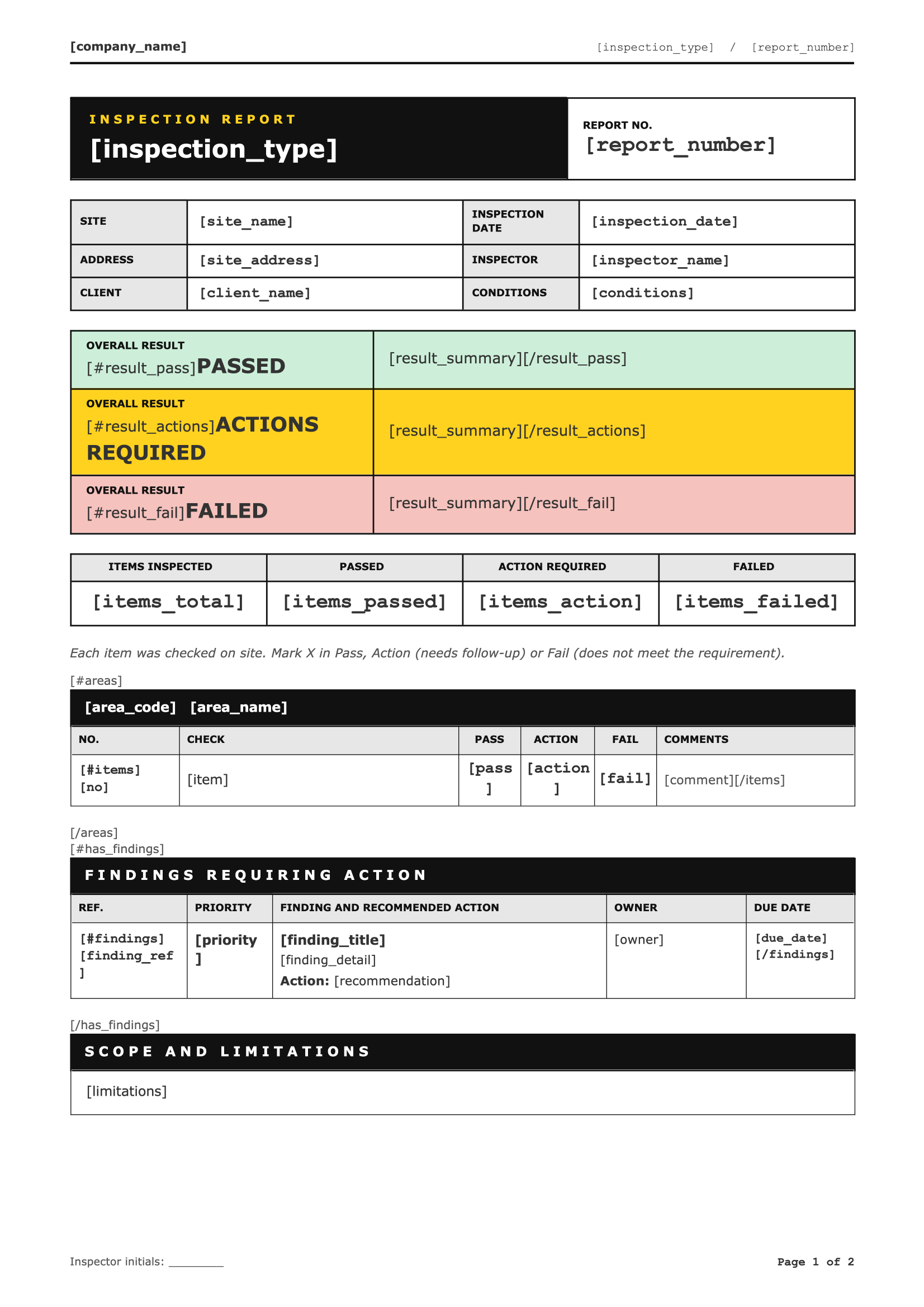
Businesses produce reports all the time, from sales and financial reports to inspection, property and client reports. Most of them repeat the same structure with new data, which makes reports a natural fit for automation.
Download a ready-to-use template, adapt it to your needs and generate your first report in minutes.
From data tables to charts, every part of a report can be driven by your data.
Present your figures in tables that grow automatically with your data, whatever the number of rows.
Learn MoreInsert charts, photos or maps created by your other tools into each report, straight from your data.
Learn MoreShow a section or a comment only when it applies, like a warning when a figure falls below target.
Learn MoreShow figures with the right decimals and separators for your readers' locale, whatever their country.
Learn MoreList findings, recommendations or action items that grow and shrink with your data.
Learn MoreDisplay report periods and dates in the format your readers expect, whatever the format of your data.
Learn MoreUse your brand fonts in every report, so each one matches your company's style guide and visual identity.
Learn MoreShare templates with your colleagues so every team produces reports in the same approved format.
Learn MoreConnect DocuGenerate to Zapier, Make, n8n or Pipedream, and a report is created the moment a form is submitted, a month closes or new data reaches your database.
Native connectors for Bubble, Coda, Power Apps, Xano and Backendless allow your apps to generate reports reliably from your DocuGenerate templates.
No-Code Integrations
This tutorial shows how Tally, Make and DocuGenerate work together to turn every form submission into a PDF report automatically, making your reporting workflow faster and more accurate.
Questions frequently asked about generating reports with DocuGenerate
Get started with 20 free documents per month and our ready-to-use report templates.