Generate Certificates

Turn your attendee lists into personalized certificates

Save Time

Automate Your Certificates

Preparing certificates usually involves typing each name, date and course into the same design. With automated certificate generation, each one is created with the right details for every recipient.

  • Certificates for a whole class in minutes
  • Every name spelled correctly
  • Your design on every certificate
Start Generating for Free
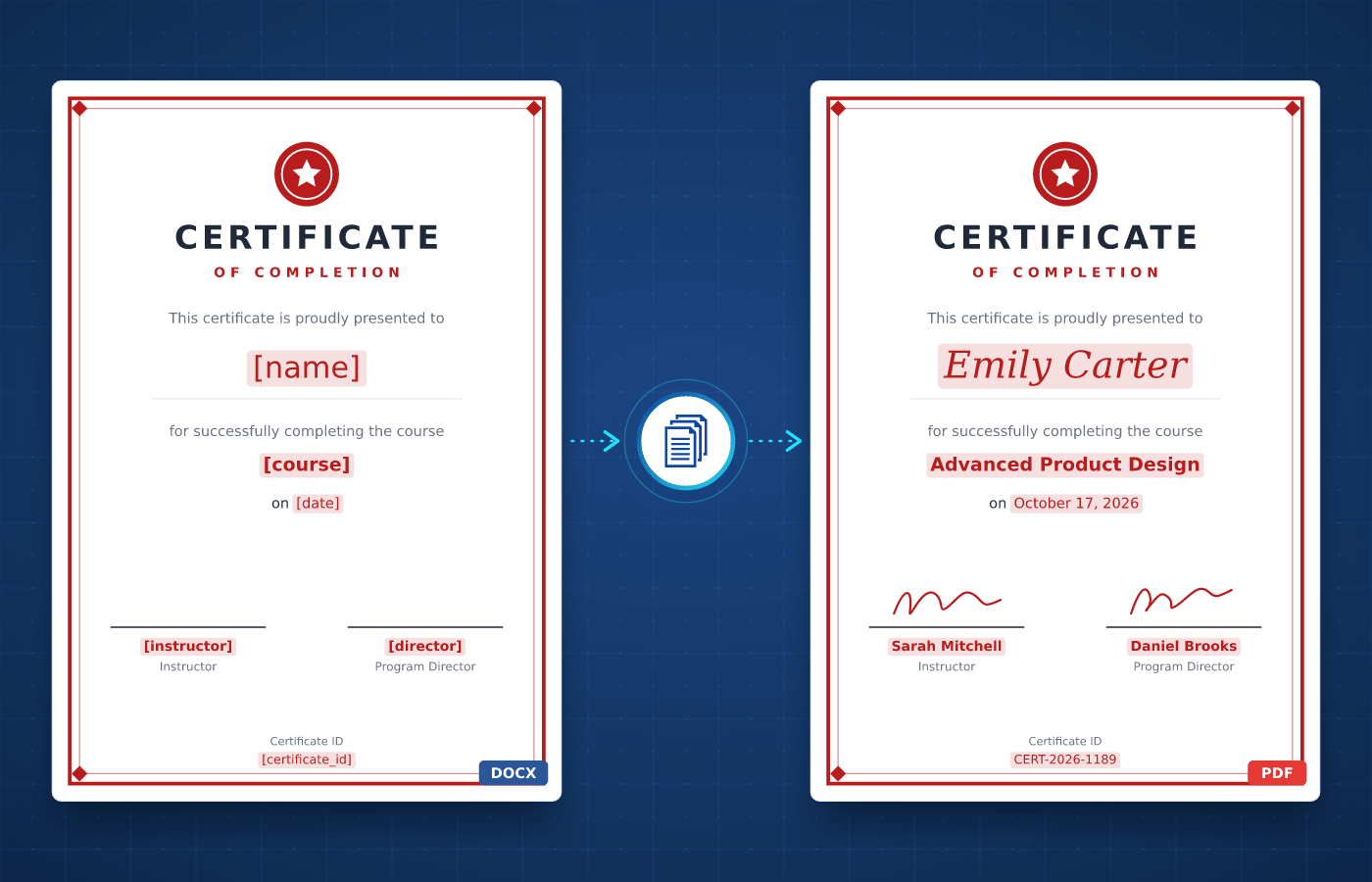
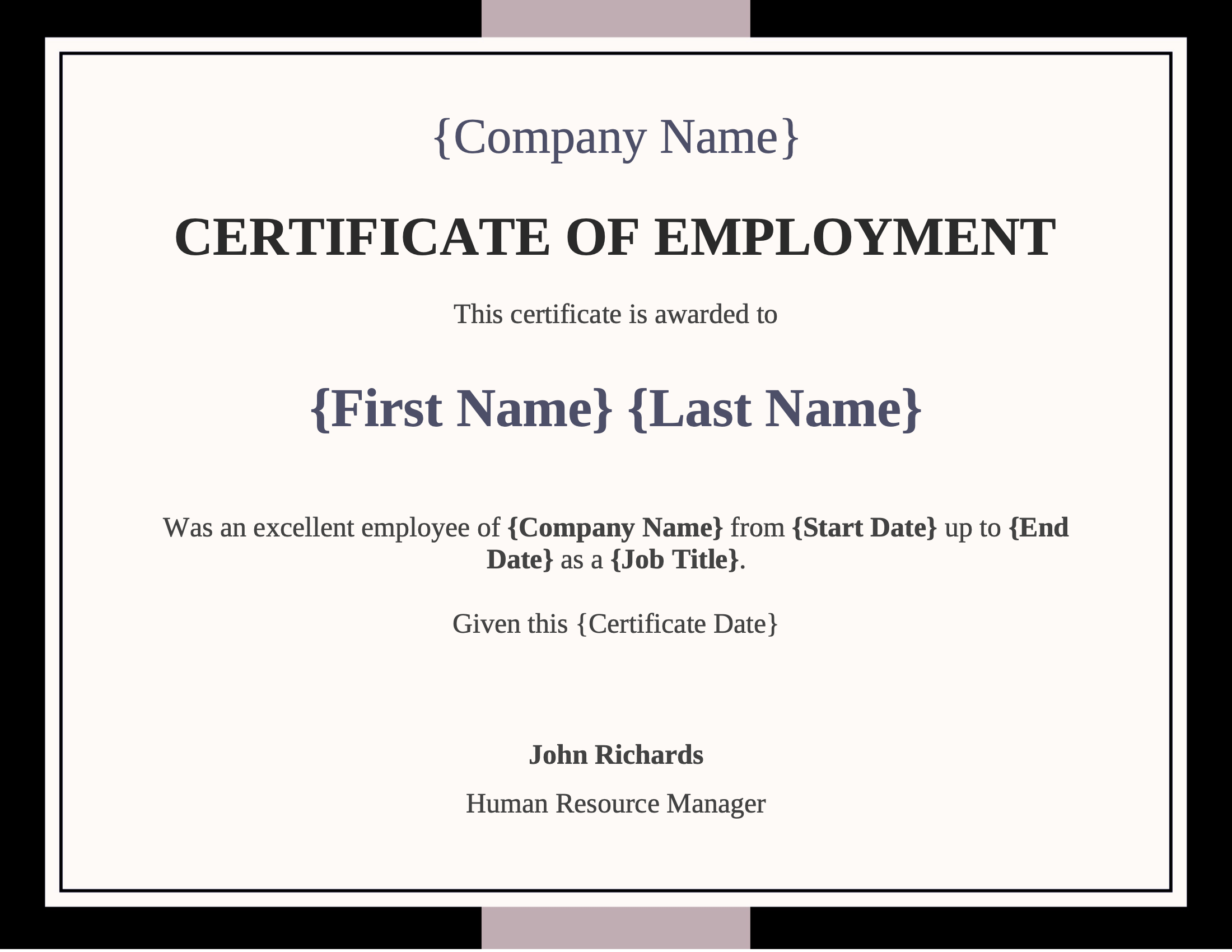
Certificate template in Word with merge tags
Understanding

What's a Certificate?

A certificate is a document that officially recognizes an achievement, a participation or a qualification. It shows the recipient's name, what they accomplished, the date and the signature of the issuing organization.


Organizations issue certificates all the time, from course completions and event participations to awards and employment certificates. Each design is created once and reused for every recipient, which makes certificates a natural fit for automation.

Start With Our

Certificate Templates

Download a ready-to-use template, adapt it to your needs and generate your first certificate in minutes.

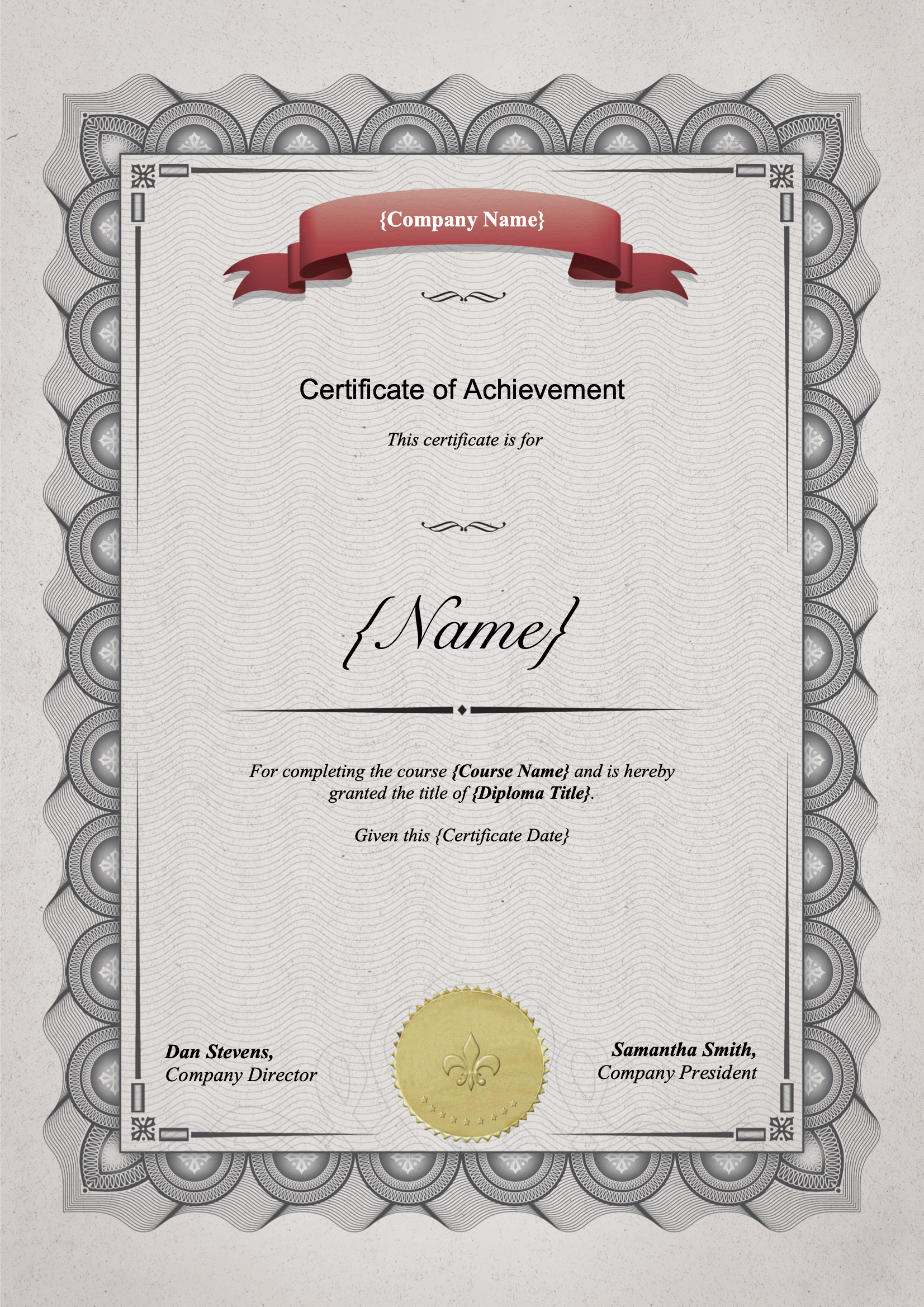
Certificate of Achievement
Download
Certificate of Achievement Template
Dotted shape
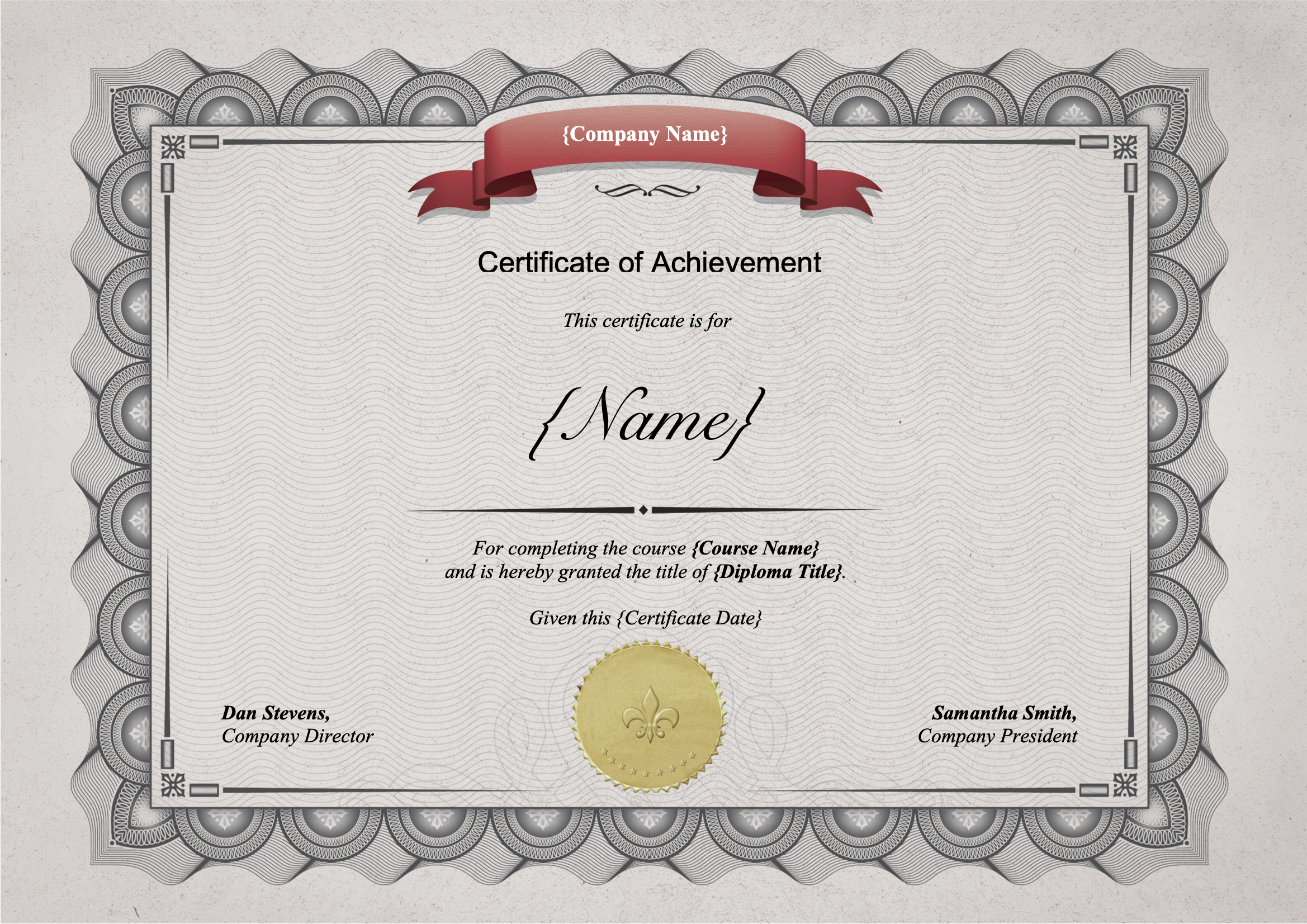
Certificate of Achievement
Download
Certificate of Achievement Template
Dotted shape
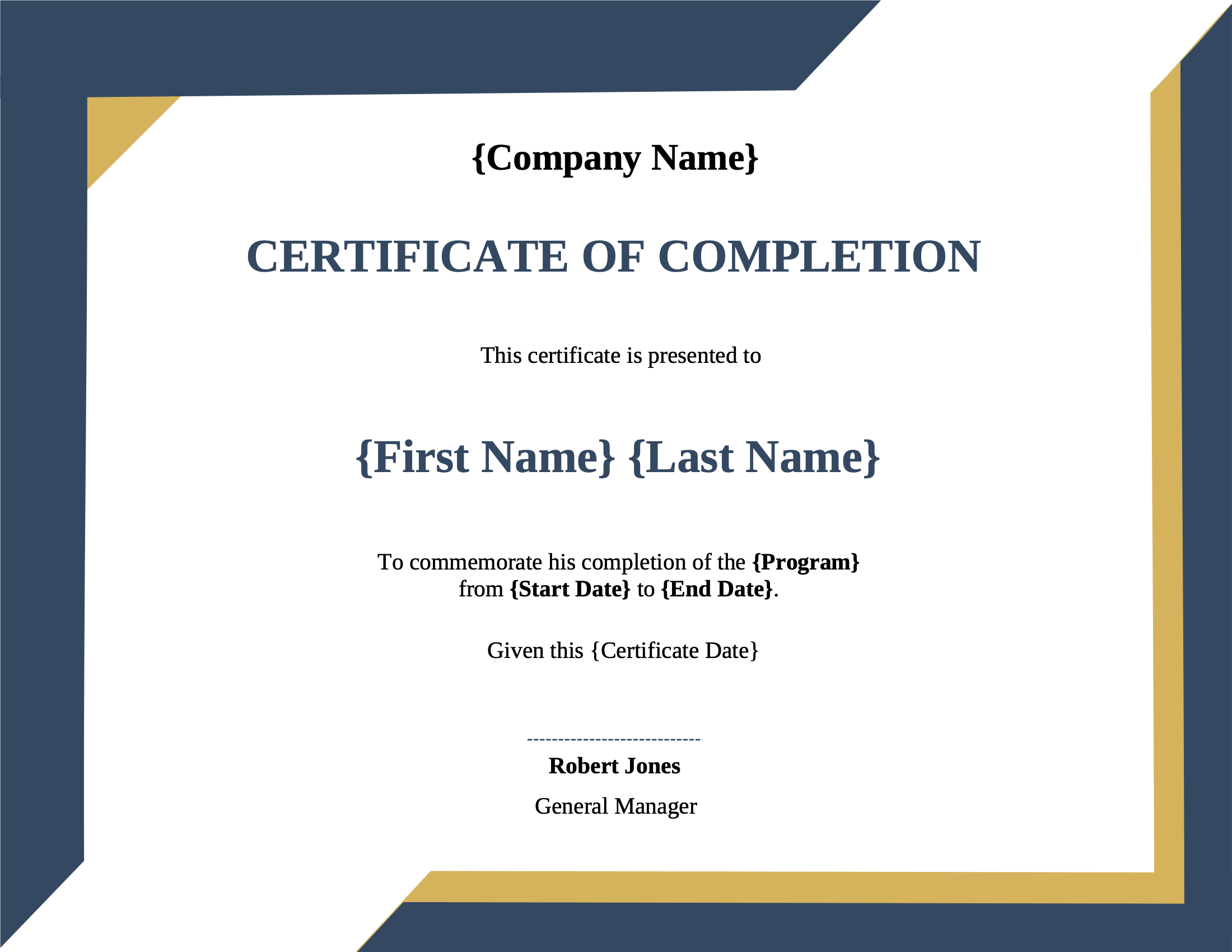
Certificate of Completion
Download
Certificate of Completion Template
Dotted shape
Certificate of Employment
Download
Certificate of Employment Template
Dotted shape
Everything You Need

Built For Certificates

From names to verification codes, every part of a certificate can be driven by your data.

Excel & CSV Imports

Upload your attendee list and generate one certificate per row, for a whole class or event in a single run.

Learn More

Profile Photos

Add each recipient's photo to their certificate, straight from the data you already have.

Learn More

Verification QR Codes

Add a QR code that links to an online verification page, so anyone can check a certificate is genuine.

Learn More

Custom Fonts

Use elegant or brand fonts so every certificate looks exactly as designed, on screen and in print.

Learn More

Date Formats

Display completion dates in the format your recipients expect, whatever the format of your data.

Learn More

Separate Files

Generate one file per recipient, named after them and ready to send individually.

Learn More

Landscape & Portrait

Design certificates in landscape or portrait in Word, with borders, seals and signatures.

Learn More

Team Collaboration

Share templates with your colleagues so every certificate uses the same approved design.

Learn More
Integrations

Automate With No-Code

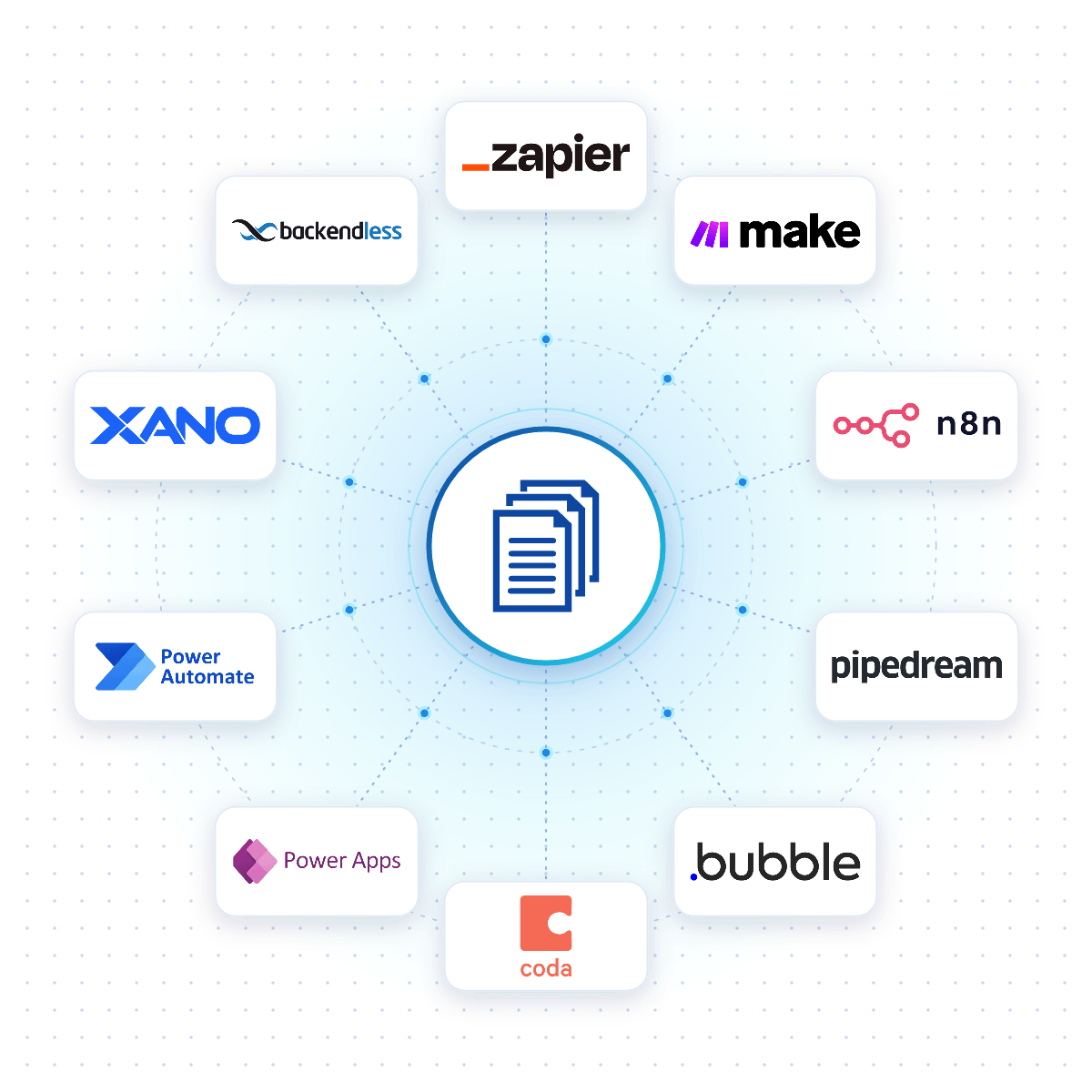
Connect DocuGenerate to Zapier, Make, n8n or Pipedream, and a certificate is created the moment a course is completed, an event ends or a form is submitted.

Native connectors for Bubble, Coda, Power Apps, Xano and Backendless allow your apps to generate certificates reliably from your DocuGenerate templates.

No-Code Integrations
DocuGenerate connected to no-code platforms like Zapier, Make, n8n and Bubble
From Our Blog

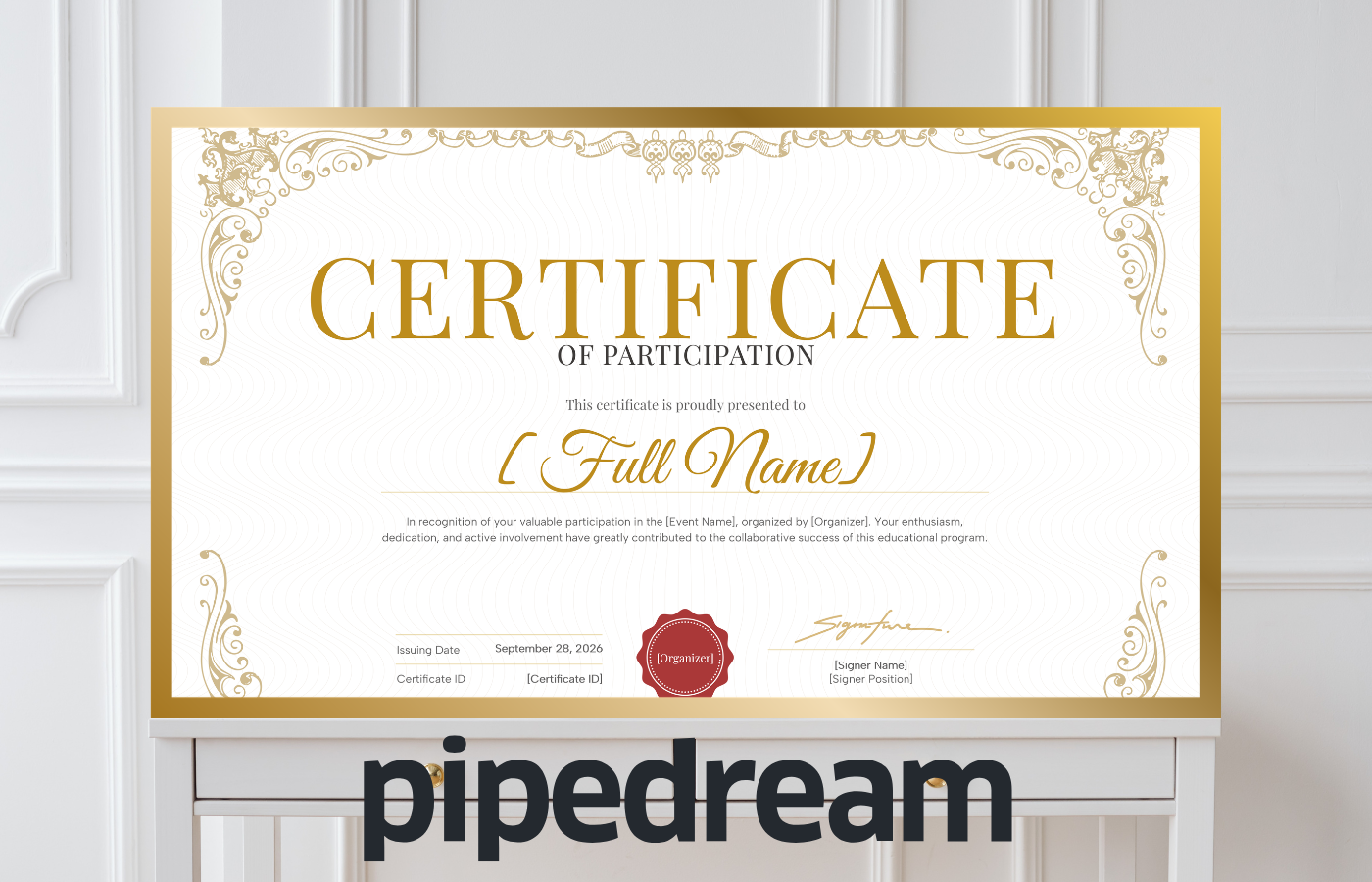
Generate and Email Certificates of Participation

This tutorial builds a Pipedream workflow that receives participant data through a webhook, generates a personalized PDF certificate with DocuGenerate and emails it to the participant with Gmail, all within a few seconds.

Read the Article
Generate and Email Certificates of Participation with Pipedream
Rectangle shape
FAQ

Your Questions Answered

Questions frequently asked about generating certificates with DocuGenerate

Yes. Templates are ordinary Word files, so you can reuse the certificates you already have. Add merge tags where the details change and upload the file. Learn more.
Yes. Upload an Excel or CSV file with one row per recipient and generate all the certificates in a single run. Learn more.
Yes. Add a QR code tag that links to your verification page, generated from a unique code in your data. Learn more.
Yes. Connect DocuGenerate to Zapier, Make, n8n or Pipedream to generate each certificate and email it to the recipient automatically.
No. The data is transient. It is used for the merge and then discarded, never written to the logs or the database. The generated certificates are kept until you delete them.
Yes. Send your certificate data as JSON to the REST API and get the generated certificate back in seconds. SDKs are available for Node.js, Python, PHP, Ruby, Go, C#, Rust and Java, and every plan includes full API access. Learn more.
Sign Up

Start Generating Your Certificates

Get started with 20 free documents per month and our ready-to-use certificate templates.

Start Generating for Free
  • Free forever plan
  • No credit card required