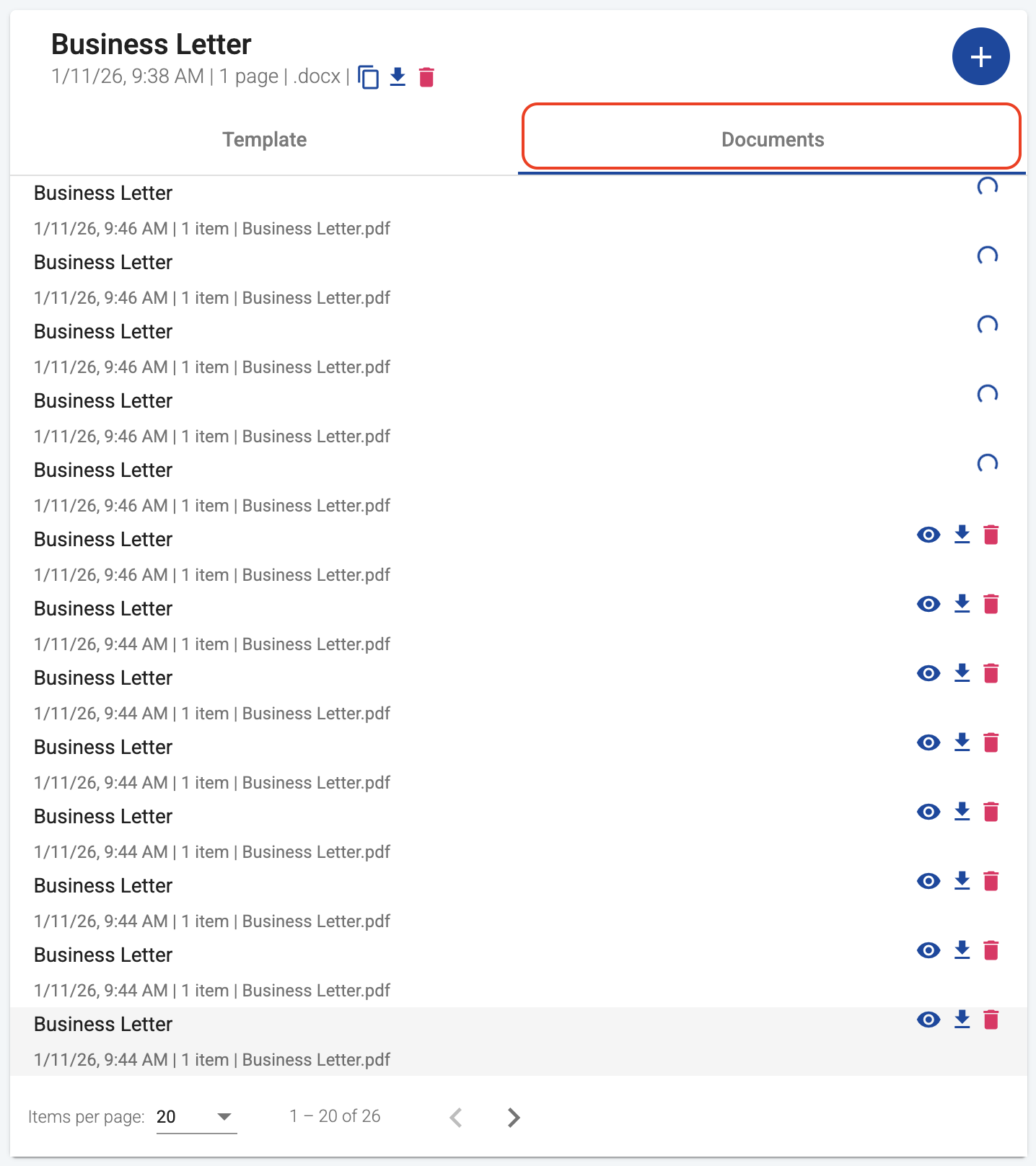
You can find your processing documents on the Documents tab of the respective template, just like your generated documents.
Processing documents appear at the top of the list with a spinner icon next to the document name, indicating that generation is in progress. While a document is processing, the actions to view, download, or delete are not available.
Once the document generation is complete, the spinner disappears and the document becomes available with all standard actions.
At any time, you can see the total number of processing documents across all of your templates in your account usage page.